1 2
Product Introduction
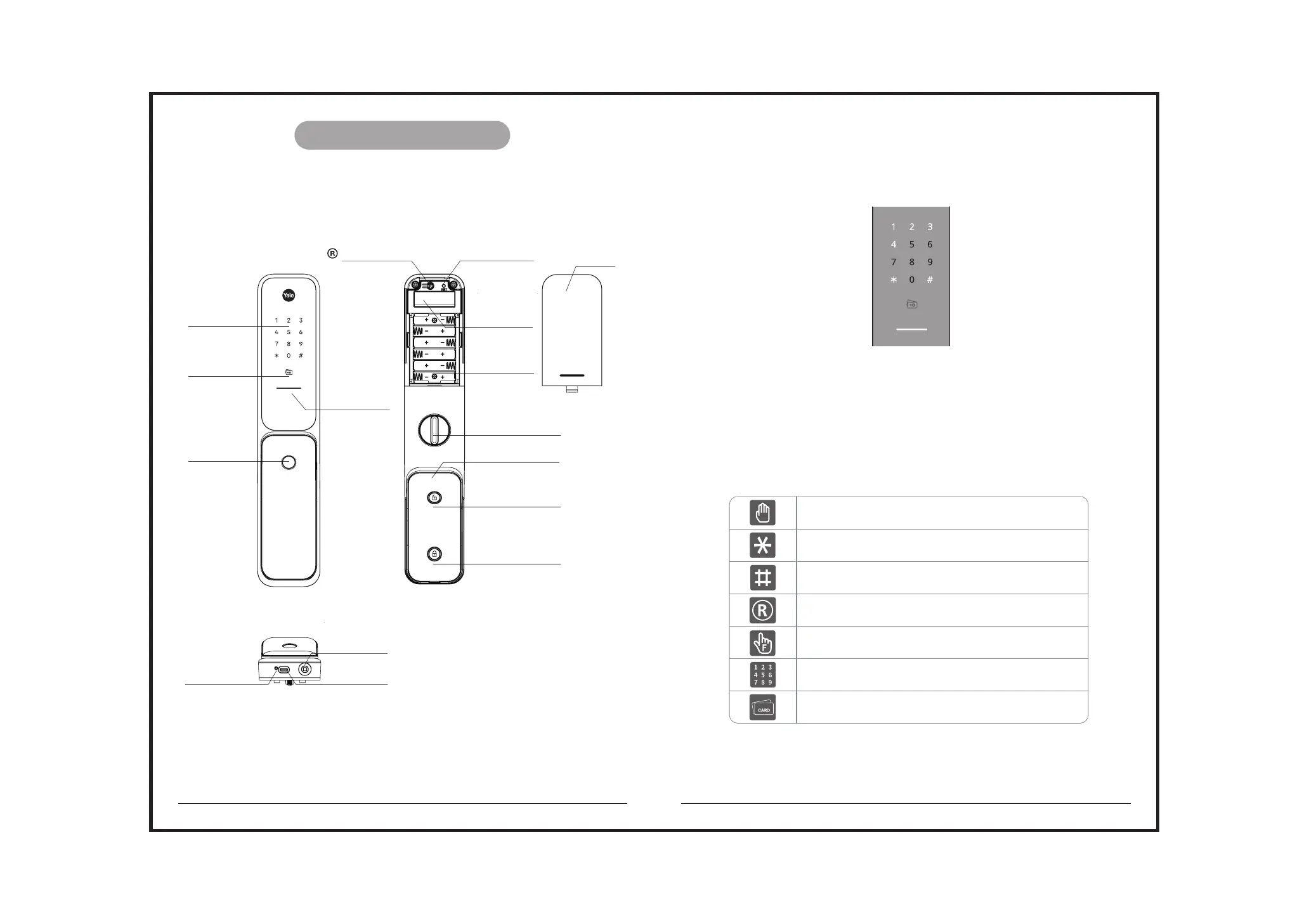
1.1 Product parts list
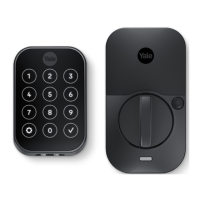
Front body
Bottom side of front body
Main body
1.3 Icon description
1.2.1 Status Indicator bar description
1.2 Indicator light description
Touch the keypad with palm
Press * button on the keypad
Press # button on the keypad
Press R (registration) button
Enter PIN code
card scan
User fingerprint scan
The indicator lights will flash when the corresponding keys are pressed;
Under menu operation, only the numbers with lights on are active
Red: Operation error and low battery.
Green: The door is opened successfully.
Blue: Internal forced lock is activated successfully
Fingerprint sensor
Card sensor
Keypad
Networking
module slot
Factory reset button
Battery
Compartment
Battery cover
Emergency power supply port (Type-C USB)
Key hole for mechanical key override
System restart
button
Registration button
Manual thumbturn
Unlock button
Lock / Internal forced lock
Touch sensor
Status indicator bar


 To Next Page