Instrument operation
50
To stop tracking, tap “STOP”.
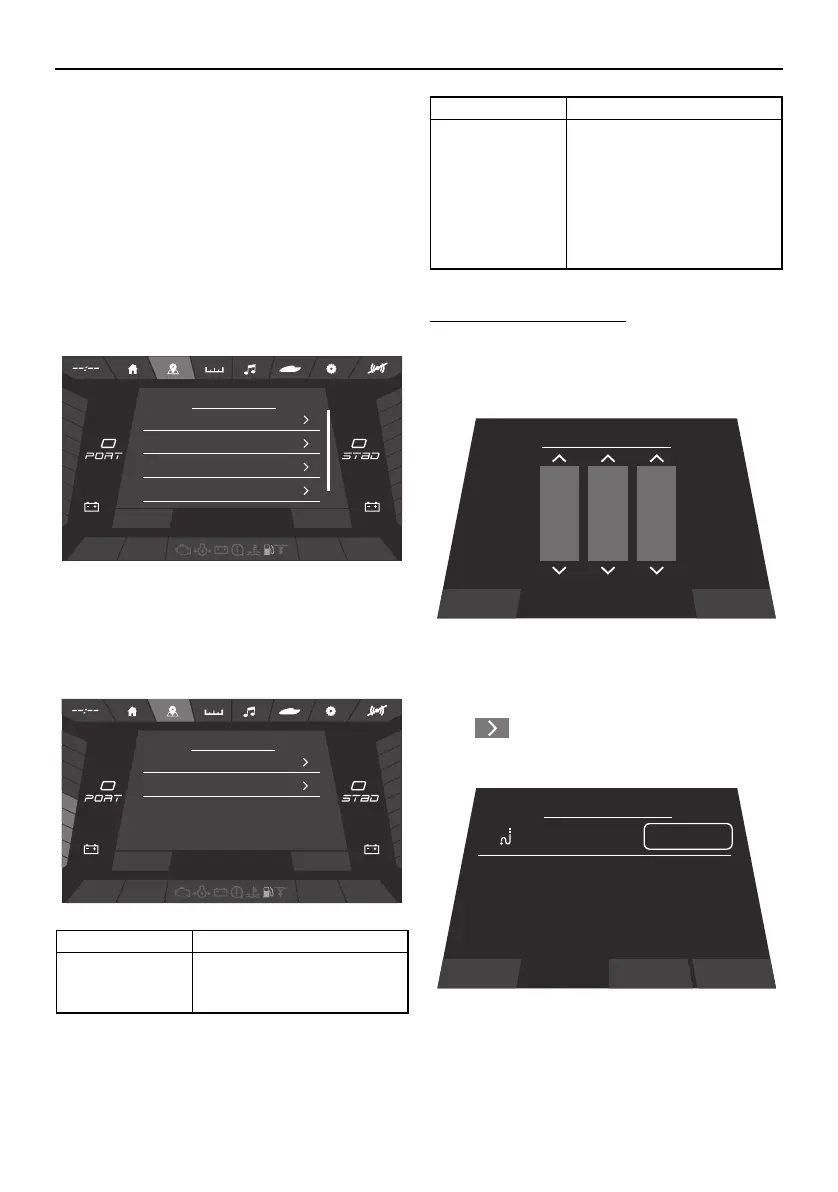
Map settings screen
Perform settings for waypoints and tracks,
etc. on the Map Settings screen.
Waypoints
Perform waypoint management. Tap “Way-
points” to display “Waypoint Manager”.
Tracks
Perform track management. Tap “Tracks” to
display “Track Manager”.
To change a track name:
(1) Tap Track Name.
(2) Select any letters on the “Add Track”
screen.
(3) Tap “Save”.
Tap “ ” to display the track management
screen.
Item Function
Record Track /
Stop Recording
Records the current path
(track) being driven, or halts
the recording of the track.
FUEL
%
0
x1000 RPMx1000 RPM
HOUSE
V
11.8
Bilge Blower Nav Anchor
START
V
36.3
Map Settings
Waypoints
Tracks
Satellite Status
Depth / Position
DEPTH
0
Ft
Close
FUEL
%
50
x1000 RPMx1000 RPM
HOUSE
V
11.8
Bilge Blower Nav Anchor
START
V
36.3
Track Manager
DOK
<Current>
DEPTH
0
Ft
Close Record Track
Save When the recording stops,
a Save Track prompt will
appear. Choosing Save will
display the Add Track
screen shown below. Spin
the dials to choose a three-
letter name and touch Save
when complete.
Item Function
Cancel Save
Add Track
A
B
B
C
C
AB
D
Track Manager
<Current>
EDIT
Distance: 0.00
ft
Close Show
SportsBoat_F5K10.book Page 50 Tuesday, September 8, 2020 11:29 AM
Downloaded from ManualsNet.com search engine




 To Next Page