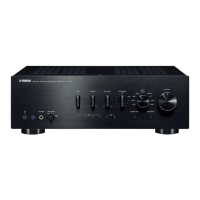
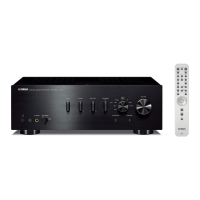
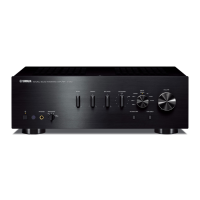
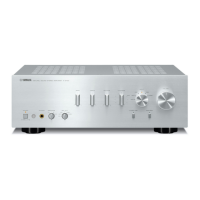
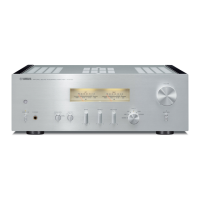
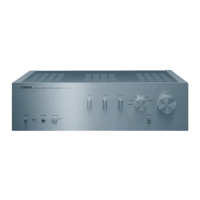
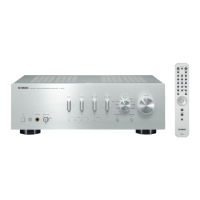
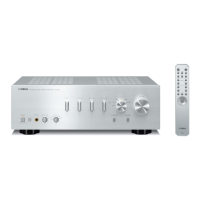
CONTROLS AND FUNCTIONS
5 En
INTRODUCTION
English
■ Common controls
The following parts and controls can be used no matter
which input source is selected.
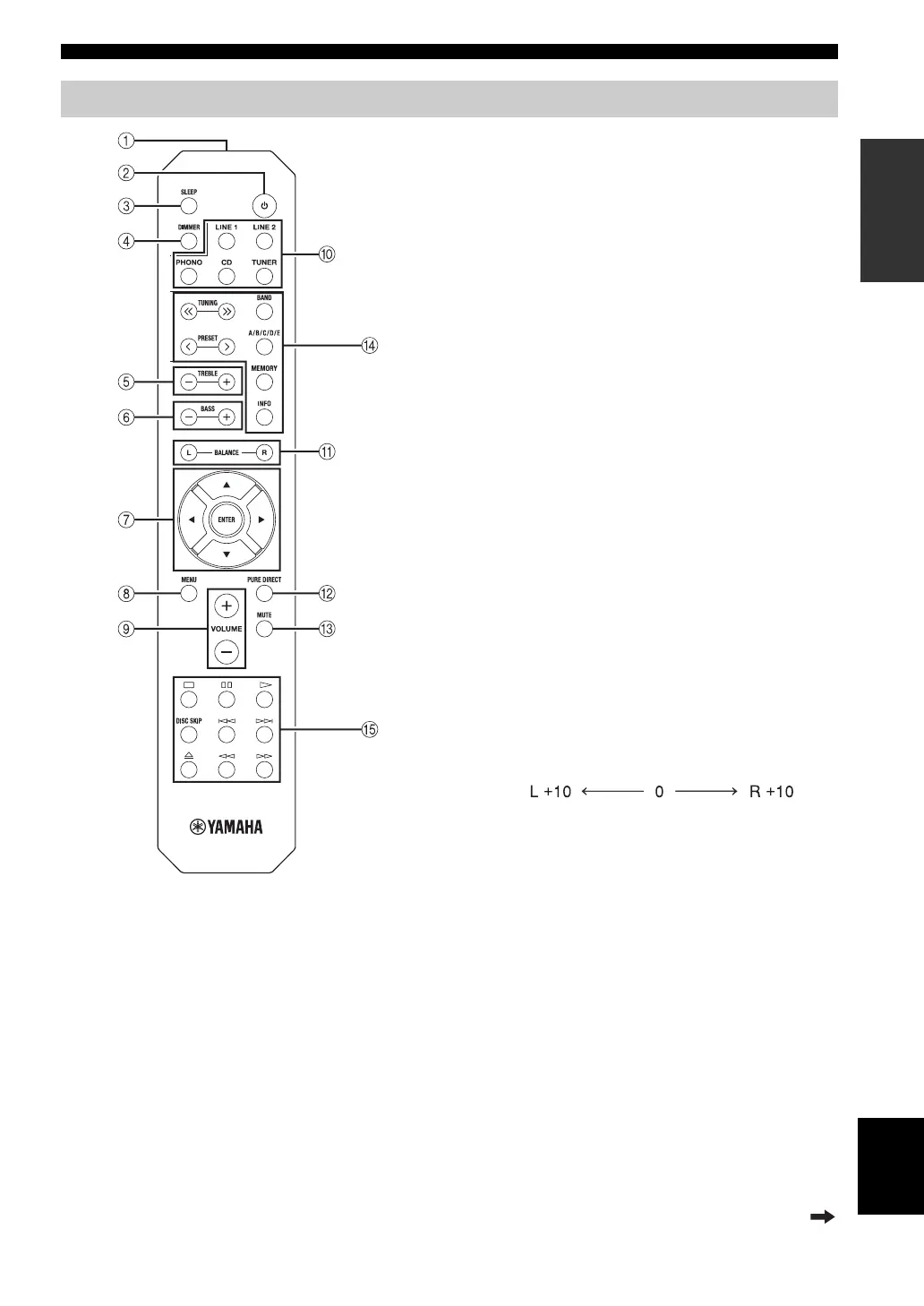
1 Infrared signal transmitter
Sends infrared signals.
2
A (power)
Turns this unit on, or sets it to standby mode.
3 SLEEP
Sets the sleep timer (see page 11).
4 DIMMER
Select the brightness level of the front panel display
from 3 levels by pressing this button repeatedly.
y
• This setting is retained even if you turn off this unit.
• The default setting is the brightest.
5 TREBLE –/+
Increases or decreases the high frequency response.
Control range: –10 dB to +10 dB
6 BASS –/+
Increases or decreases the low frequency response.
Control range: –10 dB to +10 dB
7 B / C / D / E / ENTER
Selects and confirms items in the Option menu (see
page 12).
8 MENU
Turns the Option menu on and off (see page 12).
9 VOLUME +/–
Increases or decreases the sound output level.
0 Input selector buttons
Select the input source you want to listen to.
y
The input source names correspond to the names of the
connection jacks on the rear panel.
A BALANCE L/R
Adjusts the sound output balance of the left and right
speakers to compensate for sound imbalances.
Control range:
B PURE DIRECT button
Reproduces any input source in the purest sound
possible (see page 11).
C MUTE
Mutes the sound output. Press again to restore the
sound output to the previous volume level.
Remote control
(+20 dB) (center) (+20 dB)
The opposite side of
channel is muted.
The opposite side of
channel is muted.
Continued to the next page.


 To Next Page