ADJUSTING THE CLOCK
15 En
English
PREPARATION
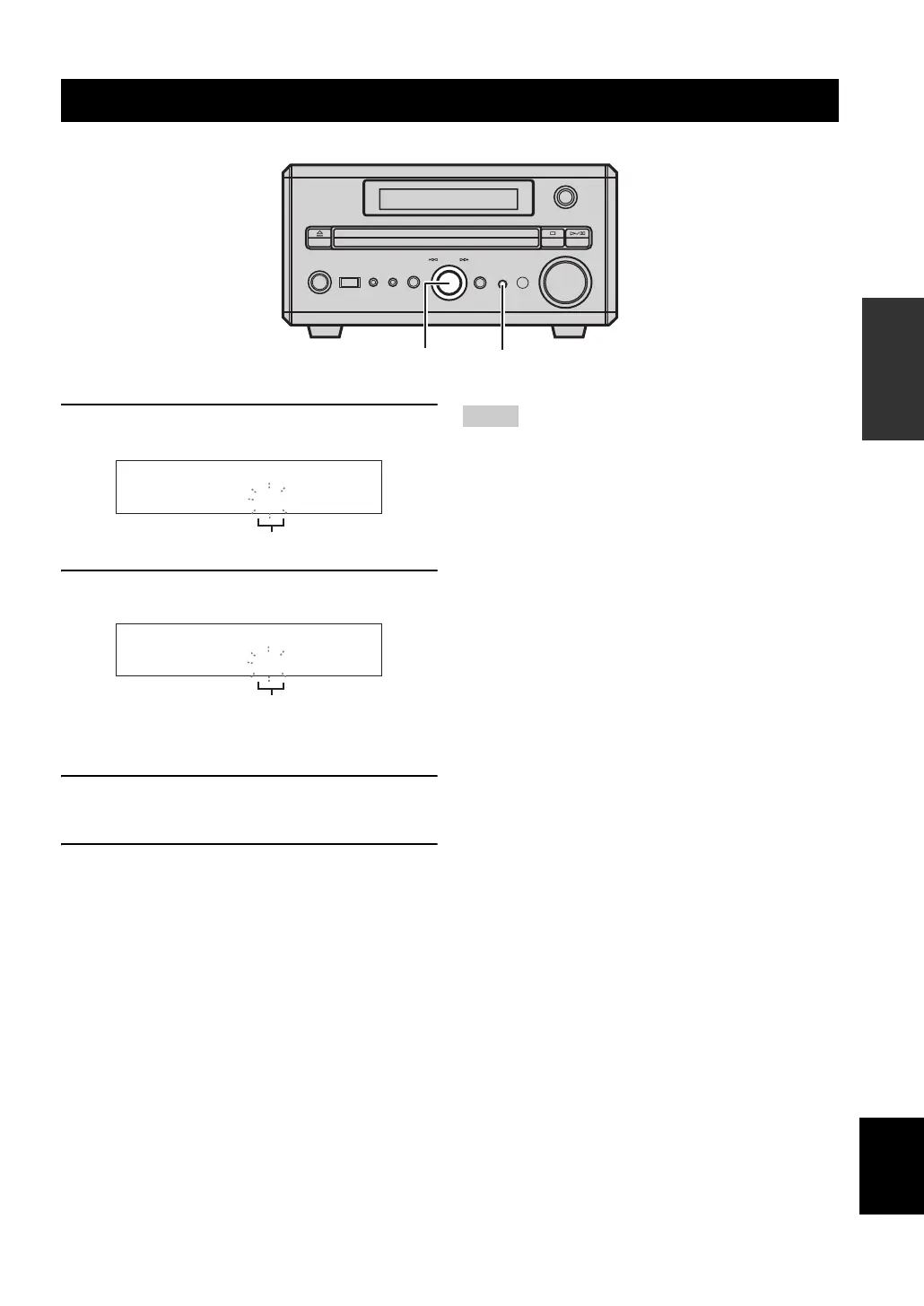
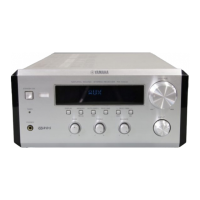
1 Press TIMER on the front panel, and push
MULTI JOG immediately.
2 Rotate MULTI JOG to adjust the hour, and
push MULTI JOG.
Time appears in 12-hour notation (AM/PM)
depending on the model. For example, “PM04:00”.
3 Rotate MULTI JOG to adjust the minute, and
push MULTI JOG.
4 Push MULTI JOG again to confirm the
setting.
• If the time is not set successfully, “00:00” blinks in the front
panel display.
• The time setting is canceled if the power cable is unplugged for
over 4 minutes.
Adjusting the clock
MULTI JOG
STANDBY/ON
PHONESPORTABLE
USB SOUND MODE
VOLUME
INPUT
PUSH-ENTER
MULTI JOG
TIMER
MULTI JOG TIMER
00:00TIME
Flashes
16:00TIME
Flashes
Notes



 To Next Page