Basic playback operations for discs and USB devices
17 En
English
BASIC
OPERATION
You can enjoy playing back your audio CDs, USB devices, and MP3 or WMA files recorded on a disc/USB device. Some
operations may be different or restricted depending on the disc/USB device. Before playing back, check the compatibility
of your disc/USB device with this unit (see page 38).
■ To start disc playback
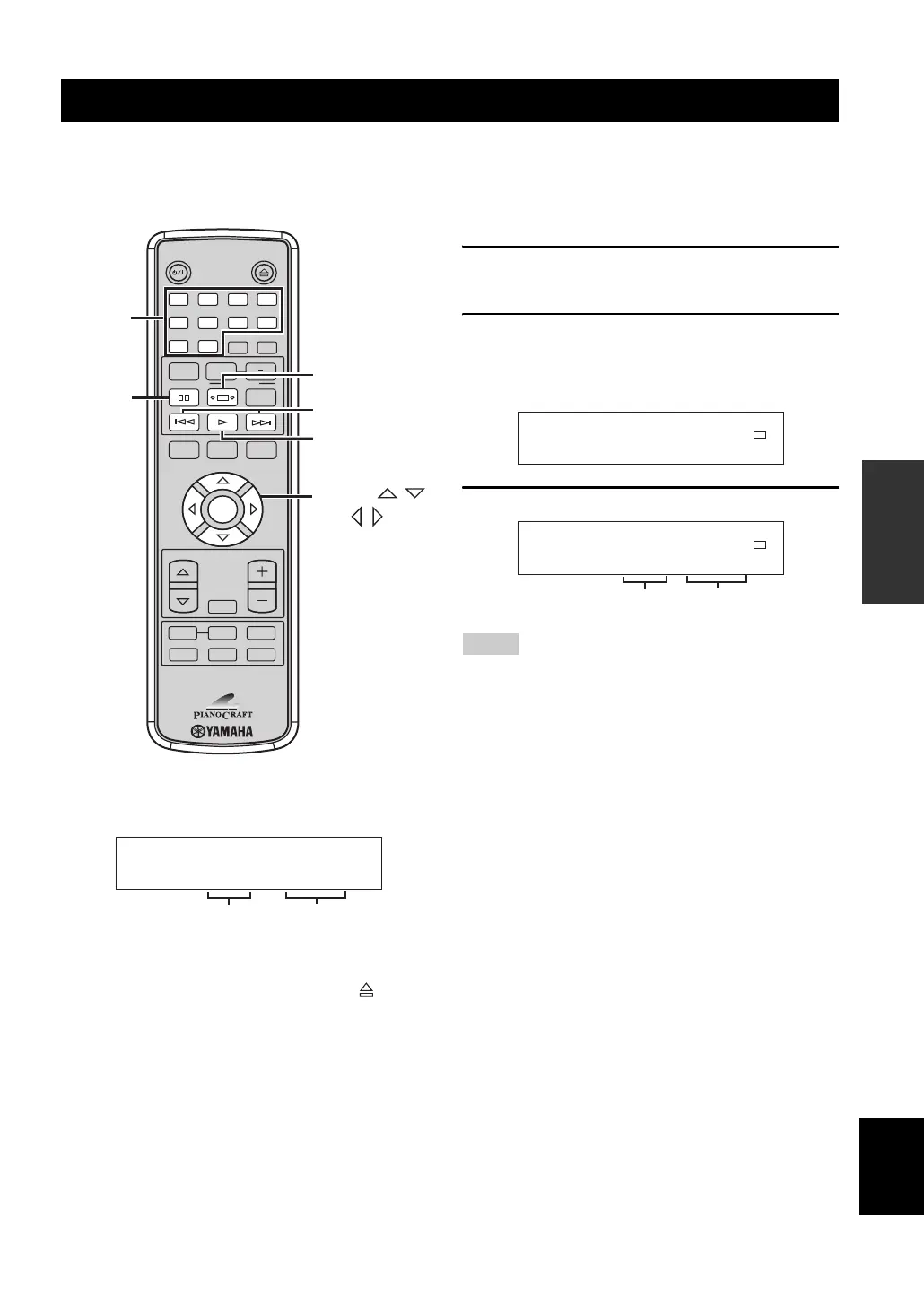
Press h.
y
• You can open and close the disc tray by pressing . You can
also close the disc tray by pressing
h, RANDOM key, or a
number key on the remote control. In this case, disc playback
starts automatically after the disc tray is closed.
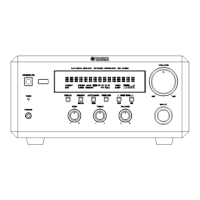
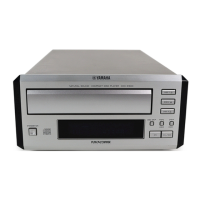
• You can also start disc playback by pressing h/ e
on the front panel.
• When this unit is turned on with a disc loaded, disc playback
starts automatically.
■ To start USB device playback
1 Select USB as the input source (see
page 16).
2 Connect your USB device to the USB port on
this unit.
The reading time may exceed 30 seconds depending
on the number of files/folders.
3 Press h to start playback.
• Total time does not appear for USB device playback.
• This unit can display up to 255 files and 255 folders. However,
less than 255 files/folders may be displayed if some files/
folders are not playable on this unit.
• If the USB device is partitioned, only the first partition is
displayed.
• Some files may not work properly depending on the USB
device specification.
• Copyright-protected files cannot be played back.
• This unit can play back files of 4 GB in size or less.
■ To stop playback
Press s.
y
You can also stop playback by pressing s on the front
panel.
■ To pause playback
Press e.
y
You can also pause playback by pressing h / e
on the front panel.
To return to normal playback, press e again or h.
y
You can also cancel pause by pressing h / e
on the front panel.
Basic playback operations for discs and USB devices
STANDBY/ON
DIMMERINDEX
PTY SEEK
MODE START
RANDOM
ENTER
CD
BAND
PORTABLE
AUX
USB
PRESET
VOLUME
OPEN/CLOSE
PROG
REPEAT
FREQ/TEXT
A B
TIME/INFO
SLEEP
FOLDER
FILE
FILE
TUNER
MUTE
DISPLAY
1 2
5 6
90
3 4
7 8
h
s
e
FOLDER ,
FILE ,
ENTER
/
/
b / a
Number
keys
T001
CD/Play
00:01
Elapsed
time
Current
track
Notes
USB
Total file 0043
USB/Stop
USB
T001
USB/Play
00:01
Current
track
Elapsed
time


 To Next Page