PLAYING BACK EXTERNAL SOURCES
32 En
If you connect an external component to this unit, it plays back the sound source on the component. For details on
connection methods, refer to “Connecting external components” (see pages 12 and 13).
Before making any connections or operating your external component, read the owner’s manual supplied with your component.
If you connect the PORTABLE jack on this unit to the
audio output jack on your portable audio device (see
page 13), this unit plays back the sound source on the
portable audio device.
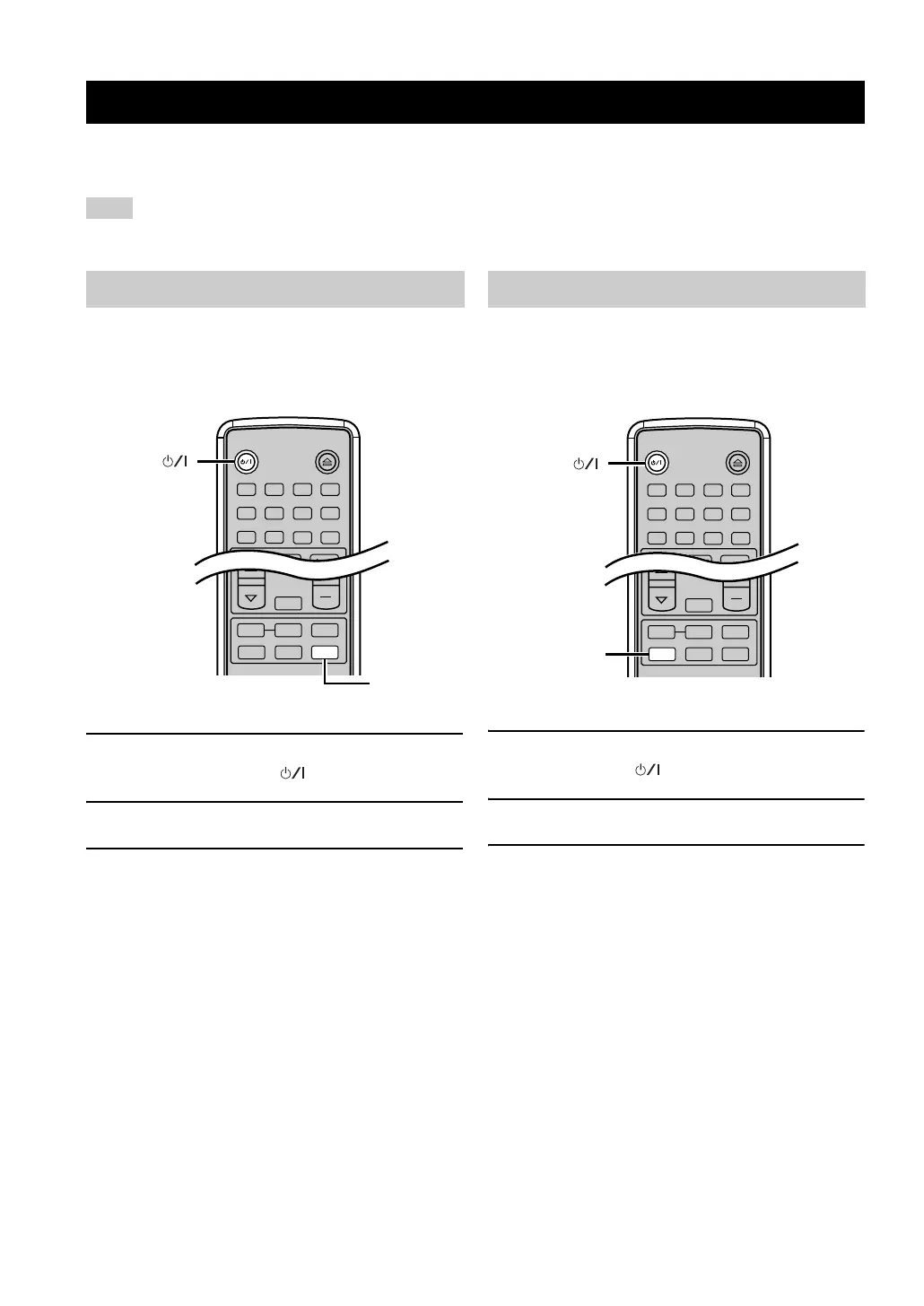
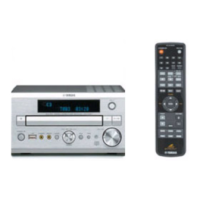
1 Turn on your portable audio device, and
press STANDBY/ON ( ) to turn on this unit.
2 Press PORTABLE.
3 Start playback on the connected portable
audio device.
If you connect the AUX IN L/R jacks on this unit to the
audio output L/R jacks on your component using audio
cables (see page 12), this unit plays back the sound source
on the component.
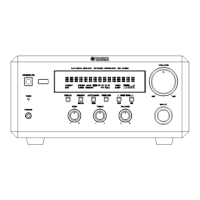
1 Turn on your component, and press
STANDBY/ON ( ) to turn on this unit.
2 Press AUX.
3 Start playback on the connected component.
Playing back external sources
Note
Portable audio device playback
CD
BAND
PORTABLE
AUX
USB
TUNER
MUTE
STANDBY/ON
1 2 3 4
56
9
0
78
DIMMERINDEX
OPEN/CLOSE
PROG
REPEAT
FREQ/TEXT
A B
PORTABLE
STANDBY/ON
()
Other component playback
CD
BAND
PORTABLE
AUX
USB
TUNER
MUTE
STANDBY/ON
1 2 3 4
56
9
0
78
DIMMERINDEX
OPEN/CLOSE
PROG
REPEAT
FREQ/TEXT
A B
AUX
STANDBY/ON
()


 To Next Page