31 En
English
ADVANCED
OPERATION
You can switch the information displayed in the front panel display of this unit. Also, you can change the brightness of
the front panel display.
■ To switch the display information
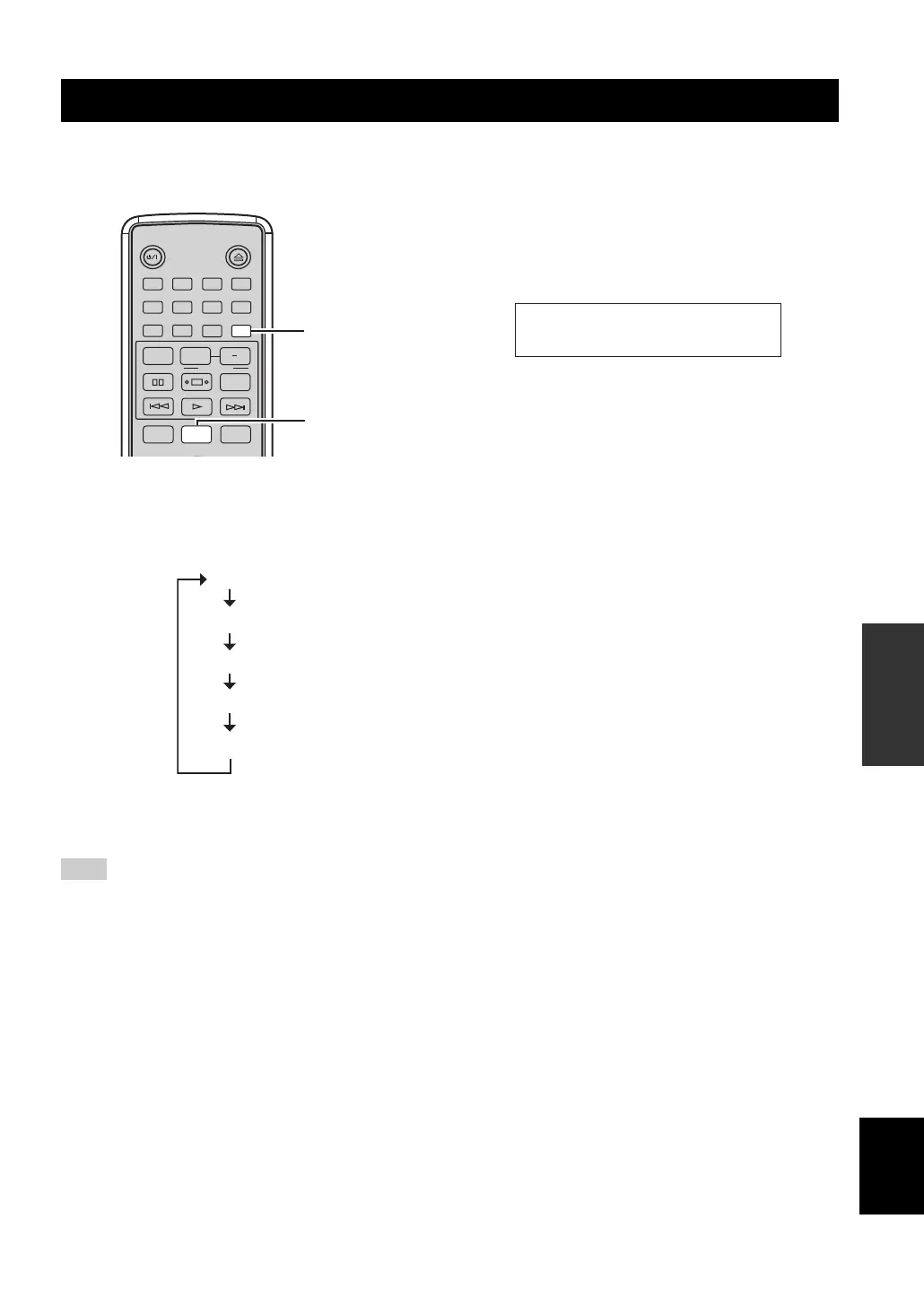
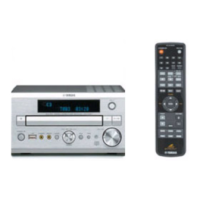
Press DISPLAY.
Each time you press the key, the information in the
front panel display changes as follows:
y
“ON Time”, “Timer Input”, and “OFF time” are used to set the
clock timer (see page 29).
Adjust the clock of this unit (see page 15) before displaying the
clock time.
■ To dim the display
Press DIMMER.
You can choose your desired brightness of the front
panel display between normal (bright), mid dim,
and dim.
y
To cancel the dimmer mode, press DIMMER repeatedly until the
normal display appears. DIMMER disappears in 3 seconds.
Changing the front panel display settings
Note
STANDBY/ON
1 2 3 4
56
9
0
78
DIMMERINDEX
PTY SEEK
MODE START
RANDOM
OPEN/CLOSE
PROG
REPEAT
FREQ/TEXT
A B
TIME/INFO
SLEEP
FOLDER
DISPLAY
DIMMER
DISPLAY
(Current input)
Clock Time
Timer Input
OFF Time
ON Time
DIMMER


 To Next Page