Basic receiver operation
16 En
You can enjoy playing back various input sources on this
unit. After connecting speakers, antennas, or other
component, follow the procedures below to select the
input source you want to play. For information on
connection methods, see pages 12 and 13.
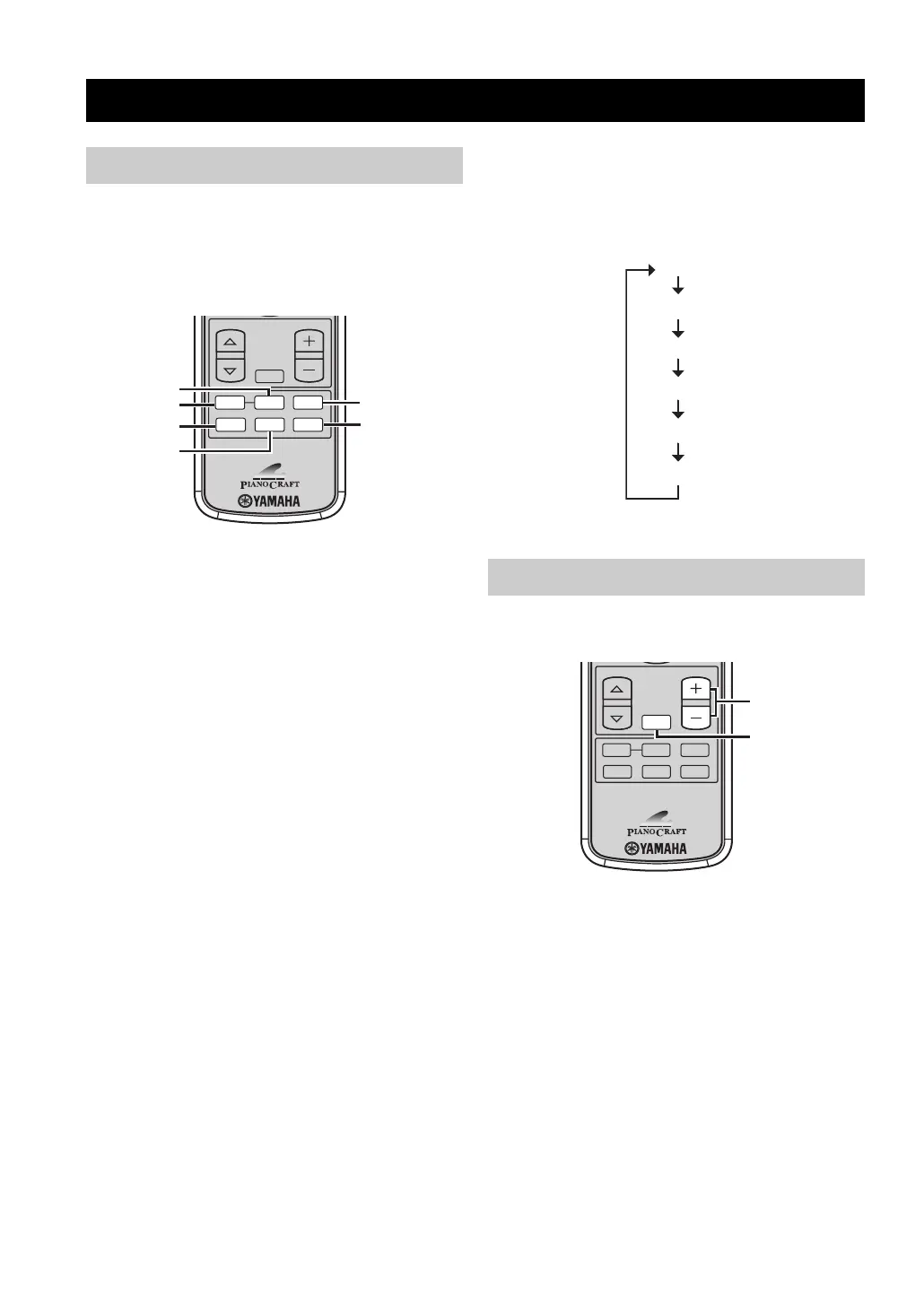
Perform one of the following operations.
To switch to CD input
Press CD.
To switch to tuner input (FM/AM radio)
Press TUNER.
y
Each time you press BAND, the input source switches
between FM and AM.
To switch to USB input
Press USB.
To switch to external source input
(external component connected to this unit)
Press AUX.
To switch to portable audio input
Press PORTABLE.
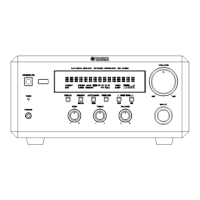
■ To select an input source using INPUT
on the front panel
Press INPUT repeatedly.
Each time you press INPUT, the input source changes
as follows.
Press VOLUME + to increase the volume level and
VOLUME – to decrease.
y
You can also adjust the volume level by rotating VOLUME
on the front panel.
■ Muting the sound (MUTE)
Press MUTE to turn off the sound.
To restore the sound, press MUTE again or press
VOLUME +/–.
Basic receiver operation
Selecting the input source
PRESET
VOLUME
MUTE
TUNER
CD
BAND
PORTABLE
AUX
USB
AUX
USB
CD
TUNER
PORTABLE
BAND
Adjusting the volume level
CD
FM
AM
USB
AUX
PORTABLE
CD
BAND
PORTABLE
AUX
USB
PRESET VOLUME
TUNER
MUTE
MUTE
VOLUME +/–


 To Next Page