PM5DV2/DSP5D Editor Owner’s Manual
48
For GEQ
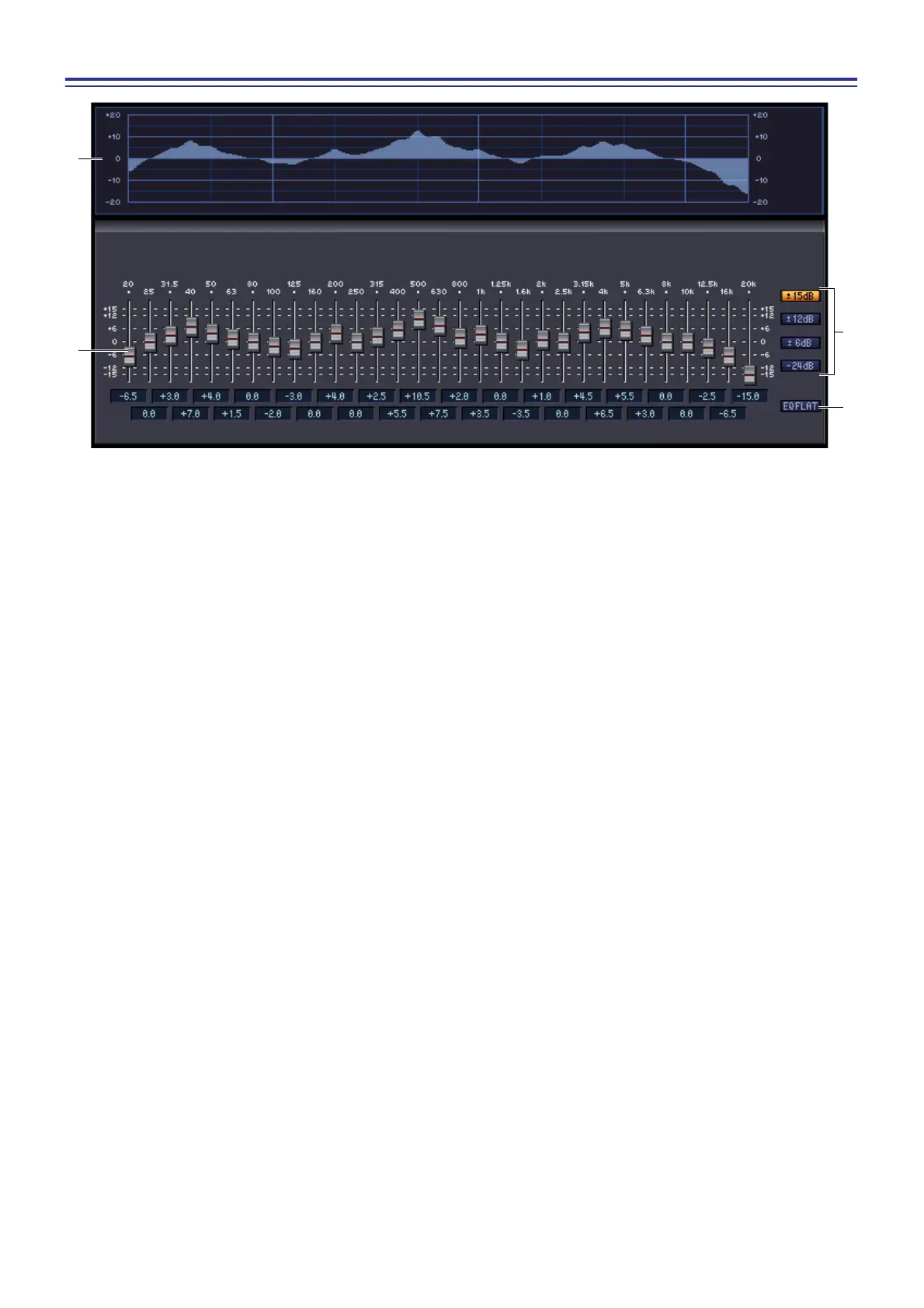
G GEQ graph
This graph shows the response of the currently selected GEQ module.
H GEQ faders
These faders cut/boost the frequency bands of the GEQ module. The value of each fader is shown in the numeri-
cal box below it.
I LIMIT
The range and direction of adjustment controlled by the faders can be selected from the following: ±15 dB,
±12 dB, ±6 dB (these are valid in both the boost and cut directions), or –24 dB (valid only in the cut direction).
J EQ FLAT
This button resets all GEQ faders to the 0 dB position.
7
8
J
9











 To Next Page