14
DTX-PRO Owner’s Manual
Setup Guide
This provides information on setup and initial settings in preparation for playing.
This completes set up.
First, install the DTX-PRO.
There are three different ways of installation as shown below.
Attach the DTX-PRO onto the rack of your drum kit. (For more information, refer to the Assembly Manual.)
User the included module holder (page 6) to attach the standard drum hardware. (See “Integrating Electronic &
Acoustic Drums” on page 59.)
Place on a flat surface
After installing the DTX-PRO, connect cables to the Pads. For more information on the connections, refer to the specific
Assembly Manual of your drum kit.
Preparations
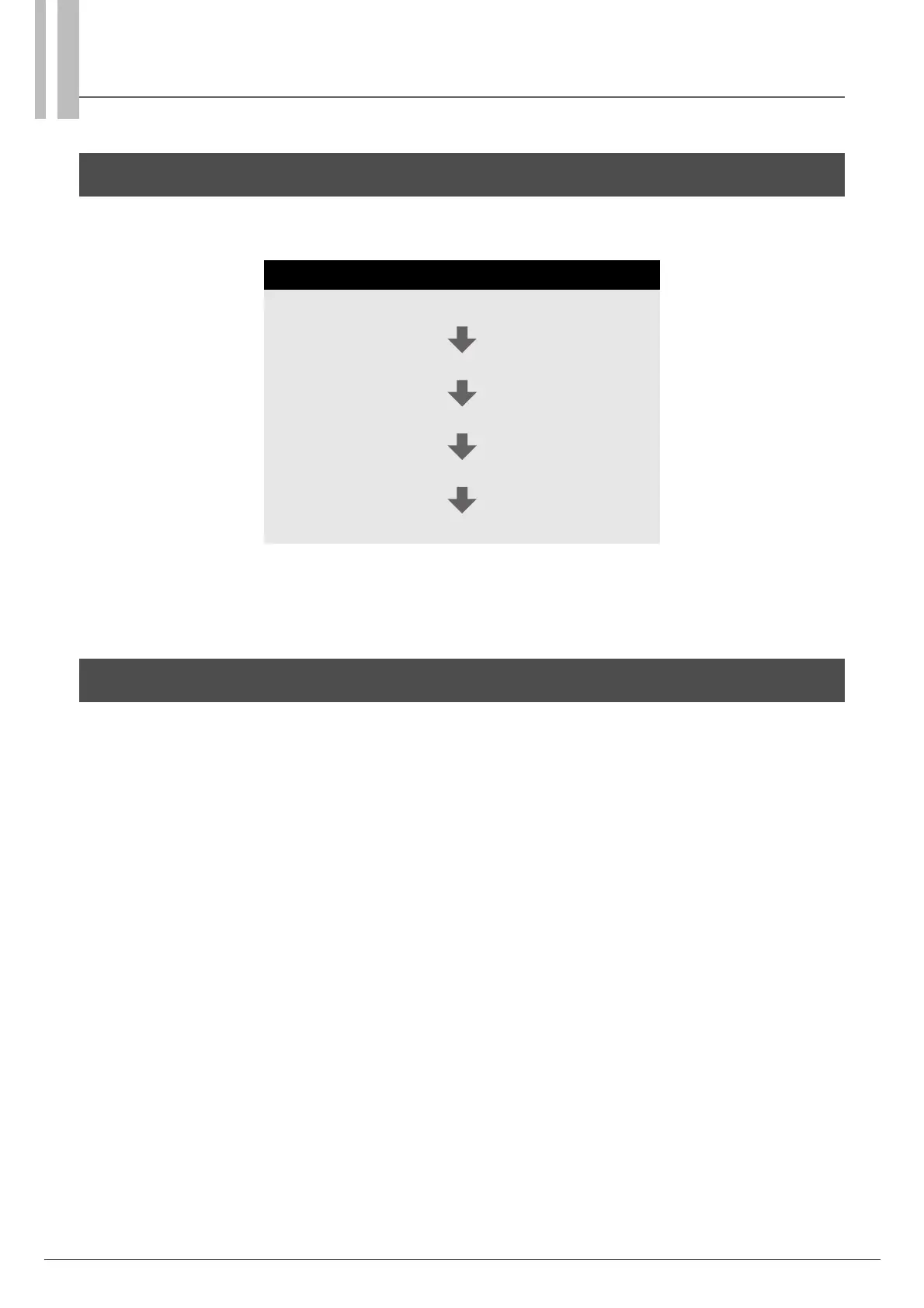
Workflow
Installing the DTX-PRO
Connecting the AC adaptor
Connecting Headphones
Turning On
Initial Setup (Trigger Setup Wizard)
Installing the DTX-PRO



 To Next Page