19
DTX-PRO Owner’s Manual
Changing the Overall Settings
Setup Guide
Auto Power-Off
The Auto Power-Off function automatically turns off the DTX-PRO after a certain period of inactivity. The factory default
is set at 30 minutes.
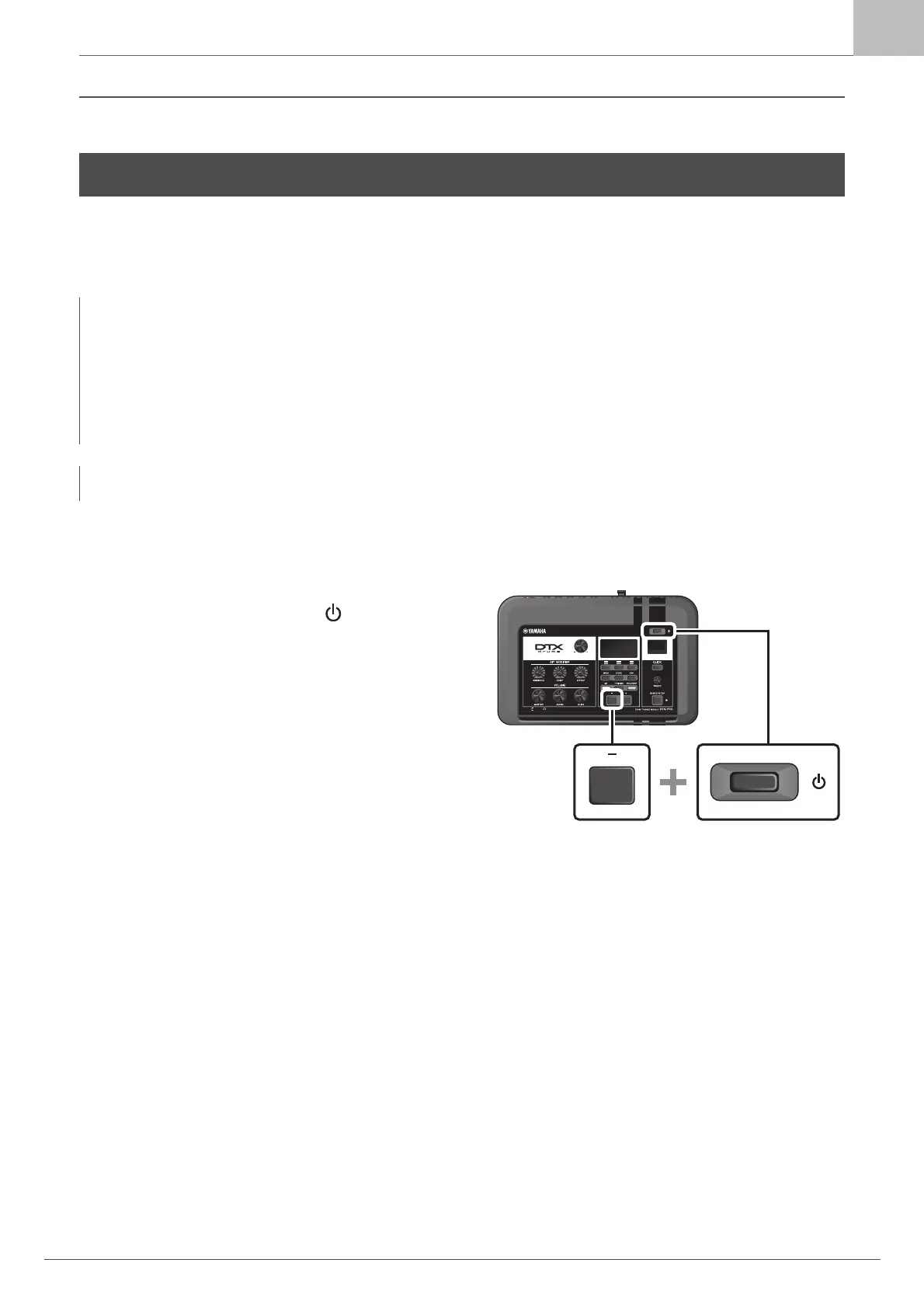
Auto Power-Off Quick Cancel
First, make sure that the DTX-PRO is turned off. Then, while
holding down the [–] button, press the [ )] (Standby/On) but-
ton to cancel the Auto Power-Off function. The function will
remain off until you set a new Auto Power-Off time.
Changing the Overall Settings
NOTICE
• Unsaved data is lost when the DTX-PRO is turned off with the Auto Power-Off function. Always store data before turning
the power off.
• In certain modes of operation, the Auto Power-Off function will not turn off the DTX-PRO when the set time has elapsed.
So we recommend that you always turn off the DTX-PRO manually when you are finished using it.
• If you expect the DTX-PRO to be inactive for a certain length of time while connected to external audio equipment or a
PA, we recommend fully lowering the volume on the external equipment. Alternatively, you can disable the Auto Power-
Off function to ensure that the DTX-PRO stays on.
NOTE
To set the Auto Power-Off to a time other than 30 minutes, access the setting from the [MENU] button. (MENU/Utility/General)



 To Next Page