39
DTX-PRO Owner’s Manual
Using the Click (Metronome)
Basic Guide
Practicing your drumming along with the click (metronome) sounds helps you perfect your rhythms.
Starting and Stopping the Click
1.
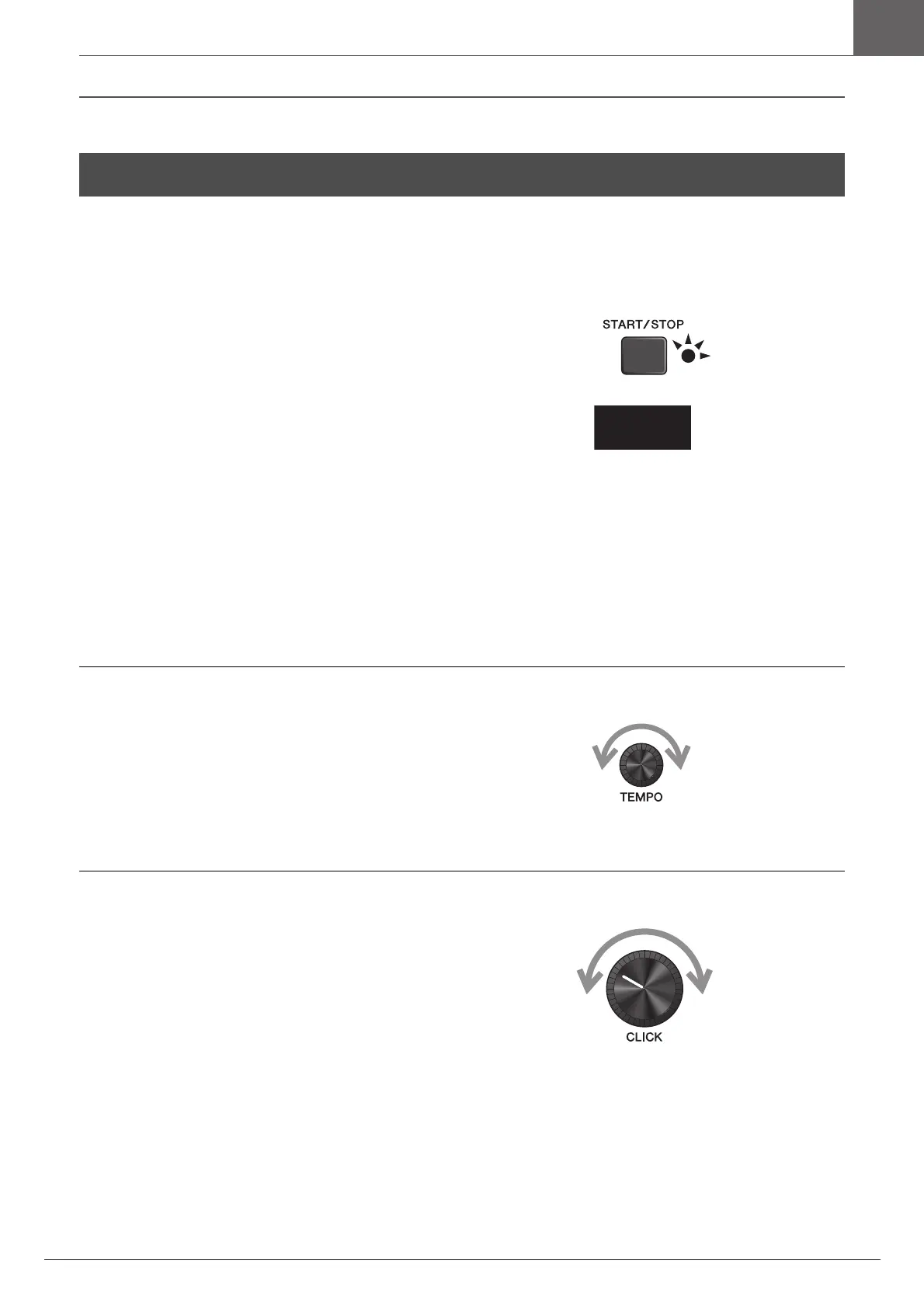
Press the [START/STOP] button to start the
Click.
Click sounds are played at the tempo shown in the Click
Tempo display.
The lamp next to the [START/STOP] button flashes in
sync with the tempo while the Click sounds.
2.
To stop the click, press the [START/STOP]
button again.
Changing the Tempo
1.
Turn the [TEMPO] knob.
Setting the Click Beat Volume
1.
Turn the [CLICK VOLUME] knob.
Using the Click (Metronome)
120



 To Next Page