46
DTX-PRO Owner’s Manual
Practicing with the Training Feature
Basic Guide
Starting and Ending Your Training
1.
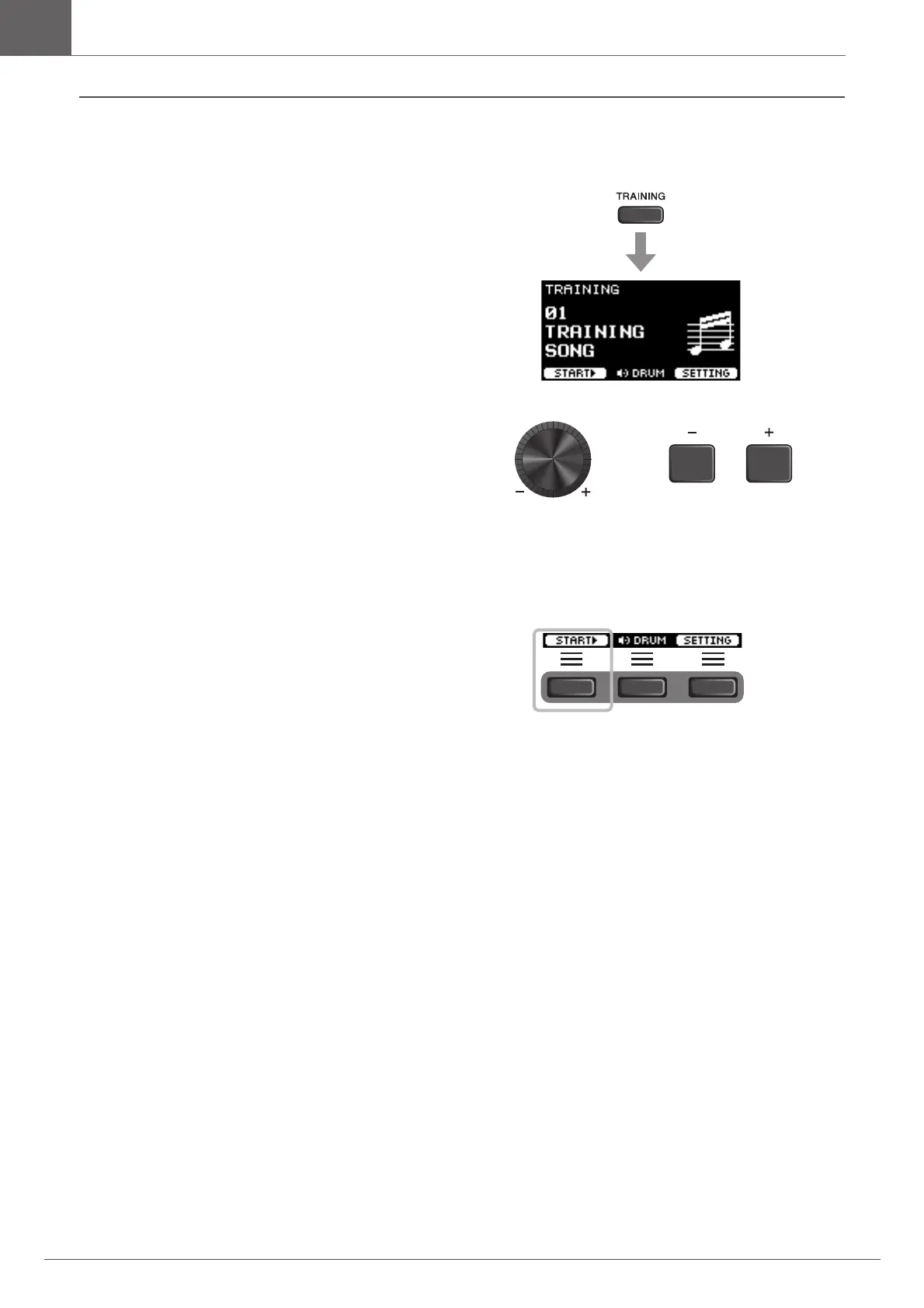
Press the [TRAINING] button.
The TRAINING screen appears.
2.
Use the [–][+] controllers to select a training
type.
For more information on the training types, see “Training
Types” (page 45).
For other settings, such as training song selection, the
duration of the training (timer setting) or the difficulty
level, press the button below “SETTING” ([F3]). For
more information, refer to the Reference Manual (PDF).
3.
Press the button below “START” ([F1]) or
“STANDBY” ([F1]).
4.
Play the drums.
Strike the pads according to the instruction given for the
selected training type.
For more information on what you can do during training,
see “Details on Training Types” (page 48).
To change the tempo of the training song, turn the
[TEMPO] knob.
To change the volume of the training song, turn the
[AUDIO VOLUME] knob.



 To Next Page