59
English
ADJUSTMENTS
Adjusting the items on the SET
MENU
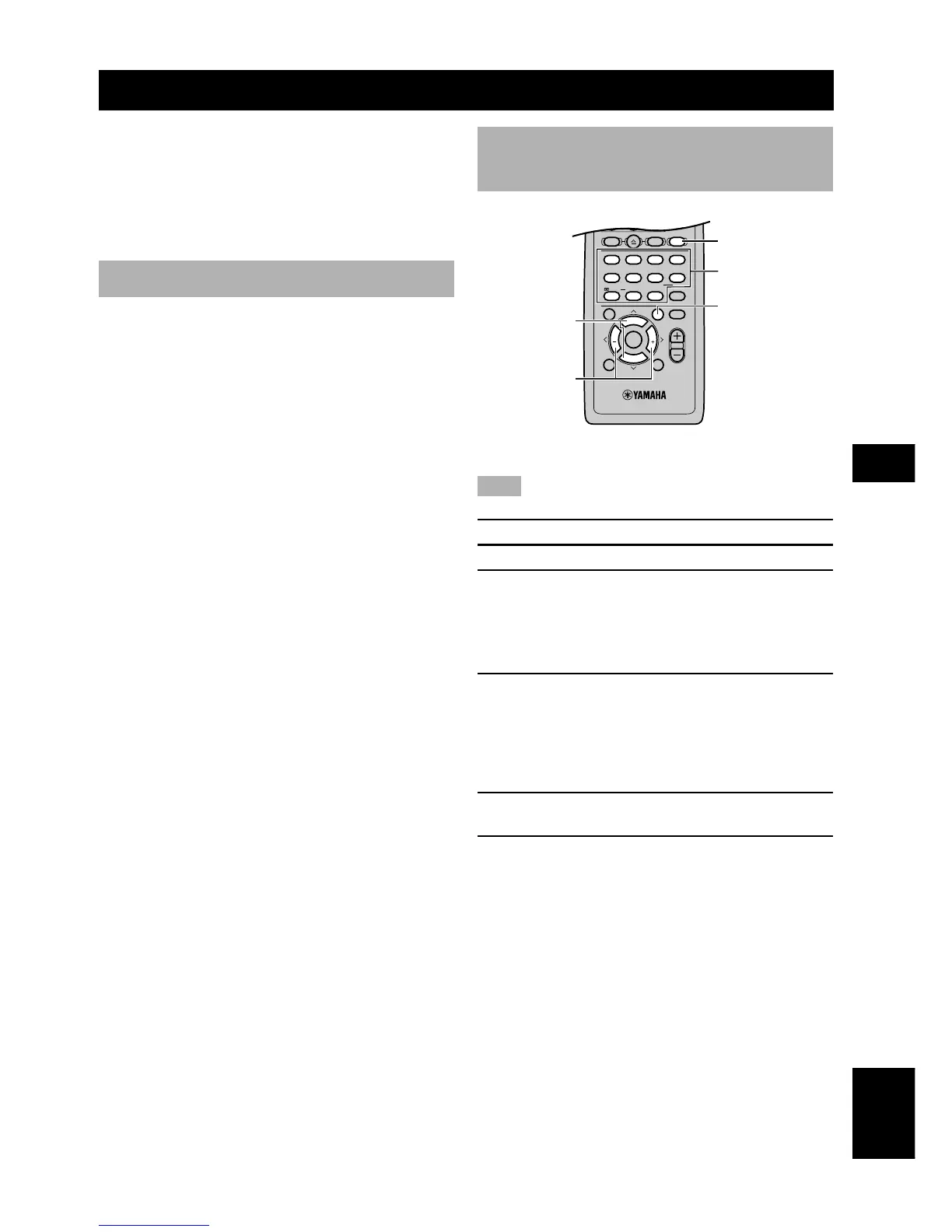
Adjustment should be made with the remote control.
Note
• Some items require extra steps.
1 Press AMP.
2 Press SET MENU to enter the SET MENU.
3 Press u/d repeatedly to select the item you
want to adjust (1 to 9).
y
• By pressing SET MENU repeatedly, you can select items in the
same order as when pressing d.
4 Press j / i once to enter the setup mode of
the selected item.
The last setting you adjusted appears on the front
panel display.
Depending on the item, press u/d to select a sub
item.
5 Press j / i repeatedly to change the setting
of the item.
6 Press u/d repeatedly until the menu
disappears or simply press one of the DSP
program buttons to exit SET MENU.
SET MENU
The SET MENU consists of 9 items including the speaker
mode setting. Choose the appropriate item and adjust or
select the values as necessary.
y
• You can adjust the items on the SET MENU while playing a
source.
List of SET MENU items
Items Initial settings
1 SPEAKER SET
A CENTER SML (small)
B FRONT SMALL
C REAR LR SML (small)
D BASS SWFR
E F. Level Nrm (Normal)
2 LFE LEVEL
SP LFE 0 dB
HP LFE 0 dB
3 SP DLY TIME 0 ms
4 D. RANGE
SP D.R MAX
HP D.R MAX
5 L/R BALANCE 0 dB for L/R
6 HP TONE CTRL
HP BASS 0 dB
HP TRBL 0 dB
7 I/O ASSIGN
[A] OPTICAL INPUT VIDEO 1
[B] COAXIAL INPUT MD/CD-R
8 INPUT MODE AUTO
9 SP/PRE OUT SP
In the descriptions for each item from the following page,
the default setting is indicated in bold.


 To Next Page
 Loading...