EasyManua.ls Logo

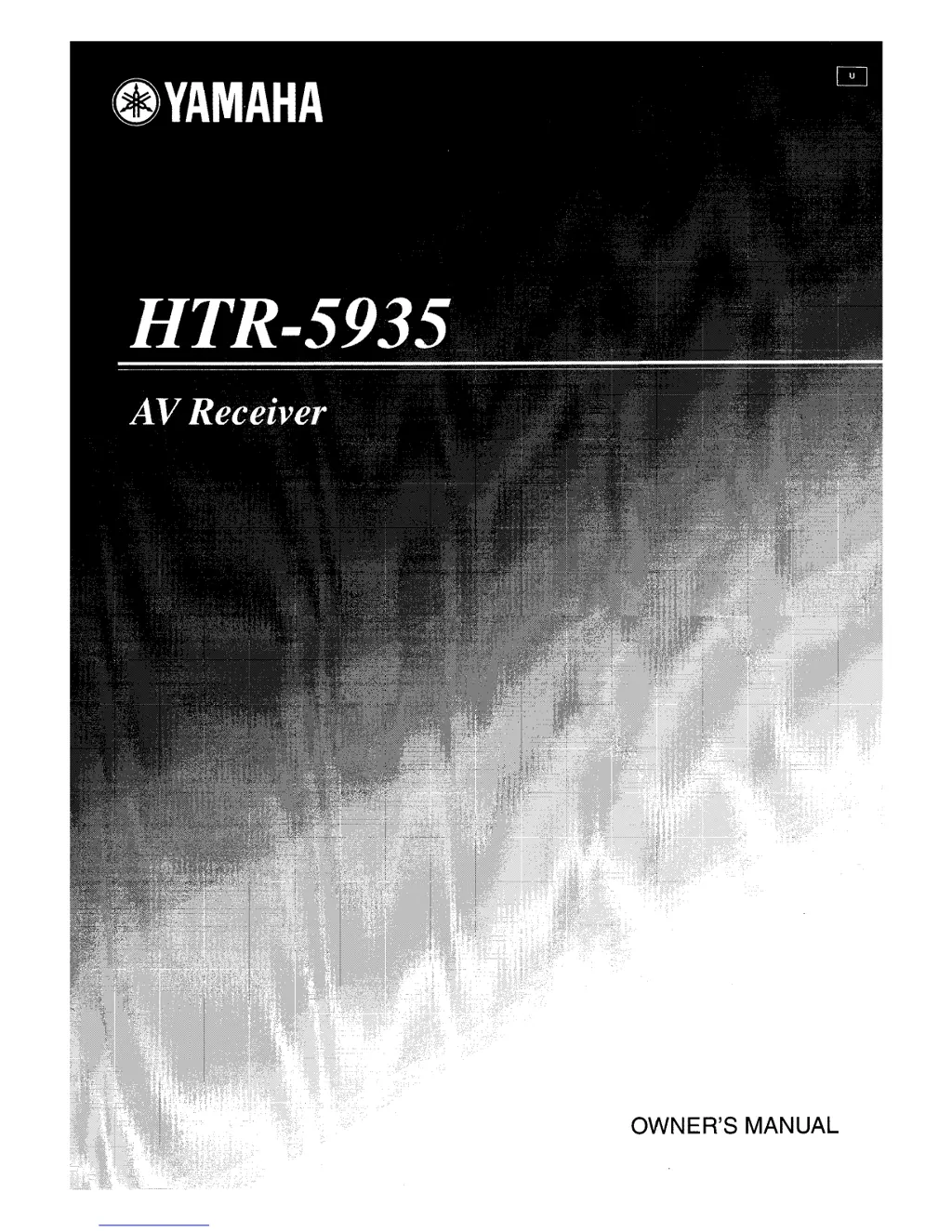
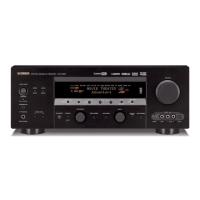
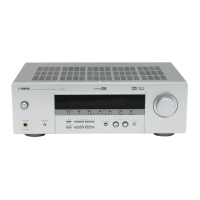
Yamaha HTR-5935 - User Manual

Yamaha HTR-5935
116 pages
Print Icon
To Next Page IconTo Next Page
Loading...
OWNER'S MANUAL

Questions and Answers

  • R
    Robert BlairAug 13, 2025
    What to do if my Yamaha Receiver fails to turn on?
    • S
      Steven SosaAug 13, 2025
      If your Yamaha Receiver fails to turn on or enters standby mode soon after powering on, there might be several reasons. First, ensure the power cable is firmly connected. Second, verify that the impedance of your connected speakers matches the unit's specifications and connect appropriate speakers. Third, the protection circuitry might have been activated, so check all speaker wire connections to ensure they are secure and not touching anything else. Finally, if the unit was exposed to a strong electric shock, set it to standby, disconnect the power cable for 30 seconds, and then plug it back in.
  • I
    iarcherAug 17, 2025
    Why is there no sound coming from my Yamaha HTR-5935?
    • A
      Alexander JohnsonAug 17, 2025
      If you're getting no sound from your Yamaha Receiver, start by checking all input and output cable connections to ensure they are properly connected; the cables may be defective. Next, make sure you've selected the correct input source using the INPUT selector on the front panel or the remote control, and check MULTI CH INPUT on the front panel (or MULTI CH IN on the remote control). Also, verify that the correct set of front speakers is selected using SPEAKERS A/B on the front panel or SPEAKERS on the remote control. Ensure the volume isn't turned down and that the receiver isn't muted by pressing MUTE or VOLUME +/- on the remote. Lastly, if playing a DTS-encoded source, confirm that “INPUT MODE” is set to “AUTO” or “DTS,” not “ANALOG”.
  • C
    Christopher SmithAug 21, 2025
    What to do if the sound suddenly goes off on my Yamaha HTR-5935?
    • R
      rileynicoleAug 21, 2025
      If the sound from your Yamaha Receiver suddenly goes off, it could be due to a few reasons. The protection circuitry might have been activated because of a short circuit, so check that the speaker impedance setting is correct. Alternatively, the sleep timer might have turned off the unit, in which case you should turn it back on and restart the source. Also, the sound may be muted, so press MUTE or VOLUME +/- on the remote to resume audio output.
  • V
    Victoria VelasquezAug 25, 2025
    Why is sound heard from the speaker on one side only with my Yamaha HTR-5935 Receiver?
    • J
      Jennifer LindseyAug 25, 2025
      If you only hear sound from one speaker when using your Yamaha Receiver, and it's in “STRAIGHT” mode while playing a monaural source, press STRAIGHT (EFFECT) on the front panel so that “STRAIGHT” disappears from the front panel display.
  • B
    Benjamin SanchezAug 28, 2025
    Why is no sound heard from the center speaker on my Yamaha Receiver?
    • M
      Maureen LeeAug 28, 2025
      If you're not hearing any sound from the center speaker on your Yamaha Receiver, first, adjust the “SPEAKER LEVEL” settings. If that doesn't work, check that “CENTER” in “SET MENU” is set to “SML” or “LRG,” not “NONE”. Also, when playing a monaural source with a CINEMA DSP program, try another sound field program.
  • A
    atrujilloSep 1, 2025
    What does “CHECK SP WIRES” mean on my Yamaha HTR-5935 Receiver?
    • T
      torresbonnieSep 1, 2025
      If “CHECK SP WIRES” appears on the front panel display of your Yamaha Receiver, it indicates that the speaker cables are short-circuited. To resolve this, ensure that all speaker cables are connected correctly.
  • N
    Nicholas WadeSep 5, 2025
    Why is the picture disturbed on my Yamaha HTR-5935?
    • E
      ericajonesSep 5, 2025
      If the picture from your Yamaha Receiver is disturbed, it might be because the video source uses scrambled or encoded signals to prevent dubbing. Try playing a source whose signals can be reproduced by the unit.
  • G
    Gary Bailey DVMSep 8, 2025
    Why Dolby Digital or DTS sources cannot be played on my Yamaha HTR-5935?
    • S
      sean79Sep 8, 2025
      If Dolby Digital or DTS sources cannot be played on your Yamaha Receiver, first, ensure that the connected component is set to output Dolby Digital or DTS digital signals by following its operating instructions. Also, verify that “INPUT MODE” is set to “AUTO” or “DTS,” not “ANALOG”.

Summary

IMPORTANT SAFETY INSTRUCTIONS

Safety Warnings and Symbol Explanations

Explains crucial safety warnings, including shock hazards, and graphical symbols used in the manual.

Operating and Usage Precautions

Details essential operating instructions, handling, and environment for safe product use.

Installation & Maintenance Precautions

Provides guidelines for installation, servicing, and product care to ensure safety and longevity.

Before Operating Your Unit

Pre-Operation Safety and Handling Guidelines

Lists critical precautions before operating the unit, covering environment, connections, and usage.

Getting Started

Controls and Functions

Front Panel Controls and Display

Details the layout and functions of buttons, knobs, and the display on the front panel.

Remote Control Functions and Operation

Explains the functions of buttons on the remote control for operating the unit and other components.

Rear Panel Connections Overview

Identifies and describes the various input/output jacks and terminals located on the rear panel.

Connections

Speaker Placement Guidelines

Provides recommended placement for front, center, and surround speakers for optimal sound.

Connecting Speakers and Impedance Specifications

Offers guidance on connecting speakers correctly, including polarity and impedance requirements.

Speaker Terminal Connections

Illustrates connections to front, center, surround, and subwoofer terminals on the rear panel.

Connecting Your TV

Provides instructions on how to connect your television to the receiver's output jacks.

Connecting Video Sources (DVD, VCR, STB)

Guides on connecting DVD players, VCRs, and set-top boxes using video connections.

Connecting Audio Sources (CD, MD, Tape Deck)

Explains how to connect CD players, MD players, and tape decks via analog audio connections.

Connecting Multi-channel and Portable Sources

Covers connecting multi-format players, external decoders, game consoles, and portable audio devices.

Connecting the Power Cable and Using AC Outlets

Details how to connect the power cable and use the unit's switched AC outlets for other components.

Initial Power On and Standby Mode

Explains how to turn the unit on for the first time and how to set it to standby mode.

Basic Setup

Initiating Basic System Setup

Guides users through the initial setup process, including room size selection for optimal sound.

Configuring Subwoofer and Speaker Settings

Details how to set up the subwoofer and configure speaker presence, size, and levels.

Finalizing Setup and Speaker Level Adjustment

Covers confirming setup settings and performing fine-tuning of speaker levels for balanced output.

Playback

Basic Playback Operation

Explains the initial steps for playing audio and video sources, including input selection.

Adjusting Volume, Tone, and Sound Fields

Details how to adjust volume, modify bass/treble, and select sound field programs.

Using Other Features

Adjusting Speaker Output Levels

Guides on how to manually balance the output levels of individual speakers for optimal sound.

FM;AM Tuning

Set Menu

Accessing and Navigating Set Menu

Explains how to access and navigate through the various menus using the remote control.

Sound Menu: Speaker Settings

Details settings for speaker size, output levels, distance, center geometry, and LFE levels.

Remote Control Features

Resetting the System

Performing a Factory Reset

Provides instructions for resetting all unit parameters to their original factory settings.

Troubleshooting

General Unit Operation Issues

Addresses common problems like failure to power on, no sound, or no picture with possible causes and remedies.

Audio Output Issues

Solves problems related to sudden sound loss, one-sided audio, or issues with specific speakers.

Signal and Recording Issues

Tackles issues with digital signal playback, recording problems, and interference.

Yamaha HTR-5935 Specifications

General IconGeneral
BrandYamaha
ModelHTR-5935
CategoryReceiver
LanguageEnglish

Related product manuals