Yamaha Commercial Audio LS9 StageMix V1.0 User Guide
Page 4
1.0 System Requirements
• Apple iPad (any model)
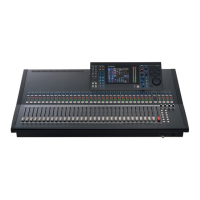
• Yamaha LS916 or LS9-32 digital mixing console
• WiFi access point (preferably with 802.11n, 5GHz capability, though 2.4GHz
and 802.11g will also work)
• CAT5 cable (to connect LS9 to WiFi access point)
2.0 WiFi Settings
Configure the WiFi access point, following the manufacturer’s instructions. No
special settings are needed, but using security such as WPA is highly recommended,
to prevent unwanted devices from joining the network. Here are some suggested
settings to assist less experienced WiFi users:
1. Give the wireless network a name (this is the “SSID”).
2. Choose a security mode (such as WPA) and password.
3. Select the wireless mode (802.11g or n).
4. In the case of “n”, select the wireless band (2.4 or 5GHz).
5. If available, enable “Auto Channel Selection” so the wireless channel with the
least interference will be selected.
802.11n networks at 5GHz are preferred because they allow faster communication
between the iPad and the WiFi access point. Practically, this could result in more
accurate level metering with the StageMix app. Also, with 802.11n being a new
standard, it is less prone to interference from other wireless networks. Using a WiFi
access point with 2 or more external aerials is recommended to increase potential
signal range. Booster aerials could be connected for a further increase in
performance.




 To Next Page