Selecting Fader Modes 33
01V96—Owner’s Manual
3
Operating Basics
Selecting Fader Modes
The function of channel faders (1–16) depends on the selected Layer and Fader mode.
1 Select a layer that includes the desired channel (see page 31).
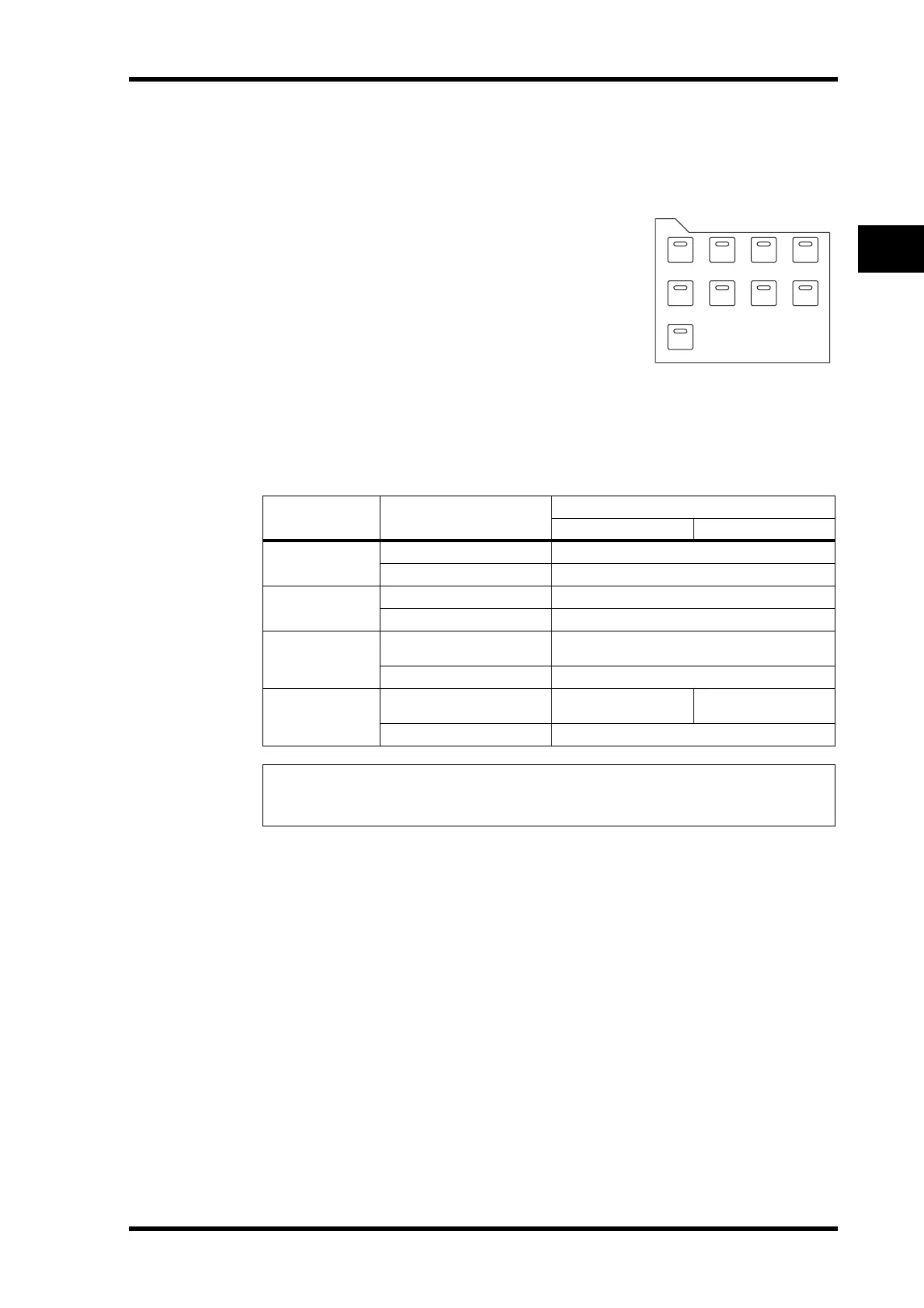
2 Press the FADER MODE buttons to select a Fader
mode.
The button indicators identify the following Fader modes:
•When the [HOME] button indicator lights up:
You can use channel faders to control Input Channels
and ST IN Channel levels or Output Channels (Aux
Out 1–8, Bus Out 1–8) master levels.
•When one of the [AUX1]–[AUX8] button indicators
light up:
You can use channel faders to control the correspond-
ing Aux Send level.
The following table shows the channel fader functions for each Layer and Fader mode.
LAYER buttons Fader Mode
Channel Strip Fader
1–8 9–16
[1–16] button
[HOME] button
Input Channel 1–16 level
[AUX1]–[AUX8] buttons
Input Channel 1–16 Aux Send level
[17–32] button
[HOME] button
Input Channel 17–32 level
[AUX1]–[AUX8] buttons
Input Channel 17–32 Aux Send level
[REMOTE] button
[HOME] button
Operation depends on the selected target (see
page 185).
[AUX1]–[AUX8] buttons
No operation
[MASTER] button
[HOME] button
Aux Send master 1–8
output level
Bus Out master1–8
output level
[AUX1]–[AUX8] buttons
No operation
Note: You cannot select the [AUX1]–[AUX8] buttons while the Master layer or Remote layer
is selected. If you switch to the Master layer while one of the [AUX1]–[AUX8] button indicators
is lit, the indicator automatically turns off and the [HOME] button indicator lights up.
FADER MODE
AUX 1 AUX 2 AUX 3 AUX 4
AUX 8AUX 7AUX 6AUX 5
HOME (METER)













 To Next Page