Naming Input Channels 95
01V96—Owner’s Manual
Input Channels
7
2 Move the cursor to a name you wish to change, then press [ENTER].
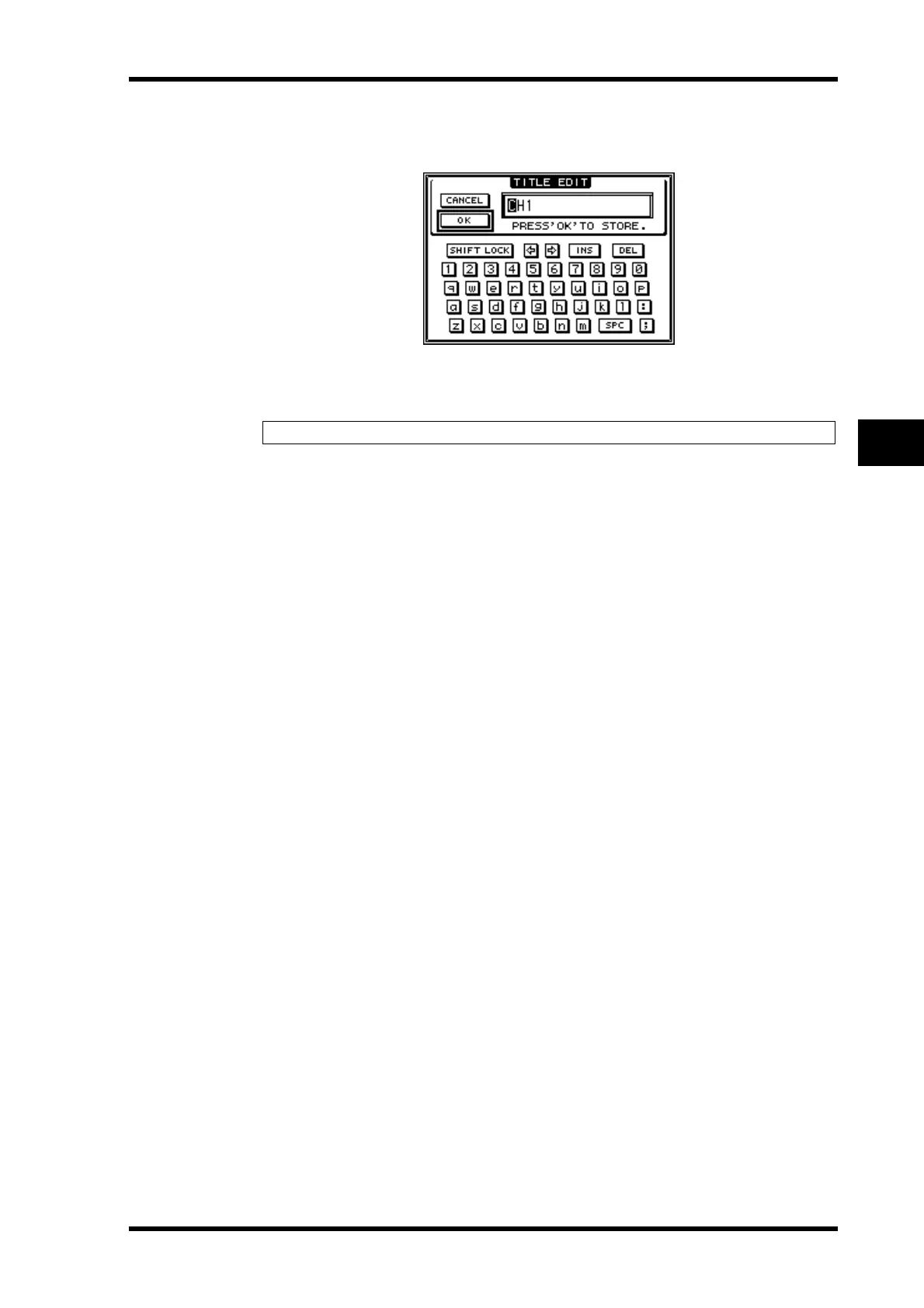
The Title Edit window appears, enabling you to enter a name.
3 Edit the name, move the cursor to the OK button, then press [ENTER].
The new name is now effective.
Tip: The edited name is stored in the Input Patch library.













 To Next Page