14 PSR-E223/YPT-220 Owner’s Manual
Changing the Voices
Quick Guide
The instrument features a built-in metronome (a device that keeps an accurate tempo) that is con-
venient for practicing.
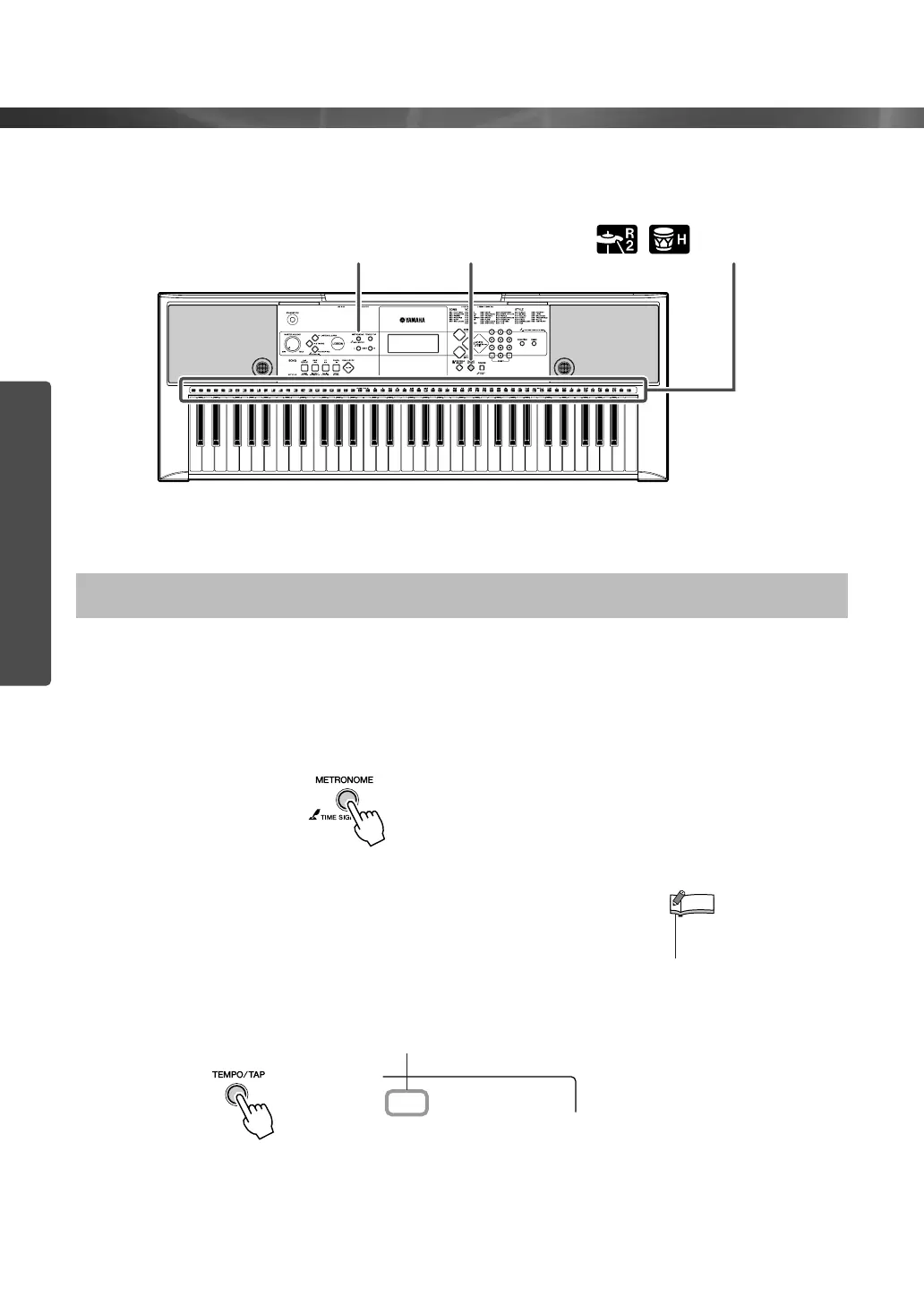
Press the [METRONOME] button to start the metronome. To stop
the metronome, press the [METRONOME] button again.
If you want to adjust the metronome tempo, press the [TEMPO/
TAP] button to call up the Tempo setting in the display, then press
the [+] button to raise the tempo, or press the [-] button to lower
it. You can also set the tempo using the number buttons on the
front panel.
Using the Metronome
Metronome Fun Sounds
Percussion and
drum icons
•You can set the time signa-
ture (page 36).
NOTE
Current Tempo value
Tempo
116















 To Next Page