Song settings
PSR-E223/YPT-220 Owner’s Manual 39
Reference
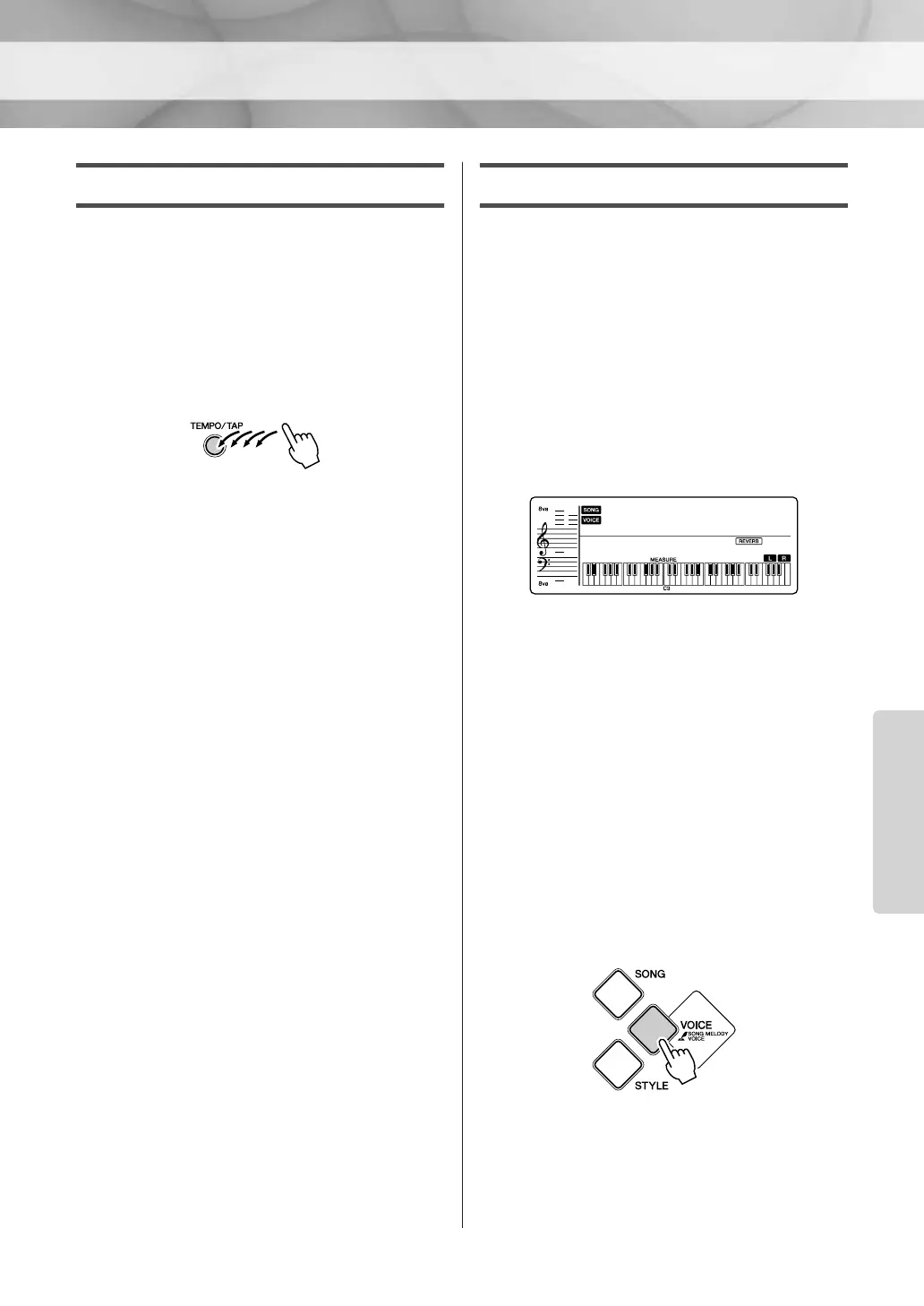
Tap Start
After selecting a song, you can set the Tempo by
simply tapping the [TEMPO/TAP] button at the
required tempo—four times for time signatures
in 4, and three times for time signatures in 3.
You can change the Tempo during Song play-
back by pressing the [TEMPO/TAP] button just
twice.
Changing the Melody Voice
You can change a Song’s melody Voice to any
other Voice you prefer.
1 Select the Song and play it.
Refer to the section “Playing Songs” on page
16.
2 Select the voice.
Select a desired Voice by using the number
buttons [0]–[9], [+], [-].
The selected Voice sounds when you play
the keyboard.
If a Song has played through and stopped
during this procedure, press the [START/
STOP] button to start playback again.
3 Press and hold the [VOICE] button
for longer than a second.
“SONG MELODY VOICE” appears in the
display for a few seconds, indicating that the
Voice selected in Step
2 has replaced the
Song’s original melody Voice.
HnkyTonk
004
001
Hold for longer than
a second.















 To Next Page