20 PSR-E223/YPT-220 Owner’s Manual
Play with a Style
Quick Guide
4
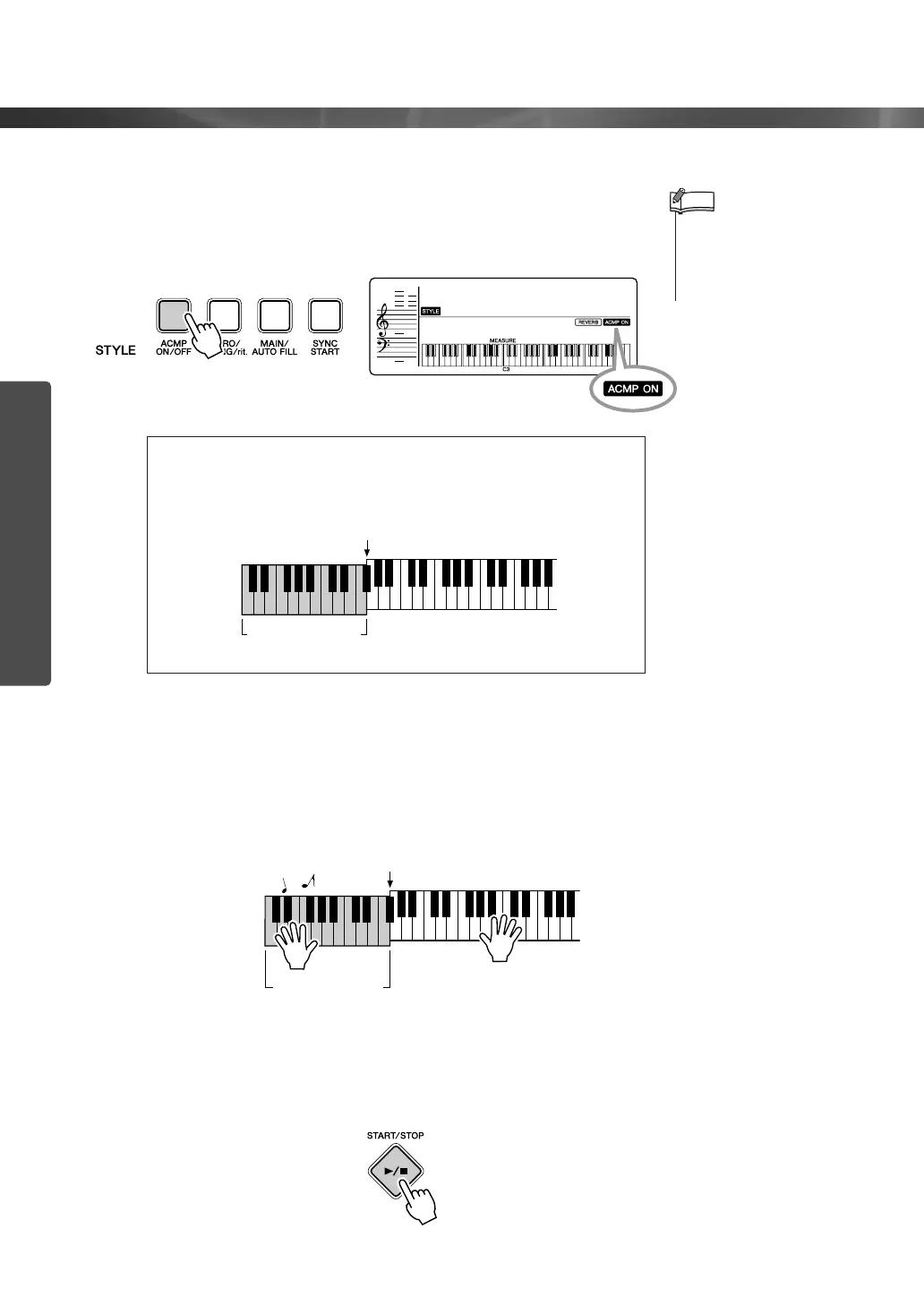
Turn auto accompaniment on.
Press the [ACMP ON/OFF] button.
Press the [ACMP ON/OFF] button again to turn the auto accom-
paniment off.
5
Start playing along on the keyboard.
Style playback will begin as soon as you play a chord in the
accompaniment range of the keyboard. In this case, try out the
Song “Aura Lee” on the next page for practice purpose. For infor-
mation on how to enter chords, see page 24.
6
Stop playing.
Playback will stop as soon as you press the [START/STOP] but-
ton.
● When auto accompaniment is on ...
The keys to the left of the Split Point (54; F#2) will play only chords.
This is known as the “Auto Accompaniment range.”
• If you press the [START/
STOP] button while the auto
accompaniment is off, only
the rhythm (percussion)
parts will start.
NOTE
LoveSong
018
001
Appears when auto
accompaniment is on
Split Point (page 41)
Auto Accompani-
ment range
Auto Accompani-
ment range
Split Point















 To Next Page