5
English
Connecting the system
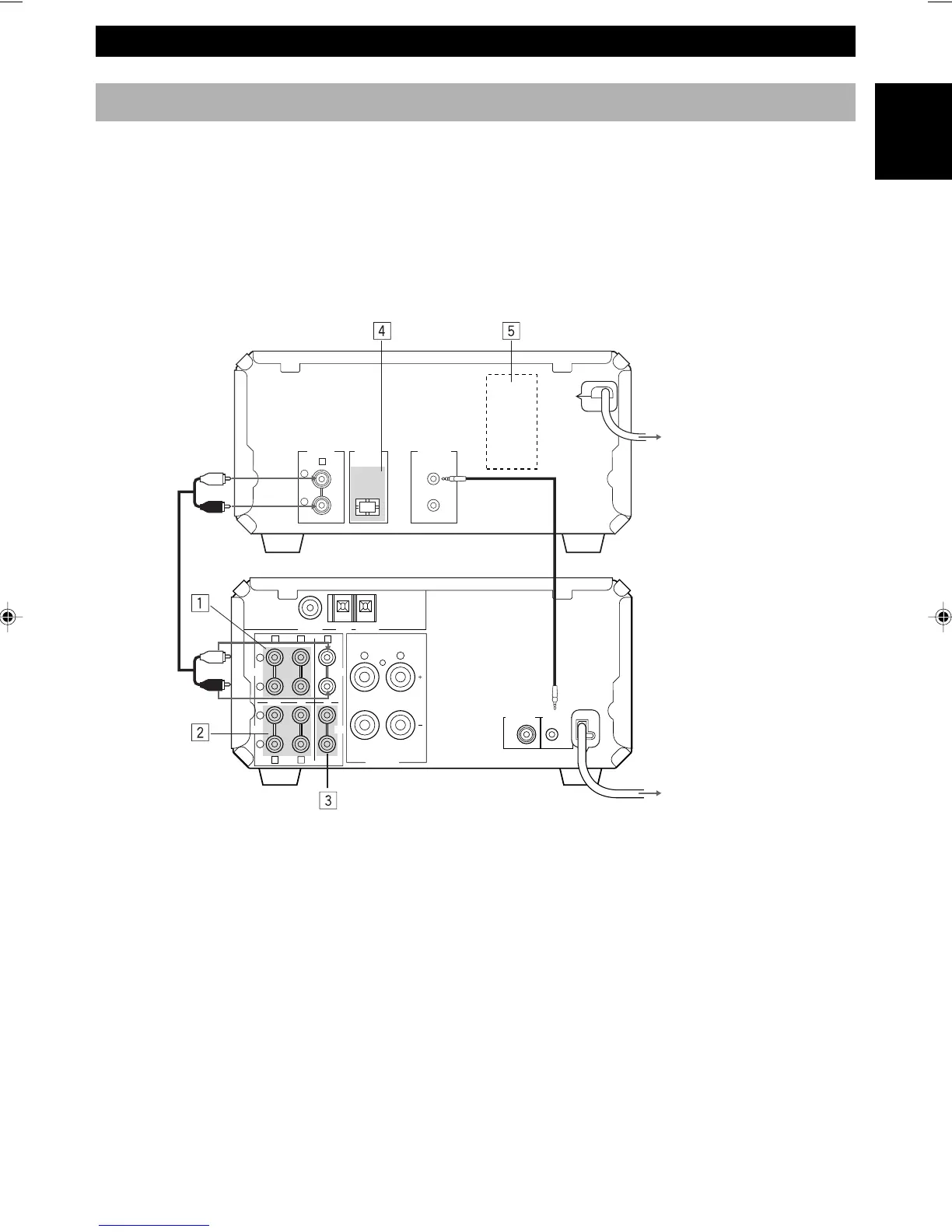
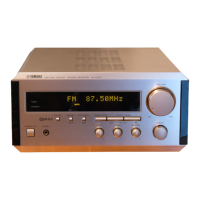
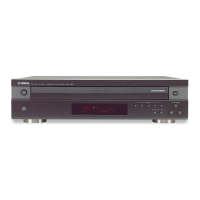
Connecting RX-E200 and CDX-E200
1 Connect ‰ to ‰ using the RCA pin cable.
Insert the plugs into the jacks of the same colour.
2 Connect RX-E200 and CDX-E200 with the system control cable.
The other SYSTEM CONNECTOR of CDX-E200 is for connecting MDX-E100 or KX-E100.
3 Connect the AC power plug of CDX-E200 to AC OUTLET of RX-E200.
Adding KX-E100 and MDX-E100 to the above system
(For details, refer to the owner's manual supplied with the respective component.)
1 Connect Å and ı of RX-E200 to Å and ı of KX-E100.
2 Connect Ç and Î of RX-E200 to Ç and Î of MDX-E100.
3 Connect an external component to the AUX terminal of RX-E200.
4 Connect DIGITAL OPTICAL OUT of CDX-E200 to DIGITAL OPTICAL IN of MDX-E100.
Take off the covers of the optical fiber cable plug, the DIGITAL OPTICAL OUT jack, and the DIGITAL OPTICAL
IN jack before making digital connections. Be sure to replace the terminal’s cover when the terminal on the rear panel
is not being used, in order to protect from dust.
5 AC OUTLET (CDX-E200)
Connect the AC power plug of MDX-E100 or KX-E100 (Except for the UK model).
Caution
• Never turn RX-E200 on until all connections between components have been completed.
• Never connect or disconnect the system control cable and/or power cord while the system components are turned on.
GETTING STARTED
To wall outlet
To RX-E200
RCA pin cable <RX-E200>
<CDX-E200>
AB E
LR
SYSTEM
CONNECTOR
SUBWOOFER
OUT
6 Ω MIN./SPEAKER
SPEAKERS
FM ANT GND AM ANT
75 Ω UNBAL
D
L
R
C
L
R
OUT IN IN
MD
CD
AUX
TAPE
L
R
SYSTEM
CONNECTOR
DIGITAL
OPTICAL
ANALOG
OUT
OUT
E
1
System control cable
2
3



 To Next Page