28 En
CONNECTIONS
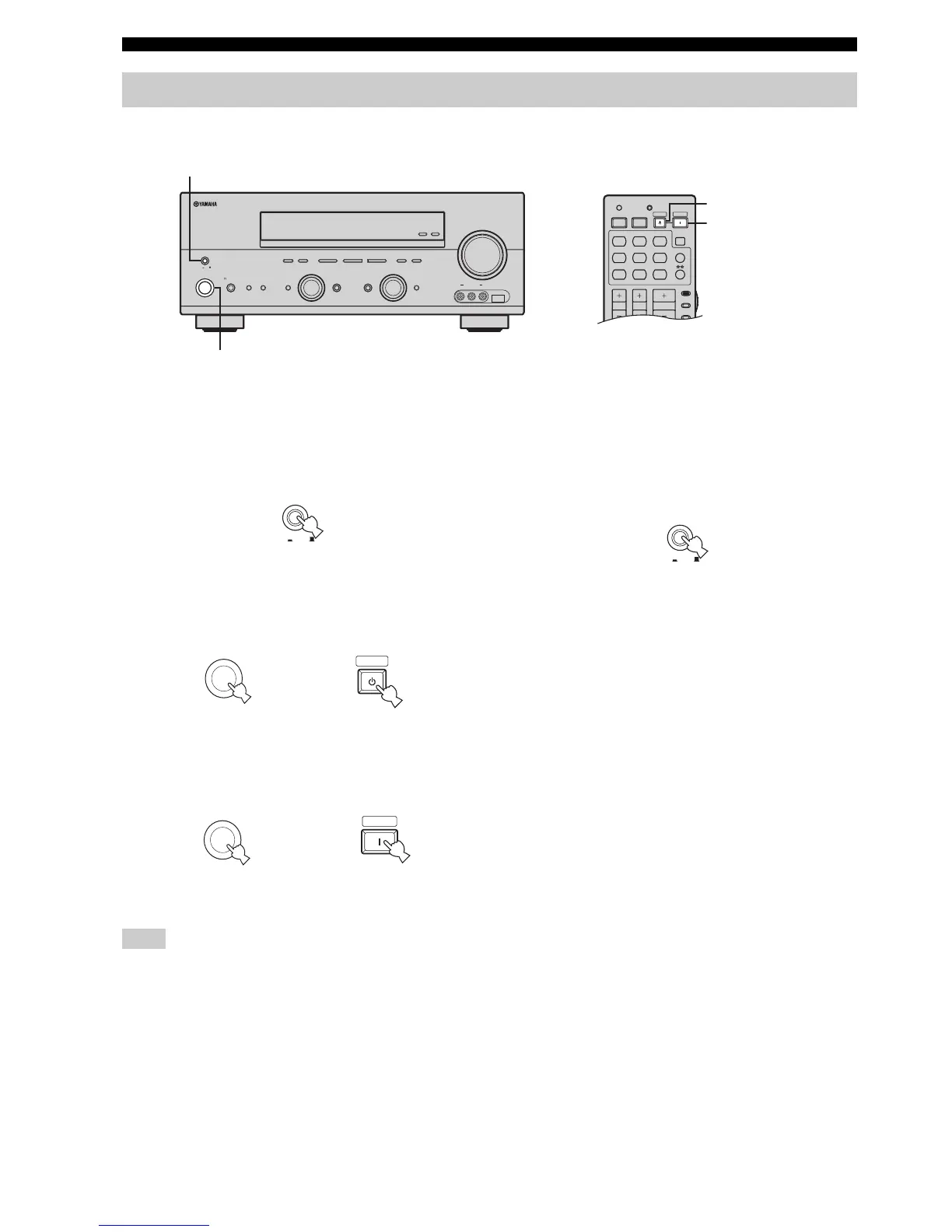
When all connections are complete, turn on this unit.
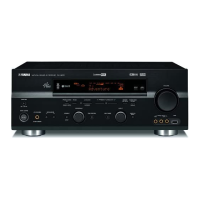
■ Turning on this unit
Press MASTER ON/OFF on the front panel inward
to the ON position to turn on this unit.
• Press MAIN ZONE ON/OFF on the front panel (or
STANDBY on the remote control) to set the main zone
to the standby mode.
• Press MAIN ZONE ON/OFF on the front panel (or
POWER on the remote control) to turn on the main
zone.
MAIN ZONE ON/OFF on the front panel as well as POWER and
STANDBY on the remote control are operational only when
MASTER ON/OFF is pressed inward to the ON position.
y
For details about turning on or off Zone 2, see page 102.
■ Turning off this unit
Press MASTER ON/OFF on the front panel to
release it outward to the OFF position to turn off
this unit.
Turning on and off the power
ZONE 2
ON/OFF
ZONE
CONTROL
EFFECT
PROGRAM
INPUT MODETONE CONTROLSTRAIGHT
SPEAKERSPHONES
MAIN ZONE
MASTER
SILENT CINEMA
BA
MULTI CH
INPUT
VOLUM E
INPUT
ON OFF
ON/OFF
VIDEO L AUDIO R
USBVIDEO AUX
DISPLAY
NEXT
DABSEARCH MODE
MEMORY
MAN'L/AUTO FM
FM/AM
PRESET/TUNING
EDIT
A/B/C/D/E
l
PRESET/TUNING
h
TUNING MODE
AUTO/MAN'L
LEVEL


 To Next Page