62 En
DAB (DIGITAL AUDIO BROADCASTING) TUNING
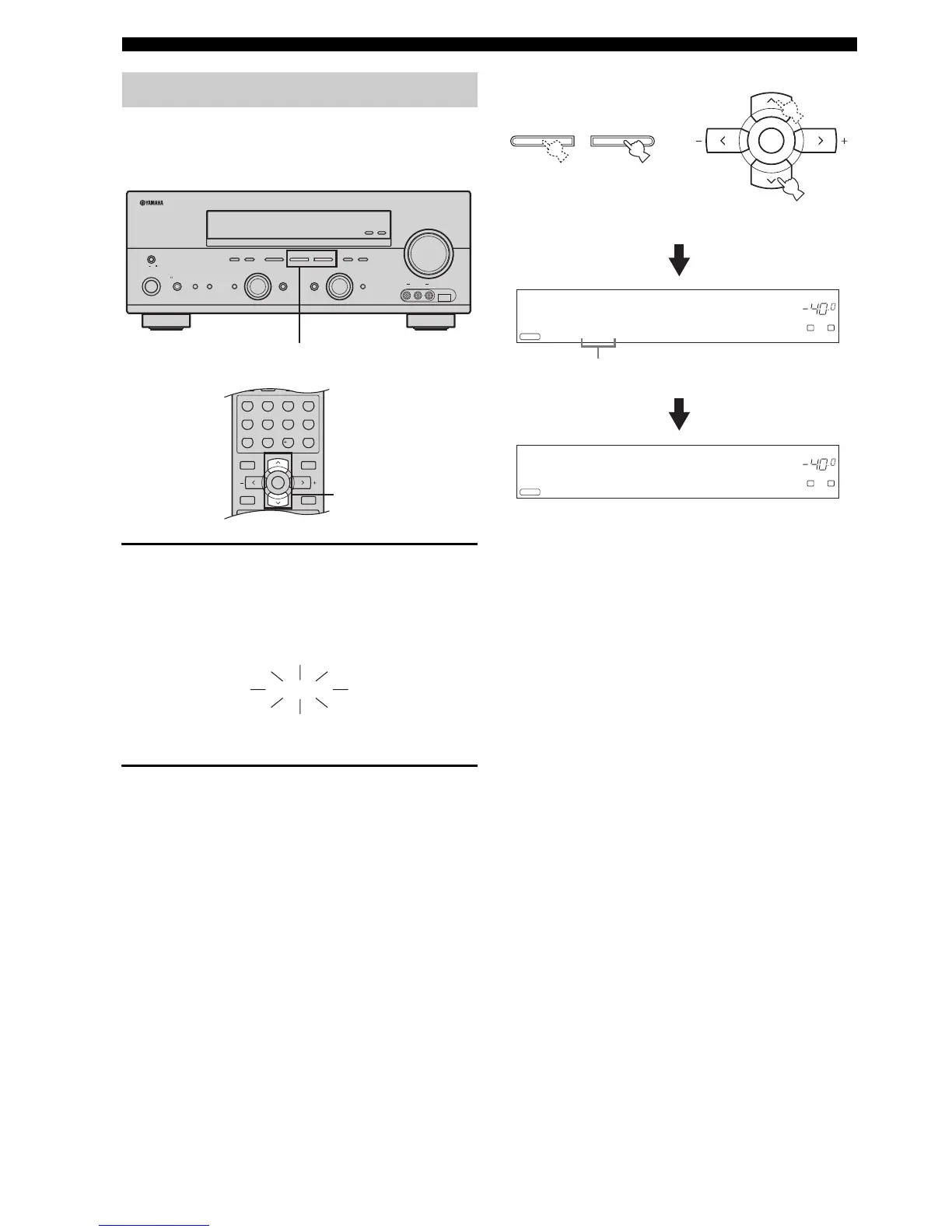
You can tune into any desired DAB service simply by
entering the corresponding preset service number under
which it was stored.
1 Select “DAB” as the reception band and then
select “PRESET” as the DAB tuning method.
The PRESET indicator lights up in the front panel
display.
See page 59 for the DAB tuning instructions.
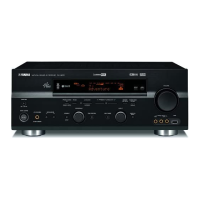
2 Press PRESET/TUNING l / h on the front
panel (or PRESET/CH u / d on the remote
control) to browse through the preset DAB
services in the registry list.
Unassigned preset service numbers are skipped and
only assigned preset service numbers along with their
DAB service names appear in the front panel display
for approximately 3 seconds.
y
• You can select the desired preset service number directly
by pressing the numeric buttons and ENTER on the
remote control. To enter numbers less than 10 (i.e. 1 to 9),
simply press 0 and then the number itself. For example, to
select the preset DAB service assigned to preset service
number 7, press 0 and then 7 in turn.
• “EMPTY” appears briefly when no preset DAB service is
assigned to the corresponding preset service number. The
DAB service currently being received is then displayed in
the front panel display.
Selecting preset DAB services
ZONE 2
ON/OFF
ZONE
CONTROL
EFFECT
PROGRAM
INPUT MODETONE CONTROLSTRAIGHT
SPEAKERSPHONES
MAIN ZONE
MASTER
SILENT CINEMA
BA
MULTI CH
INPUT
VOLUM E
INPUT
ON OFF
ON/OFF
VIDEO L AUDIO R
USBVIDEO AUX
DISPLAY
NEXT
DABSEARCH MODE
MEMORY
MAN'L/AUTO FM
FM/AM
PRESET/TUNING
EDIT
A/B/C/D/E
l PRESET/TUNING h
TUNING MODE
AUTO/MAN'L
LEVEL
2


 To Next Page