4-13
4
EBU33451
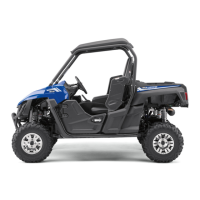
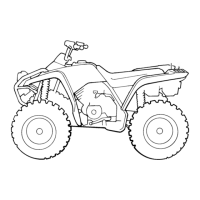
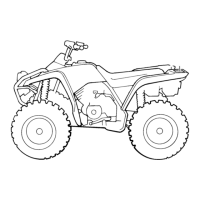
Parking brake lever
The parking brake lever is located at the right
side of the driver’s seat. Setting the parking
brake lever will help keep the vehicle from
moving while parked.
To set the parking brake, pull the lever rear-
ward completely.
To release the parking brake, pull rearward on
the lever, press the release button, and then
push the lever all the way forward.
Spring tension helps return the lever to the
released position.
If you drive the vehicle with the parking
brake engaged, a buzzer will sound.
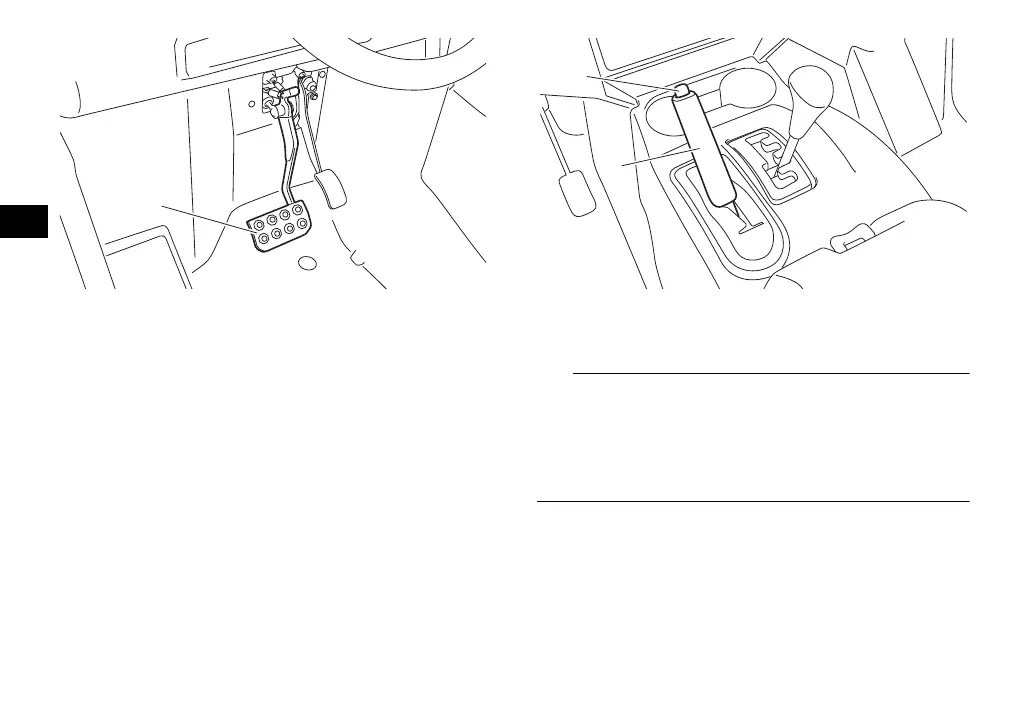
1. Brake pedal
1. Release button
2. Parking brake lever
UBN57AE0.book Page 13 Tuesday, November 24, 2015 1:42 PM





 To Next Page