43
4. Operating procedure
Resetting integrated CO2 volume and CO2 emission factor
※ Explain how to set conversion factor for CO2 emission and how to reset the integrated
CO2 volume on Top Screen.
Turning the controller power off
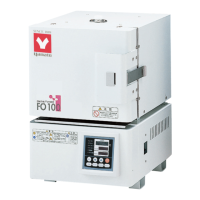
Turn the ELB on the left side of the main unit [ON(|)].
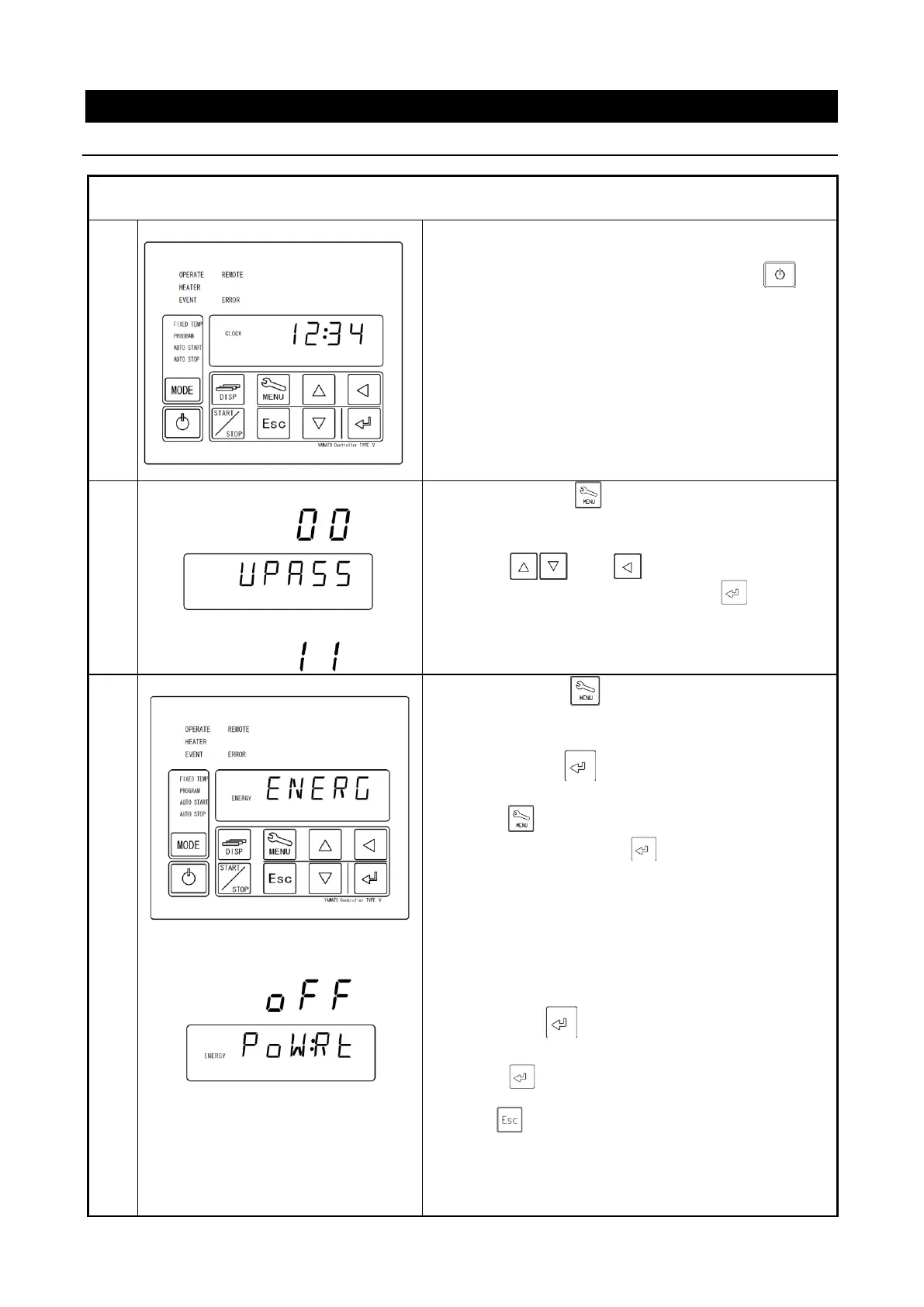
The Bottom screen will show the current time.
While the unit is being operated, press the key
longer to turn the controller power off.
Show [
UPASS
] on Bottom Screen and [
00
] flashing
on Top Screen.
②
Press and keys to enter password
“11” on Top Screen and press key (The
password is fixed to “11”.).
①
Pressing the key will make the monitor
function indication
ENERGY
and [
ENERG
] flash on the
Bottom screen.
②
Pressing the key will show items to reset
integrated [
POWRT
] power consumption.
③ Press key to select monitoring item on Bottom
Screen and then press key.
POWRT:Integrated power consumption
Pressing the key will result in:
OFF(lit)→RUN(flash)
Press key to reset Integrated Power
Consumption.
Press key to return to [PoW:Rt].



 To Next Page