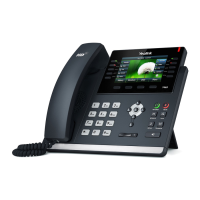
User Guide for the SIP-T41P IP Phone
20
To configure the time and date manually via phone user interface:
1. Press Menu->Settings->Basic Settings->Time & Date->Manual Settings.
2. Enter the specific time and date.
3. Press the Save soft key to accept the change.
The time and date on the LCD screen will change accordingly.



 To Next Page
 Loading...