TA1600/2400/3200 User Manual
50/87
Network Preferences
This chapter explains network settings on TA1600/2400/3200. Click the main menu
on the top of the Web GUI to check the network settings.
LAN Settings
Service
VLAN Settings
VPN Settings
DDNS Settings
Static Route
SNMP Settings
TR-069 Settings
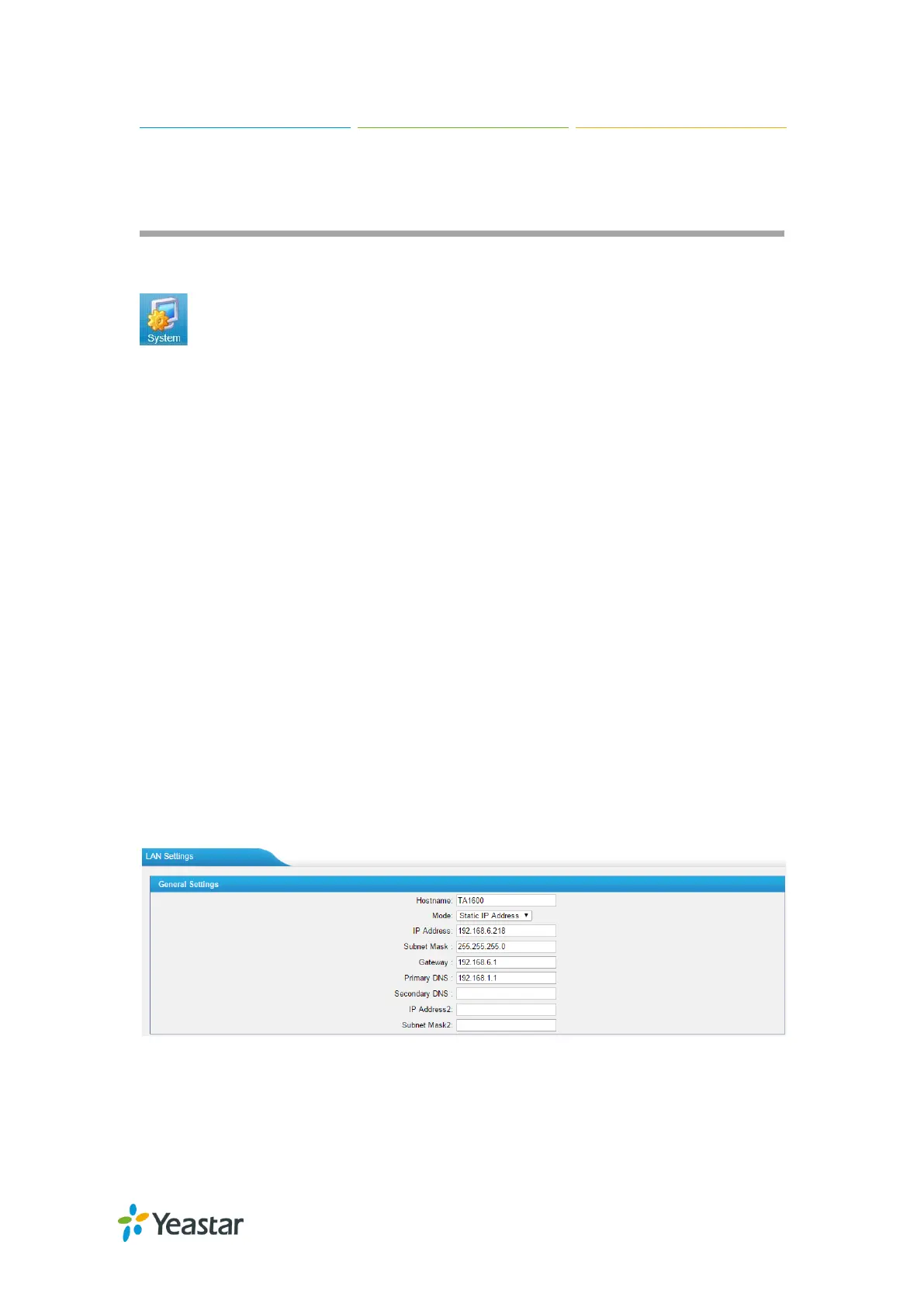
LAN Settings
After successfully logging in the TA1600/2400/3200 Web GUI for the first time, users
could go System→Network Preferences→LAN Settings to configure the network
for TA1600/2400/3200.
Figure 9-1 LAN Settings














 To Next Page