12EN
Please remove all protective materials before use�
2
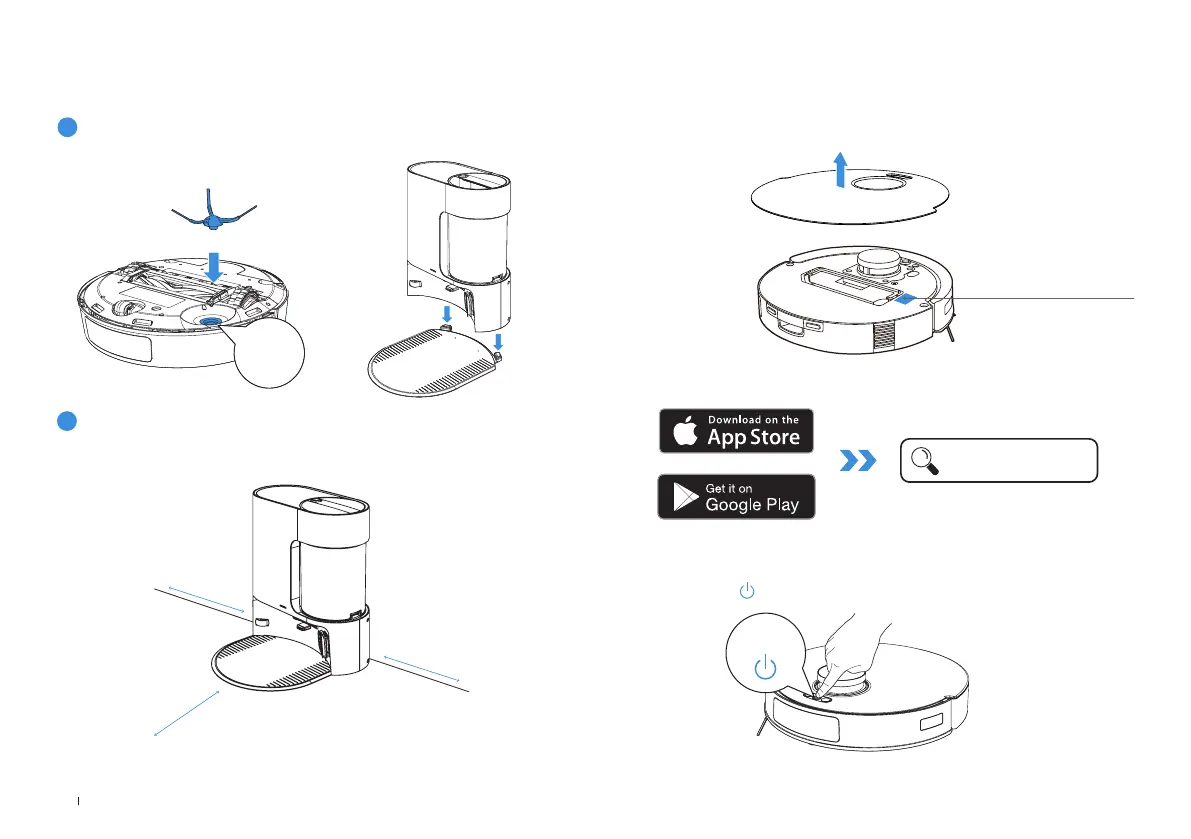
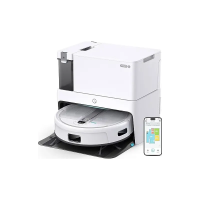
Place the Auto-Empty Station
Keep the area around the Auto-Empty clear of objects objects, especially with
reective surfaces�
0.05m (0.16’)
0.05m (0.16’)
0.8m (2.62’)
QUICK START
1
Installation
The sound of Click indicates proper installation�
Click
DOWNLOAD THE YEEDI APP
To enjoy all available features, it is recommended to control your robot via
the YEEDI App.
Under the Top Cover
Press and hold for 3 seconds to power on ROBOT.
POWER ON ROBOT
3s
1� Scan the QR Code under the Top Cover to download the App�
2� Search YEEDI to download the App�
YEEDI


 To Next Page