46 47
Z
-
E 2 0 15
BLUETOOTH VOICE COMMAND OPERATION BLUETOOTH VOICE COMMAND OPERATION
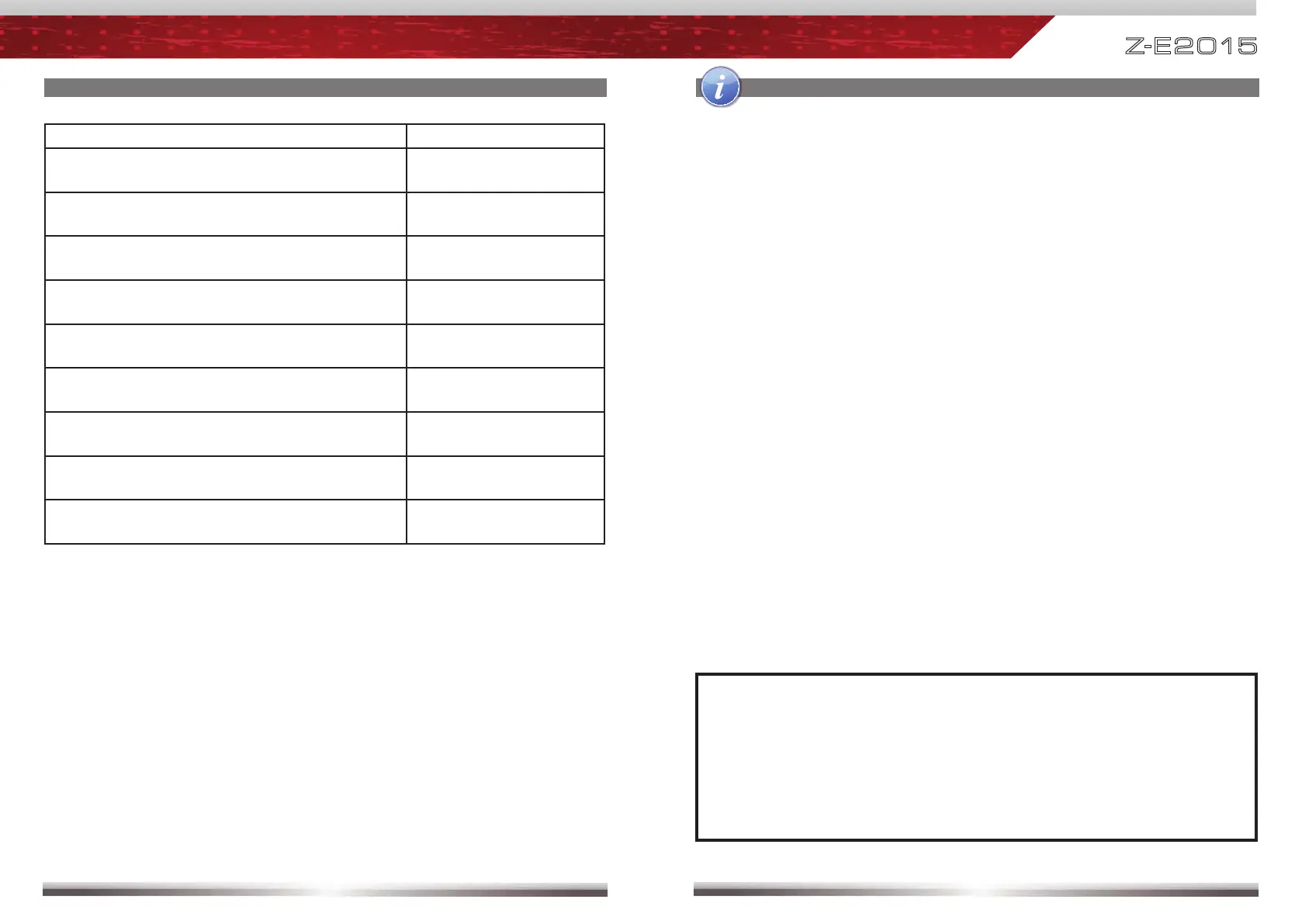
Desired Function Voice Command
Starting the help dialog. Works in all menus. >help<
Return and start all over again. Works in all
menus.
>restart<
Cancel or exit the voice control. Works in all
menus.
>cancel<
Confi rmation to call a contact, after system
suggests it.
>yes<
Call a phonebook contact. >call< contact name
Call a phonebook contact with different
number location type options.
>call< contact name /
number location type
Command to spell and dial a telephone number. >Dial<
Dial a contact by spelled telephone number
>Dial<
numbers
Correction of the last entry (name or digit). >Correction<
NOTE:
■ Voice Command language settings:
The main OSD / HMI language selected on initial device setup is adopted
for the voice command settings. You can however, select another
language for the voice command function anytime later. To do this, go
to "Setup / General / Language" and select from eight different EU
languages.
BLUETOOTH VOICE COMMAND OPERATION



 To Next Page