p/n 4000087299 v.I
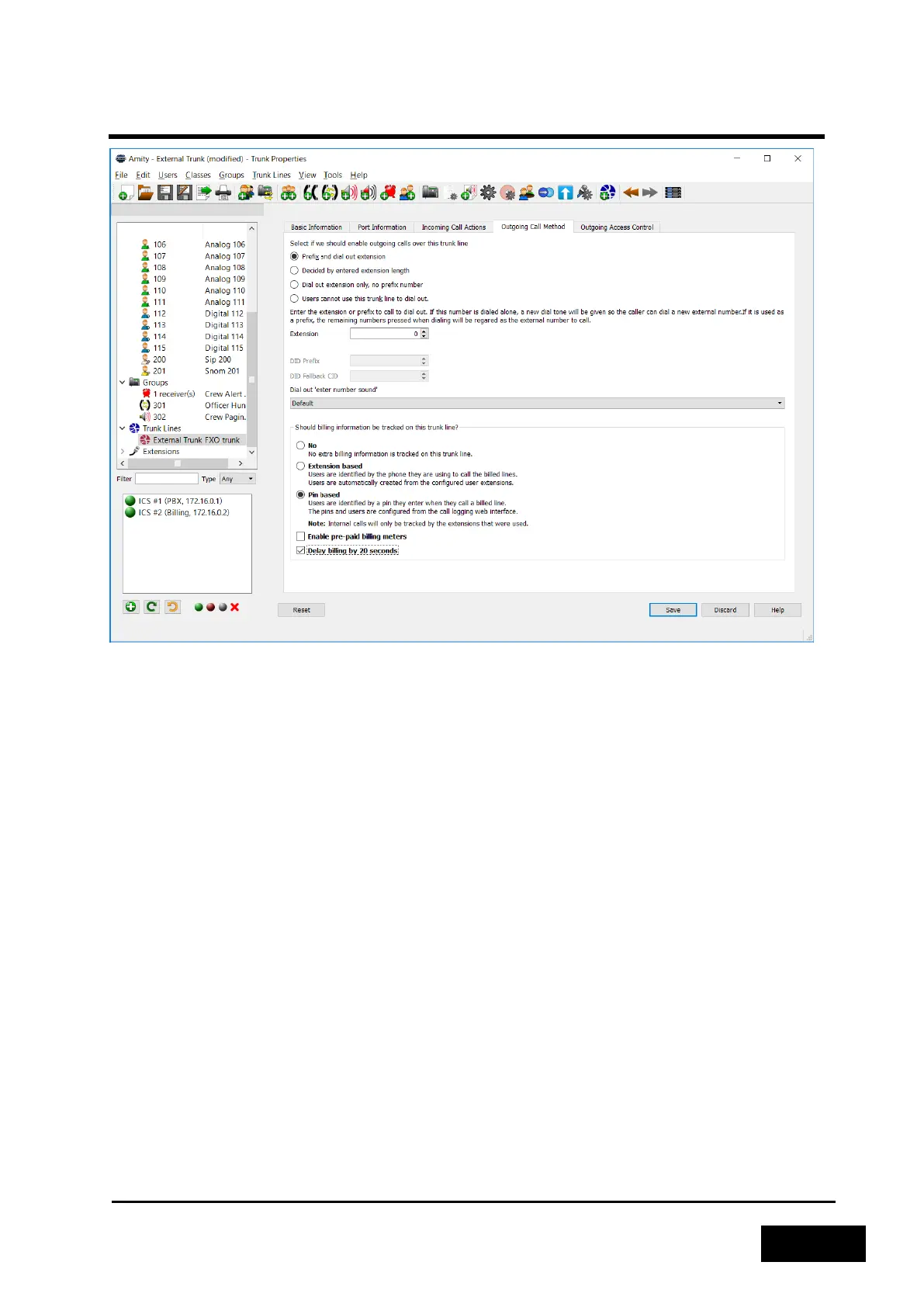
Figure 2-54 - Trunk Line Properties Screen
There are two other options that can be enabled in the call logging options page. If "Enable pre-paid
billing meters" is checked, a user will only be able to make a call if the account he is associated with,
either a PIN or the phone itself, must have a pre-paid balance. If the required balance is available, the
call will proceed as normal however it will only be able to run for as long as the user has available
balance.
The cost rates for different external extensions can be configured in the storage unit web interface.
If "Delay billing by 20 seconds" is checked, then the user gets the first 20 seconds of a call for free.
Depending on the technology that is used to connect the trunk line to the Phontech 6200 system, it
might be required to tick this to avoid unnecessary billed calls because the user in the other end did
not pick up. Some systems indicate that they go off-hook before the other end actually has
answered.
For more details, see “User manual for Phontech 6200 Call Logging interface”
2.3.5.1 Migrate Configuration to Another System
Sometimes it can be useful to use the same configuration on multiple systems. To achieve this, the
configuration must be migrated from one system to another. We will call the previous system A and
the new system B.
The first step is to save the configuration of system A to a file a computer. After the configuration is
saved the computer must be connected to system B. While the computer is connected to system B,


 To Next Page
 Loading...

