_UI_NiAL i_LAil itALtk
Make sure ...
• Power is turned on.
1 Insert a pre-recorded tape
if the erase-protection tab has been removed, the
TV/VCR will start playback automatically.
2 IP_"
Press PLAY button.
3 I _
Press STOP button when play-
back is completed.
TRACKING ADJUSTMENT
• Tracking adjustment will be set automatically (Digi-
tal Auto Tracking function) (ATR) when you start
playback.
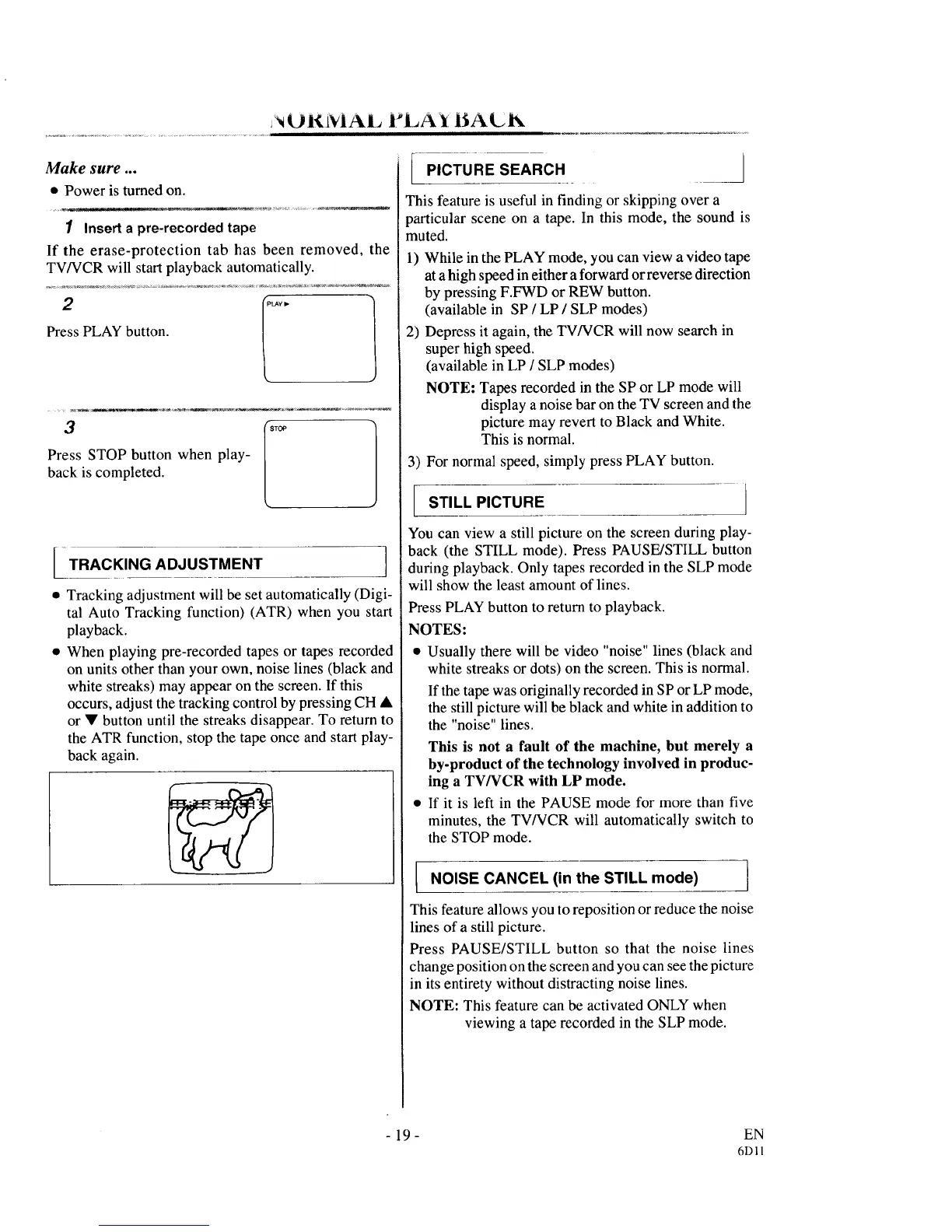
• When playing pre-recorded tapes or tapes recorded
on units other than your own, noise lines (black and
white streaks) may appear on the screen. If this
occurs, adjust the tracking control by pressing CH •
or • button until the streaks disappear. To return to
the ATR function, stop the tape once and start play-
back again.
[ PIcTuREsEARCH
This feature is useful in finding or skipping over a
particular scene on a tape. In this mode, the sound is
muted.
1) While in the PLAY mode, you can view a video tape
at ahigh speed in either a forward or reverse direction
by pressing F.FWD or REW button.
(available in SP / LP / SLP modes)
2) Depress it again, the TV/VCR will now search in
super high speed.
(available in LP / SLP modes)
NOTE: Tapes recorded in the SP or LP mode will
display a noise bar on the TV screen and the
picture may revert to Black and White.
This is normal.
3) For normal speed, simply press PLAY button.
STILL PICTURE
You can view a still picture on the screen during play-
back (the STILL mode). Press PAUSE/STILL button
during playback. Only tapes recorded in the SLP mode
will show the least amount of lines.
Press PLAY button to return to playback.
NOTES:
• Usually there will be video "noise" lines (black and
white streaks or dots) on the screen. This is normal.
If the tape was originally recorded in SP or LP mode,
the still picture will be black and white in addition to
the "noise" lines.
This is not a fault of the machine, but merely a
by-product of the technology involved in produc-
ing a TV/VCR with LP mode.
• If it is left in the PAUSE mode for more than five
minutes, the TV/VCR will automatically switch to
the STOP mode.
I NOISE CANCEL (in the STILL mode)
This feature allows you to reposition or reduce the noise
lines of a still picture.
Press PAUSE/STILL button so that the noise lines
change position on the screen and you can see the picture
in its entirety without distracting noise lines.
NOTE: This feature can be activated ONLY when
viewing a tape recorded in the SLP mode.
- 19- EN
6DI1



 To Next Page