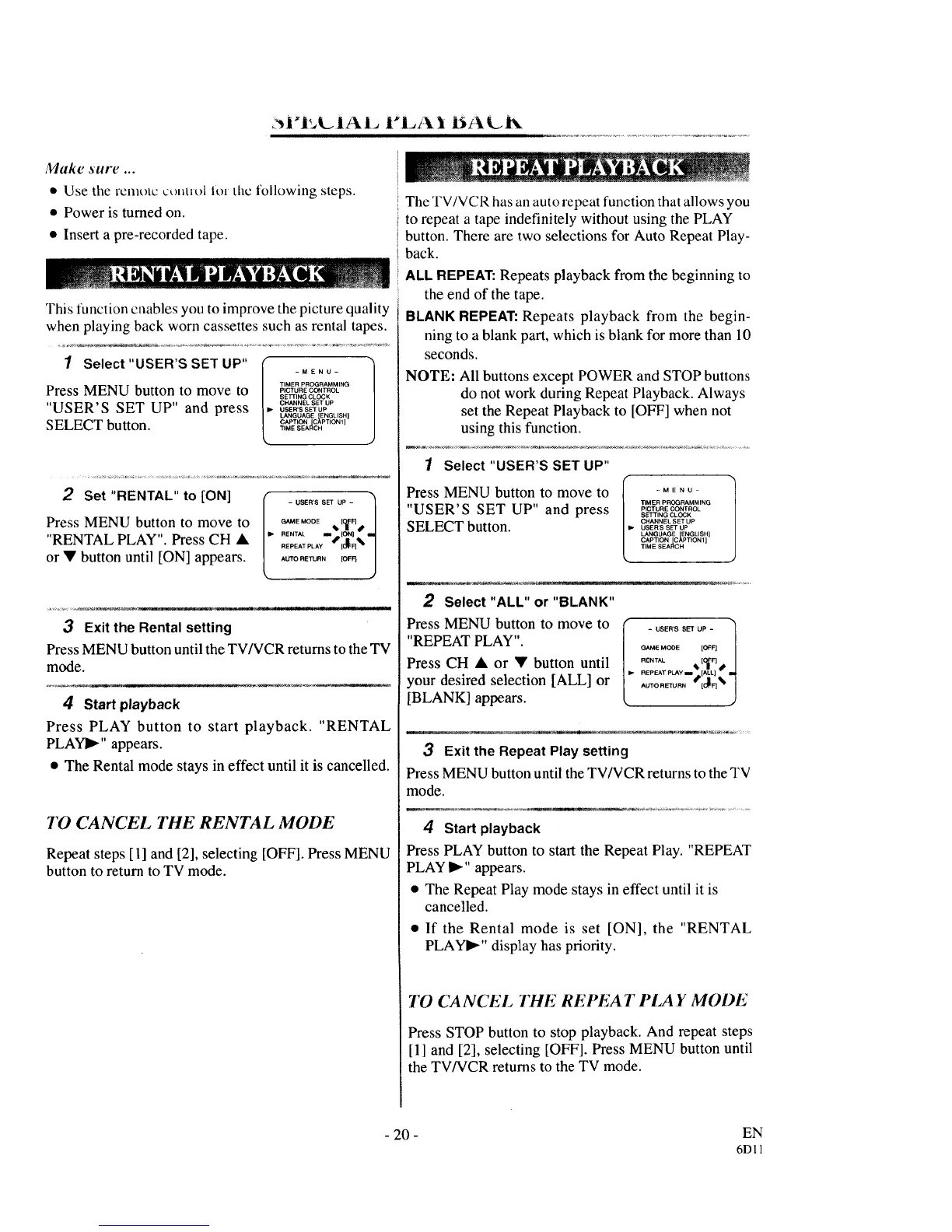
Make sure ...
• Use the remote control lot the following steps.
• Power is turned on.
• Insert a pre-rccorded tape.
This function cuables you to improve the picture quality
when playing back worn cassettes such as rental tapes.
TIMER PROGRAMMING
Press MENU button to move to P,CTU,ECONTROL
SETI"IHG CLOCK
"USER'S SET UP" and press ,. _R'_N_S_+UP_R._,Up
LANGUAGE ENGLISH I
CAPTION [C_PTION1]
SELECT button. _MESE,,C.
2 Set "RENTAL" to [ON]
Press MENU button to move to
"RENTAL PLAY". Press CH •
or • button until [ON] appears.
II_ - USER'S SET UP -
GAME MODE _1. [OIFF] 1
RENTAL Im [ON] • II_
REPEAT PLAY 10_: F]% I
AUTO RETURN [OF_ J
-- ..... _,¢--.-o_
3 Exit the Rental setting
Press MENU button until the TV/VCR returns to the TV
mode.
4 Start playback
Press PLAY button to start playback. "RENTAL
PLAYI_" appears.
• The Rental mode stays in effect until it is cancelled.
TO CANCEL THE RENTAL MODE
Repeat steps [1] and [2], selecting [OFF]. Press MENU
button to return to TV mode.
The TV/VCR has an auto repeat function that allows you
to repeat a tape indefinitely without using the PLAY
button. There are two selections for Auto Repeat Play-
back.
ALLREPEAT: Repeats playback from the beginning to
the end of the tape.
BLANK REPEAT:Repeats playback from the begin-
ning to a blank part, which is blank for more than 10
seconds.
NOTE: All buttons except POWER and STOP buttons
do not work during Repeat Playback. Always
set the Repeat Playback to [OFF] when not
using this function.
1 Select "USER'S SET UP"
Press MENU button to move to [ .... o-
r
TIMER PROGRAMMING
"USER'S SET UP" and press S_,.G_OC_
SELECT button. °OSE.'S..........SETUP
LANGUAGE ENGLISH]
CAPTION [C_PTtON 1]
TIME SEARCH
2 Select "ALL" or "BLANK"
PressMENU button to move to
"REPEAT PLAY".
Press CH • or • button until
your desired selection [ALL] or
[BLANK] appears.
I o:,::::°°2:1
RENTAL _ [O_F] /
3 Exit the Repeat Play setting
Press MENU button until the TV/VCR returns to the TV
mode.
4 Start playback
Press PLAY button to start the Repeat Play. "REPEAT
PLAY I_" appears.
• The Repeat Play mode stays in effect until it is
cancelled.
• If the Rental mode is set [ON], the "RENTAL
PLAYI_" display has priority.
TO CANCEL THE REi'EA T PIA Y MODE
Press STOP button to stop playback. And repeat steps
[1] and [2], selecting [OFF]. Press MENU button until
the TV/VCR returns to the TV mode.
- 20 - EN
6D11



 To Next Page