31
Operation with DVD and Audio CD (Continued)
Special DVD Features
Checking the contents of DVD Video
discs: Menus
DVDs may contain menus that allow you to access spe-
cial features. To use the disc menu, press DISC MENU.
Then, press the appropriate number button to select an
option. Or, use b/B/v/V buttons to highlight your selec-
tion, then press SELECT/ENTER.
Title Menu
1 Press TITLE.
If the current title has a menu, the menu will appear on the
screen. Otherwise, the disc menu may appear.
2 The menu can list camera angles, spoken language
and subtitle options, and chapters for the title.
3 To remove the title menu, press TITLE again.
Disc Menu
1 Press DISC MENU.
The disc menu is displayed.
2 To remove the disc menu, press DISC MENU again.
Camera Angle
If the disc contains sequences recorded from different
camera angles, the angle icon blinks on the display. You
can then change the camera angle if you wish.
Press ANGLE repeatedly during playback to select a
desired angle.
The number of the current angle appears on the display.
Subtitles
Press SUBTITLE repeatedly during playback to see the
different subtitle languages.
Note
If appears, the feature is not available on the disc.
Programmed Playback with
Audio CD
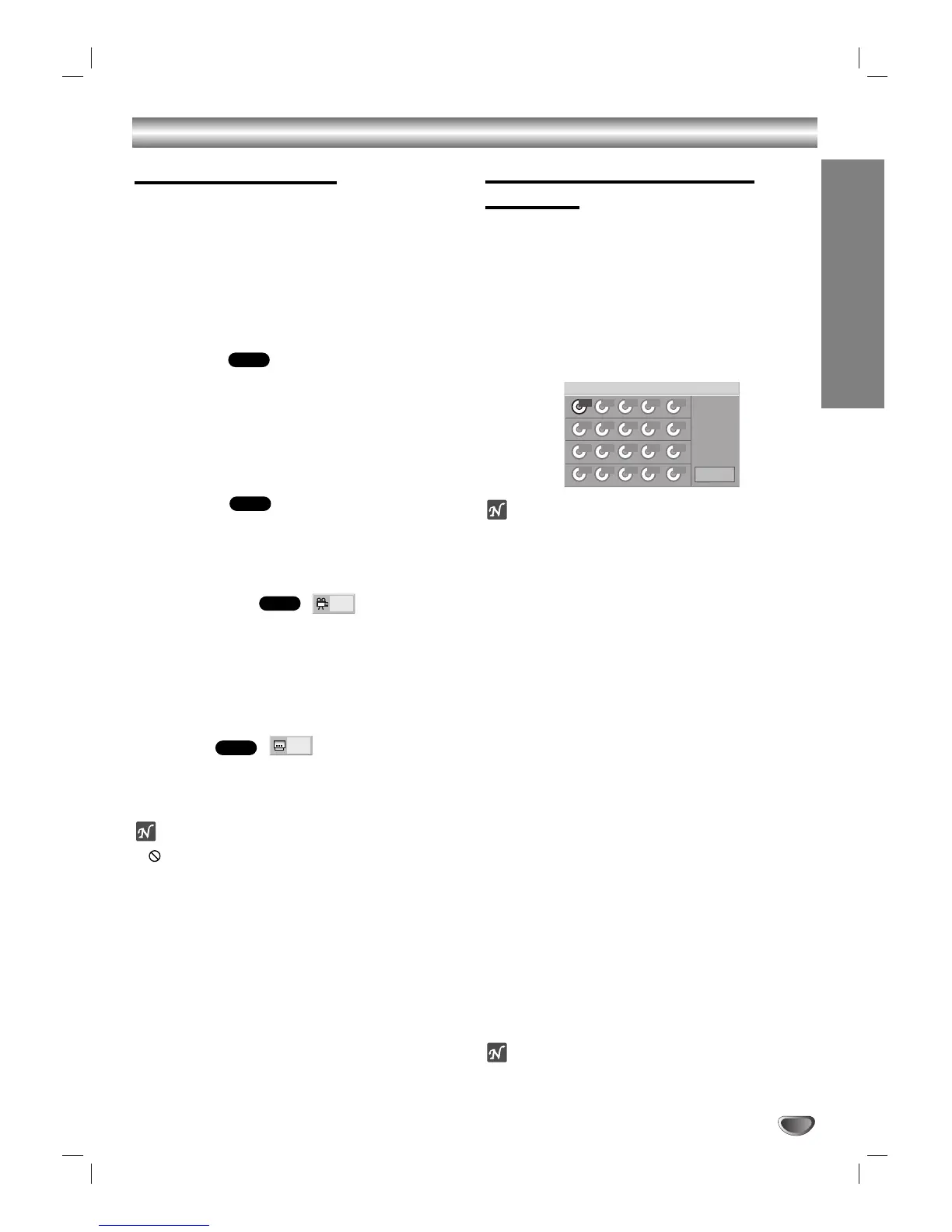
Program allows you to store your favorite tracks for a
particular disc in the DVD+VCR memory.
Program can contain 20 tracks.
11
Insert an audio CD and close the tray.
22
Press PROGRAM during playback or in the stop
mode.
The Program menu appears.
Note
Press PROGRAM to exit the Program menu.
33
Use the numbered buttons to select the desired
track number.
44
Press
BB
and use the numbered buttons to
select the next track number.
55
Repeat step 4 to place additional tracks on the
Program list.
66
Press PLAY (
HH
) or SELECT/ENTER to start
playback.
Playback begins in the order in which you programmed
the tracks and “PROG.” appears in the display window.
Playback stops after all of the tracks on the Program
menu have played once.
Clearing the program
To clear the programmed tracks one by one
1. Press PROGRAM during playback or in the stop
mode.
The Program menu appears.
2. Use b/B/v/V to select the unwanted number and
then press CLEAR.
To clear all the programmed tracks
1. Press PROGRAM during playback or in the stop
mode.
The Program menu appears.
2. Use b/B/v/V to select “Clear All” and then press
SELECT/ENTER.
3. Press SELECT/ENTER again.
Note
The programs are also cleared when the power is
turned off or the disc is removed.




 To Next Page