12
Connections (Continued)
Basic TV Connections
Make one of the following connections, depending on
the capabilities of your existing equipment.
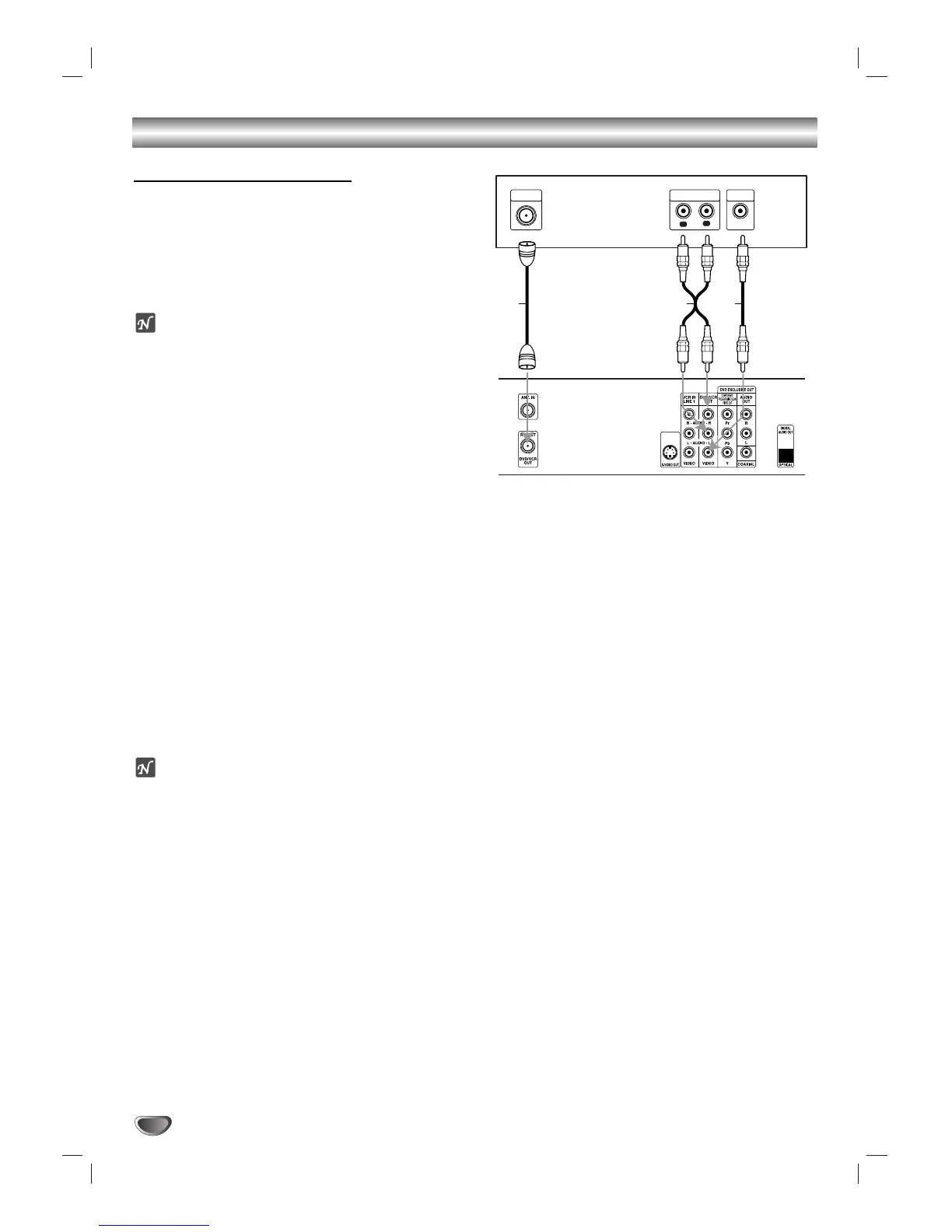
RF coaxial connection
Connect the RF.OUT jack on the DVD+VCR to the
antenna in jack on the TV using the 75-ohm Coaxial
Cable supplied (R).
ote
If you use this connection, tune the TV to the
DVD+VCR’s RF output channel (CH 3 or 4).
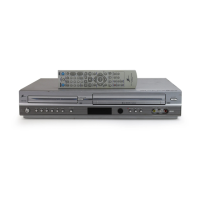
How to set the DVD+VCR’s RF output channel
1. While the DVD+VCR is turned off,
press and hold CH
(v/V) on the front panel for about five seconds.
The unit will turn itself on and “RF 03” or “RF 04” appears in
the display window.
2.
Use CH (v/V) on the front panel or CH/TRK (v/V) on
the remote control to change the RF output
channel (CH 03 or CH 04).
3.
Turn the DVD+VCR off and then on.
4.
Press the TV CH to 3 or 4 depending on the RF
output channel you had selected.
Now you can watch the DVD+VCR playback on CH3
or CH4 of your TV.
Audio/Video connection
11
Connect the DVD/VCR VIDEO OUT jack on the
DVD+VCR to the video in jack on the TV using the
video cable supplied (V).
22
Connect the Left and Right DVD/VCR AUDIO OUT
jacks on the DVD+VCR to the audio left/right in
jacks on the TV (A1) using the supplied audio
cables.
ote
If you use this connection, set the TV’s source selector
to VIDEO.




 To Next Page