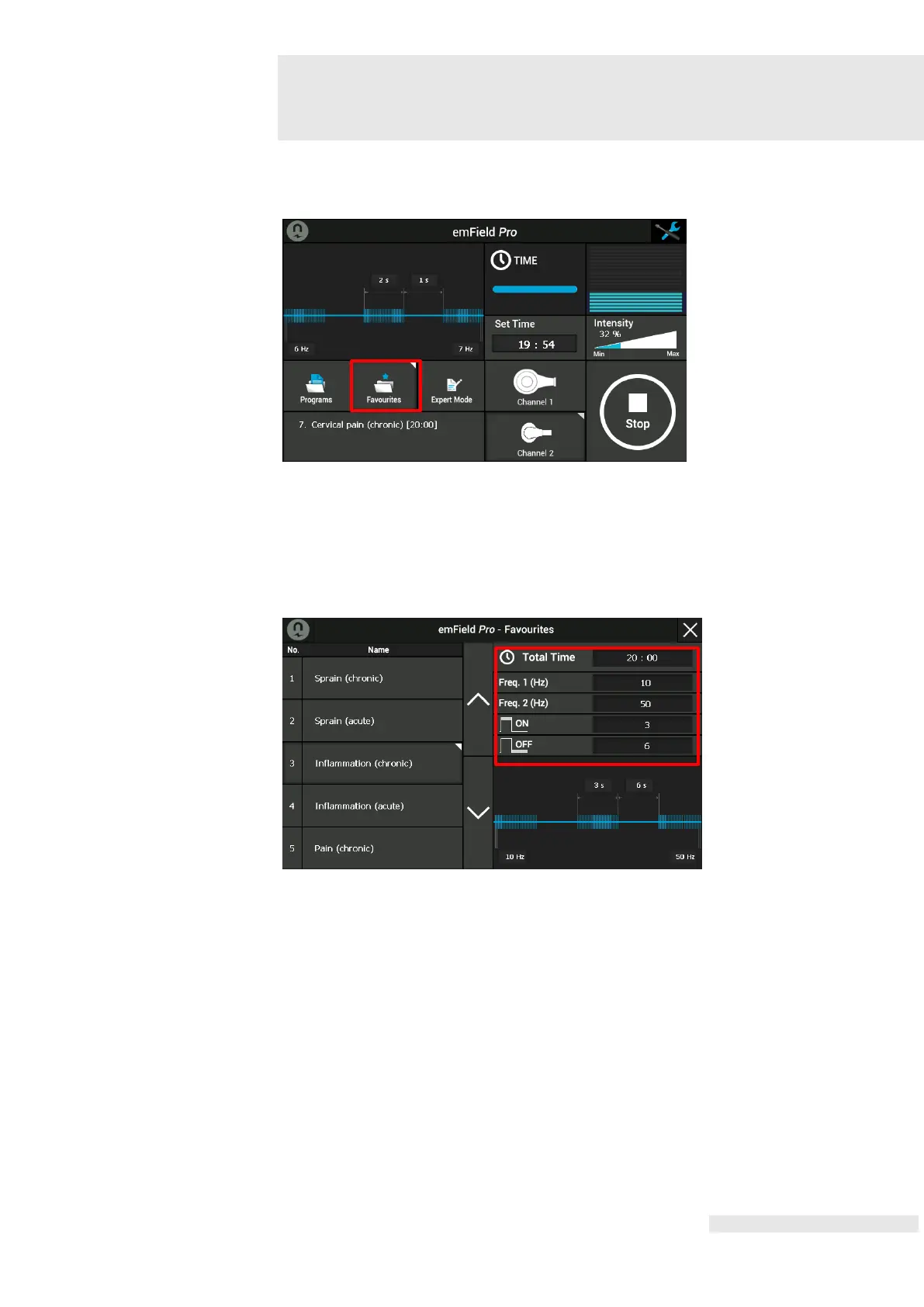
Change settings of the Favourites mode like following:
Press the Favourites button for 2 ~ 3 seconds to set the parameters on touch
screen.
The user is able to set the parameter values after appearance of the parameter
setting screen
Choose the parameter to change. Freq1, Freq2, On Time, Off Time can be set in this
mode. By using the central control knob (6), parameter values are set. After finishing
all the settings, close the parameter setting screen by pressing a closing window (X) at
the upper right corner.















 To Next Page