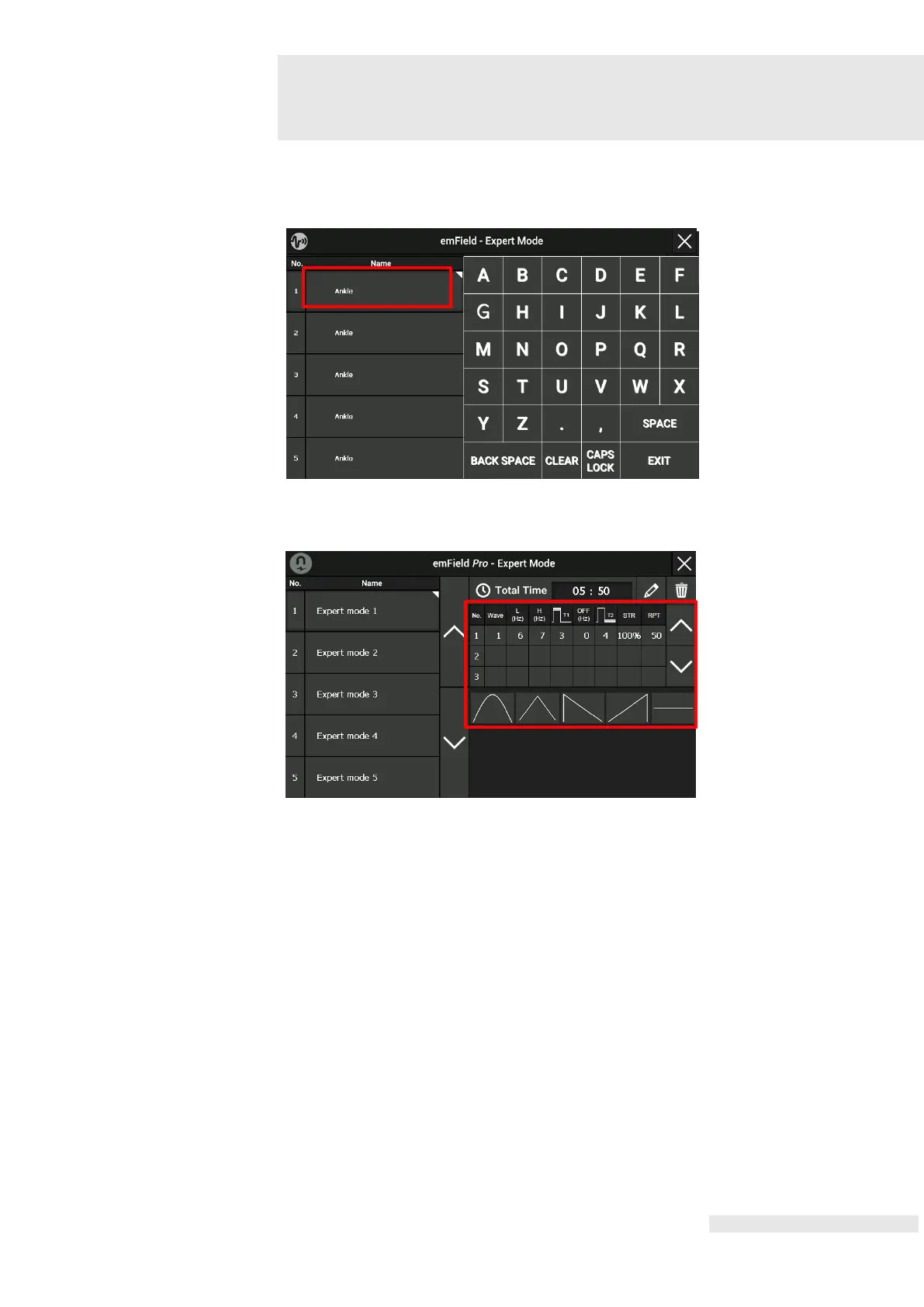
By pressing on the Name for about 2 seconds, an alphabet screen appears and the pre-
programmed name can be changed.
By pressing the Parameter section, setting screen appears and the parameter values
change.
Choose the parameter to change. Wave, L (Hz), H (Hz), T1, Off, T2,, Strength,
Repetition can be set in this mode by using the central control knob (6) which changes
the parameter values.















 To Next Page