Each mode has 9 sub-modes with different parameter sets. The Expert mode
operates sequentially from sub mode 1.
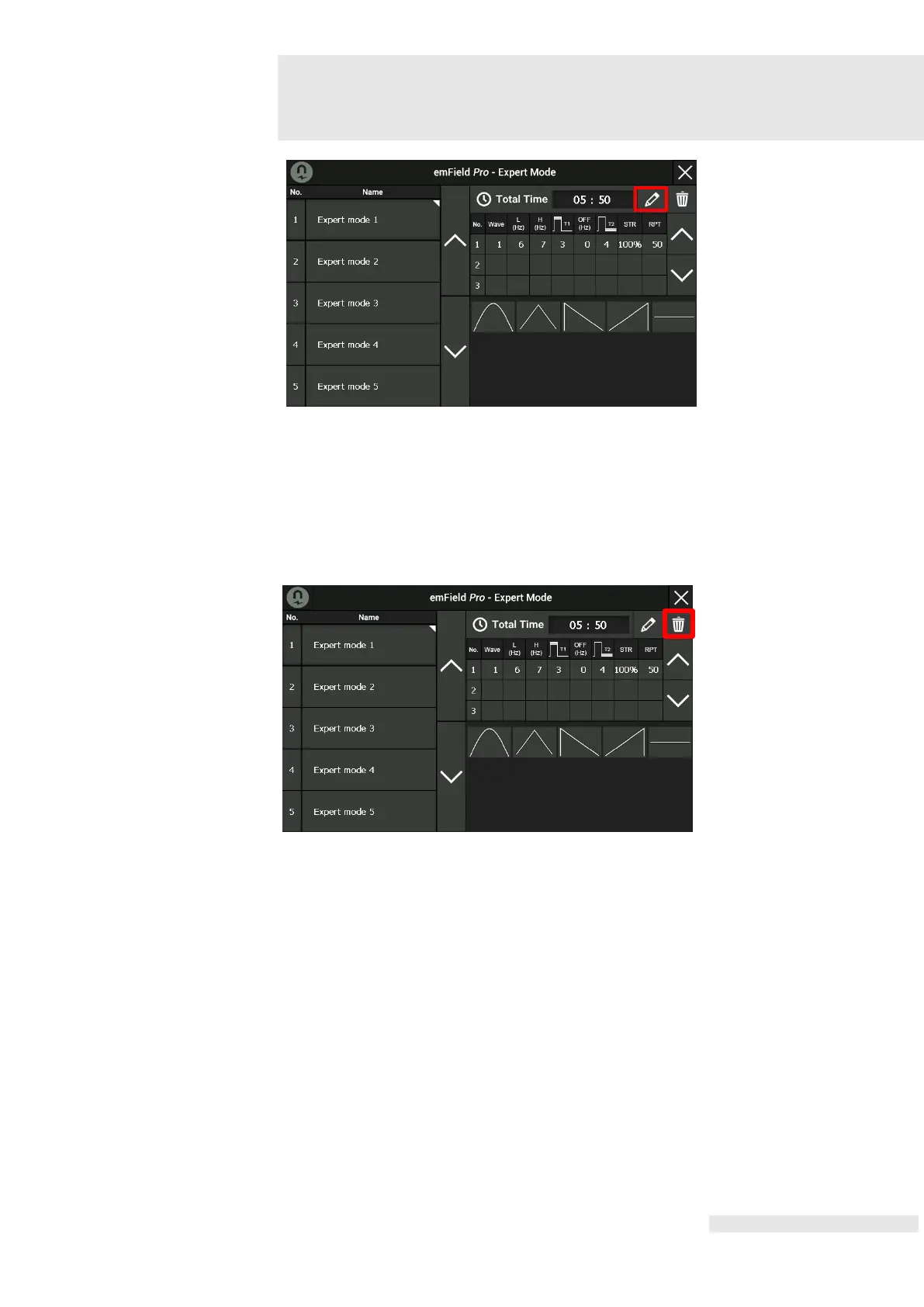
A sub-mode is added by pressing a pencil figure at the end of the top right
parameter setting screen.
To remove a sub-mode, press the bin figure in the right top corner after choosing the
specific sub-mode.
After specifying the name and parameter values for the Expert Mode Program, click
close window (X) at the top right to close the parameter setting screen.















 To Next Page