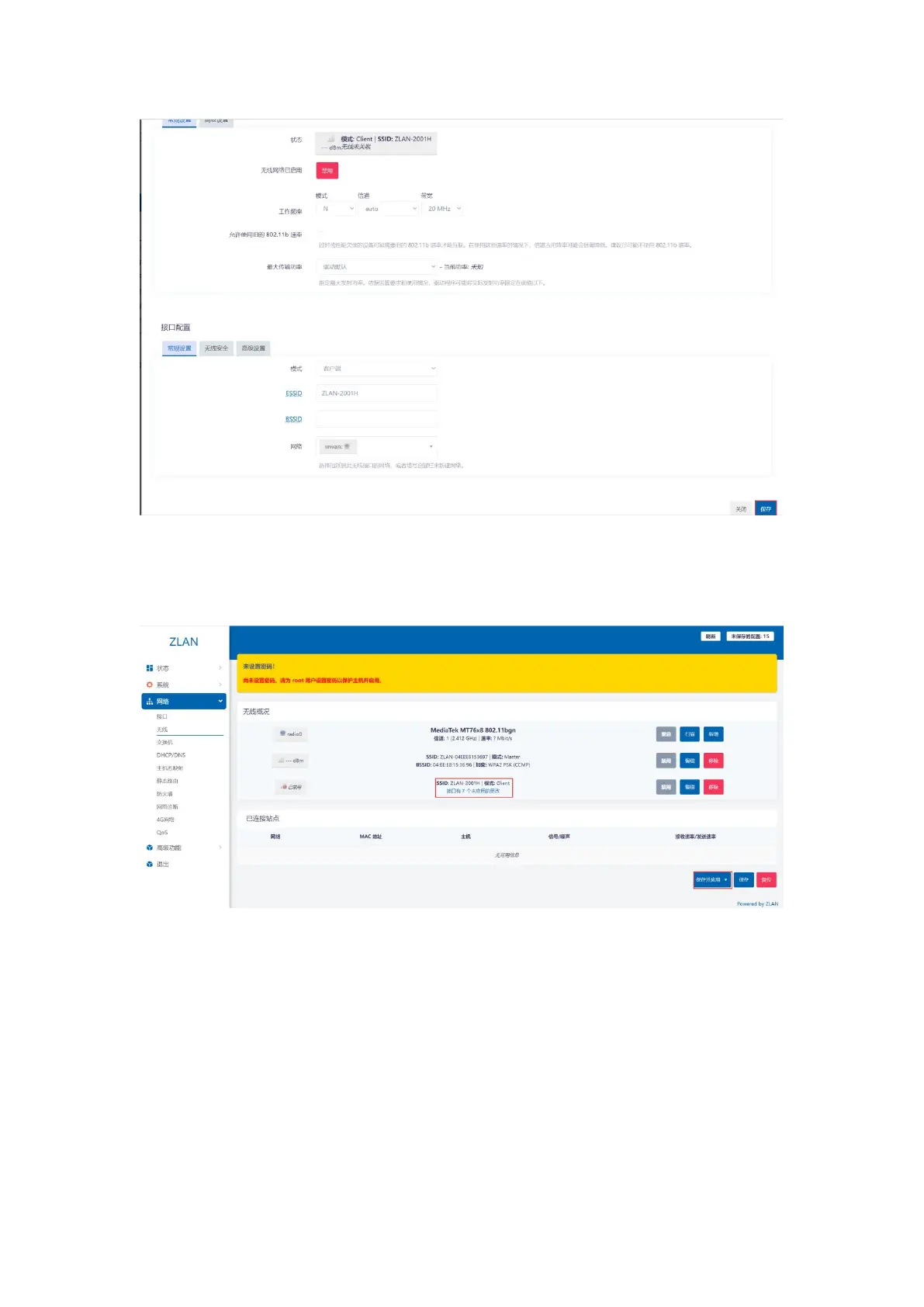
picture13Interface Configuration
After clicking Save, you will enter the page shown below, where you can see an additional mode for the wireless profile:ClientWireless.
The web page prompts that there are multiple unapplied changes in the interface. Click Save and Apply to make them take effect.
picture14Save Button
Step 4: Click the menu bar on the left: Network -> Interface, then we can see the newly added
interface.
10


 To Next Page