21
4❹ Use
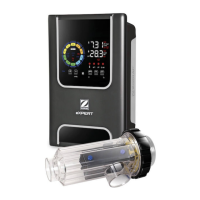
4.1 I User interface
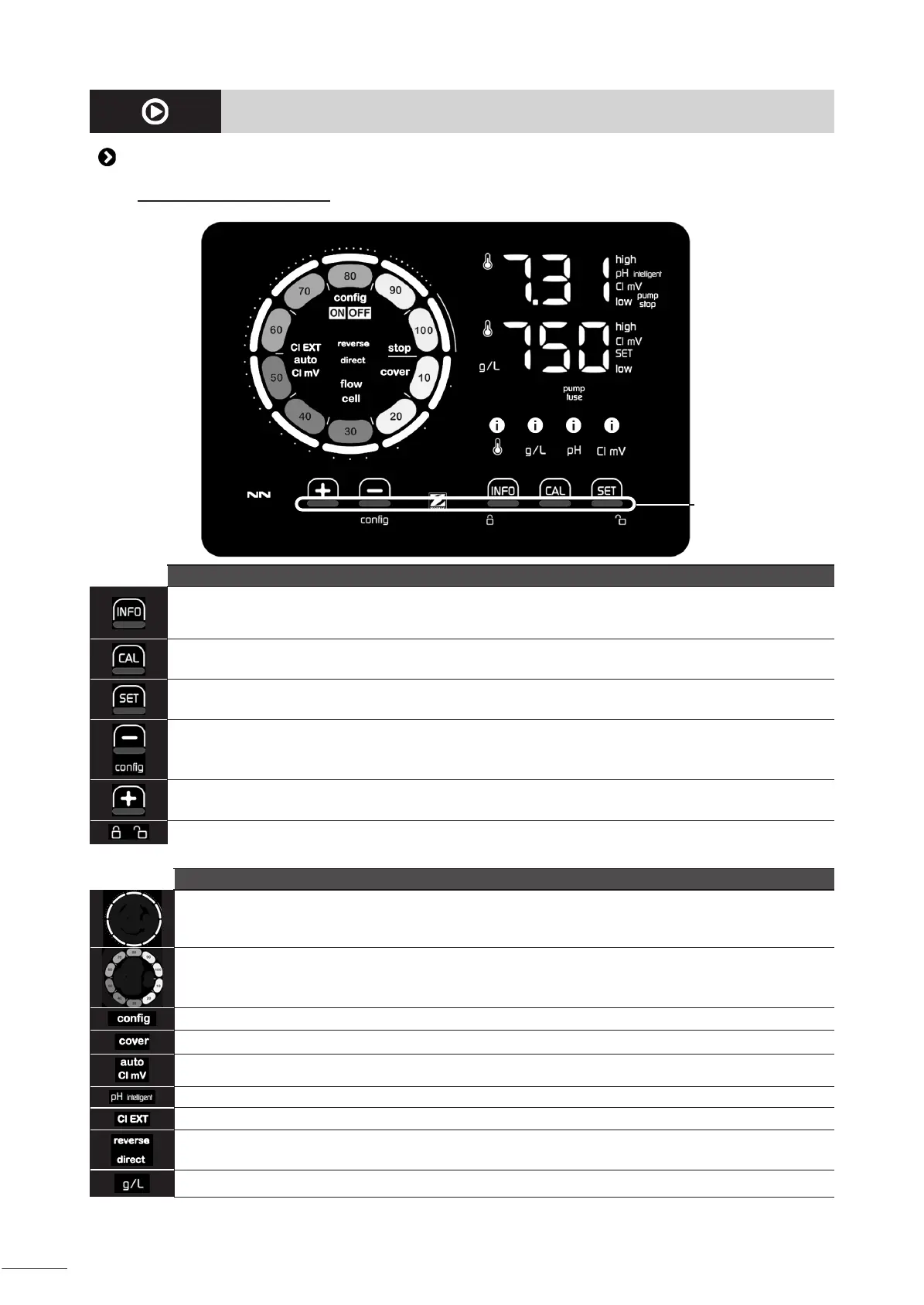
4.1.1. User interface presentaon
Buons touch areas
BROWSING BUTTONS
- Display the values for water temperature, salt concentraon, pH & ORP values and setpoints (depending on
model) and Boost mode management.
- Browse and exit the Conguraon menu
- Calibrate
- Congure values and conrm
- Reduce producon or a selected value
- Access to the Conguraon menu (hold 5 seconds with chlorinaon set to 0%)
- Increase producon or a selected value
- Slide from le to right to unlock, see § “4.1.2. Unlocking the screen”
INDICATORS
Actual chlorine producon
Chlorine producon setpoint
Conguraon mode acvated
"Pool cover" mode acvated
Automac ORP regulaon acvated
pH display (depending on model) : “intelligent” appears if mode is acvated
Slave mode acvated
Current cell polarity (direct or reverse)
Salt concentraon display







 To Next Page