07
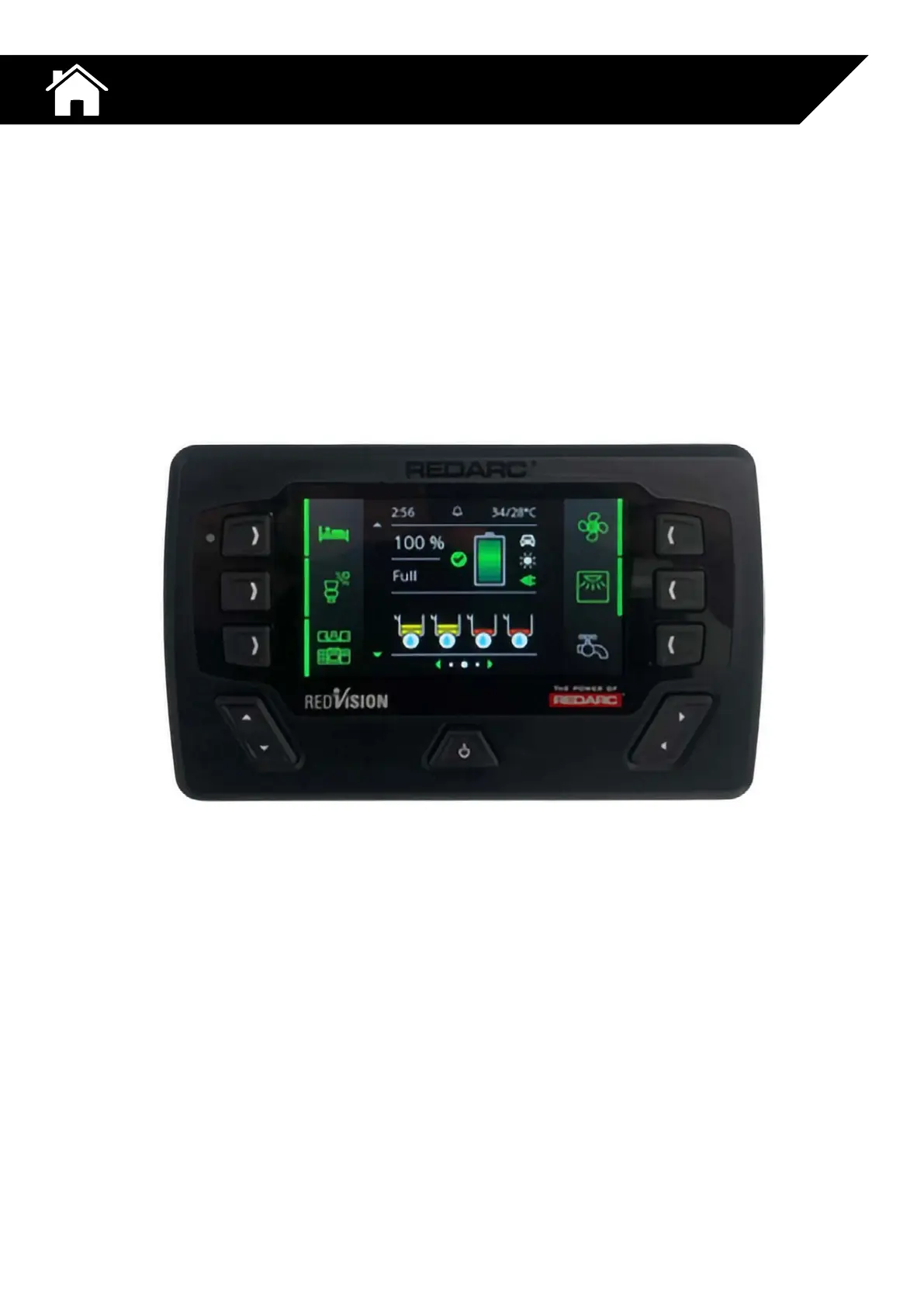
REDARC REDVISION DISPLAY
Location: Outer surface of kitchen cabinet inside the entry door.
Red Vision brings information and control right to your fingertips to switch features like
your lights, fridge, TV, inverter and more on or off using the wall display or handy app on
your phone. It even gives you information on water levels, temperatures, and when paired
with a Manager30 Battery Management System, you also get instant feedback on your
auxiliary battery and electrical system.
Please refer to REDARC user manual for more information about using or customising
your REDVISION display.
Please find the user manual supplied at handover.
If you are having any issues with you REDVISION display, please contact a Redarc support
technicians on the details below.
P: (+61) 1300 733 272
REDARC DIGITAL
MANAGEMENT SYSTEM



 To Next Page