12 13
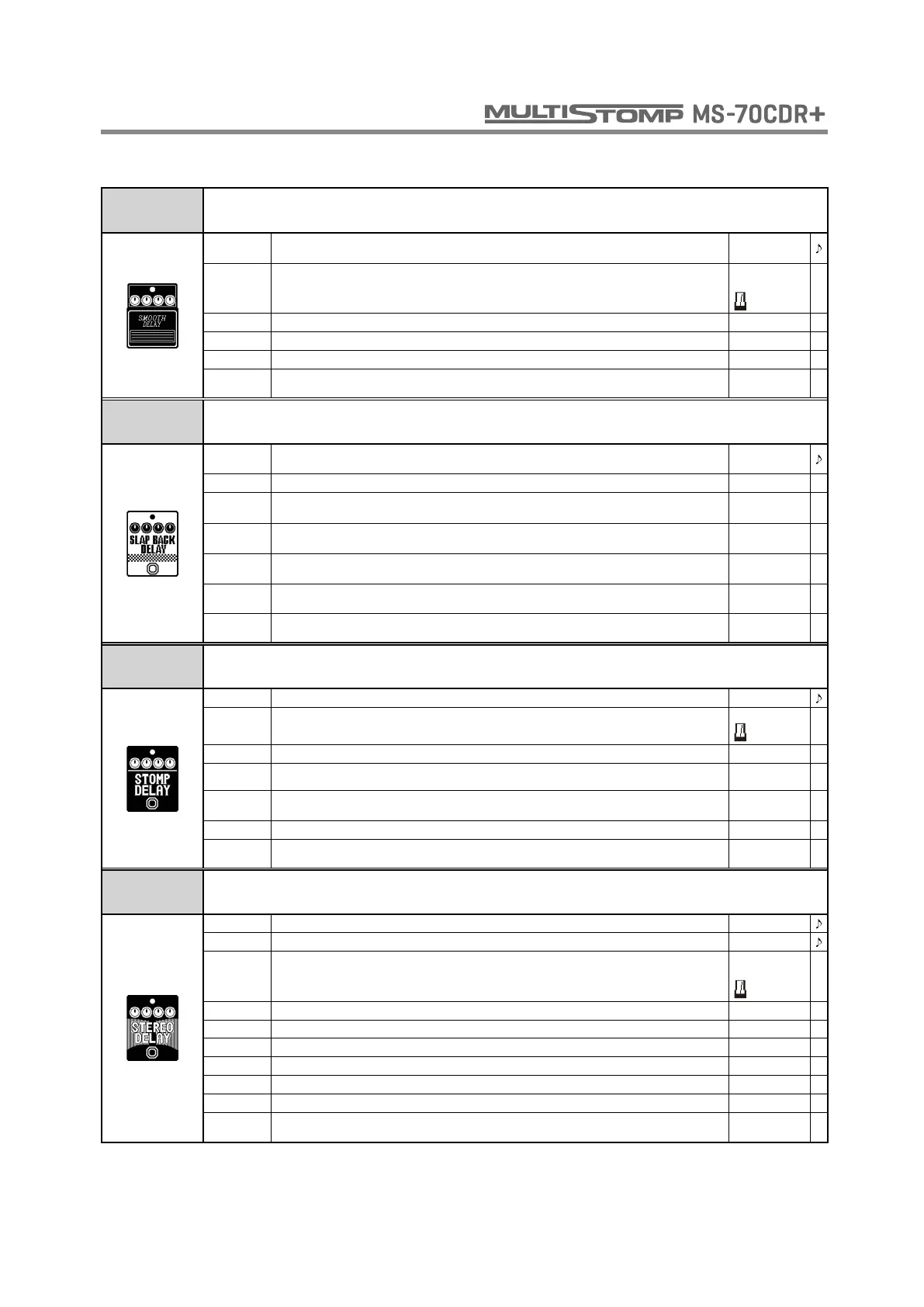
SMOOTH
DELAY
This wide delay is modeled on the BOSS DD-20 in SMOOTH mode.
TIME
Sets the delay time.
When Sync is chosen, the delay time is synchronized to the tempo.
1 - 3000
MODE
Sets the delay time range. When metronome is chosen, the delay time is synchronized to the
tempo.
Short,
Long,
REPEAT Adjusts the number of repeats. 0 - 100
MIX Adjusts the amount of effected sound that is mixed with the original sound. 0 - 100
TONE Adjusts the tone. 0 - 100
TAIL
When ON, effect sound continues even after effect is turned off. When OFF, effect sound stops
right when effect is turned off.
OFF, ON
SLAP BACK
DELAY
This delay features a short delay time that is good for muted rhythm playing and rockabilly.
TIME
Sets the delay time.
When Sync is chosen, the delay time is synchronized to the tempo.
1 - 300,
SYNC
REPEAT Adjusts the number of repeats. 0 - 100
MIX Adjusts the amount of effected sound that is mixed with the original sound. 0 - 100
SUBDV
Set the note length of the delay sound.
When P-P is chosen, L/R channels output delays in quarter/dotted eighth notes respectively.
♩
, P-P
OUTPUT Sets output to mono or stereo.
MONO,
STEREO
DRY
When ON, the original sound and the effect sound are mixed and output together. When OFF,
only the effect sound is output.
OFF, ON
TAIL
When ON, effect sound continues even after effect is turned off. When OFF, effect sound stops
right when effect is turned off.
OFF, ON
STOMP
DELAY
By turning the repeat up on this stomp-style delay, you can make it self-oscillate.
TIME Sets the delay time. 1 - 600
MODE
Sets the delay time range.
When metronome is chosen, the delay time is synchronized to the tempo.
TIME,
REPEAT Adjusts the number of repeats. 0 - 100
MIX Adjusts amount of effect sound mixed with original sound. 0 - 120
OUTPUT
Sets output to mono or stereo. When stereo, effect sound is output from L channel and
unchanged input sound is output from R channel.
MONO,
STEREO
HI-DMP Adjusts the treble attenuation of the delay sound. 0 - 10
TAIL
When ON, effect sound continues even after effect is turned off. When OFF, effect sound stops
right when effect is turned off.
OFF, ON
STEREO
DELAY
This stereo delay allows the left and right delay times to be set separately.
TIME L Adjusts delay time of left channel delay. 1 - 2000
TIME R Adjusts delay time of right channel delay. 1 - 2000
MODE
Sets the delay time range.
When metronome is chosen, the delay time is synchronized to the tempo.
Short,
Long,
MIX Adjusts the amount of effected sound that is mixed with the original sound. 0 - 100
REP L Adjusts the number of left channel delay repeats. 0 - 100
REP R Adjusts the number of right channel delay repeats. 0 - 100
VOL L Adjusts the volume of left channel. 0 - 100
VOL R Adjusts the volume of right channel. 0 - 100
VOL Adjusts the volume. 0 - 100
TAIL
When ON, effect sound continues even after effect is turned off. When OFF, effect sound stops
right when effect is turned off.
OFF, ON
DELAY



 To Next Page