14 15
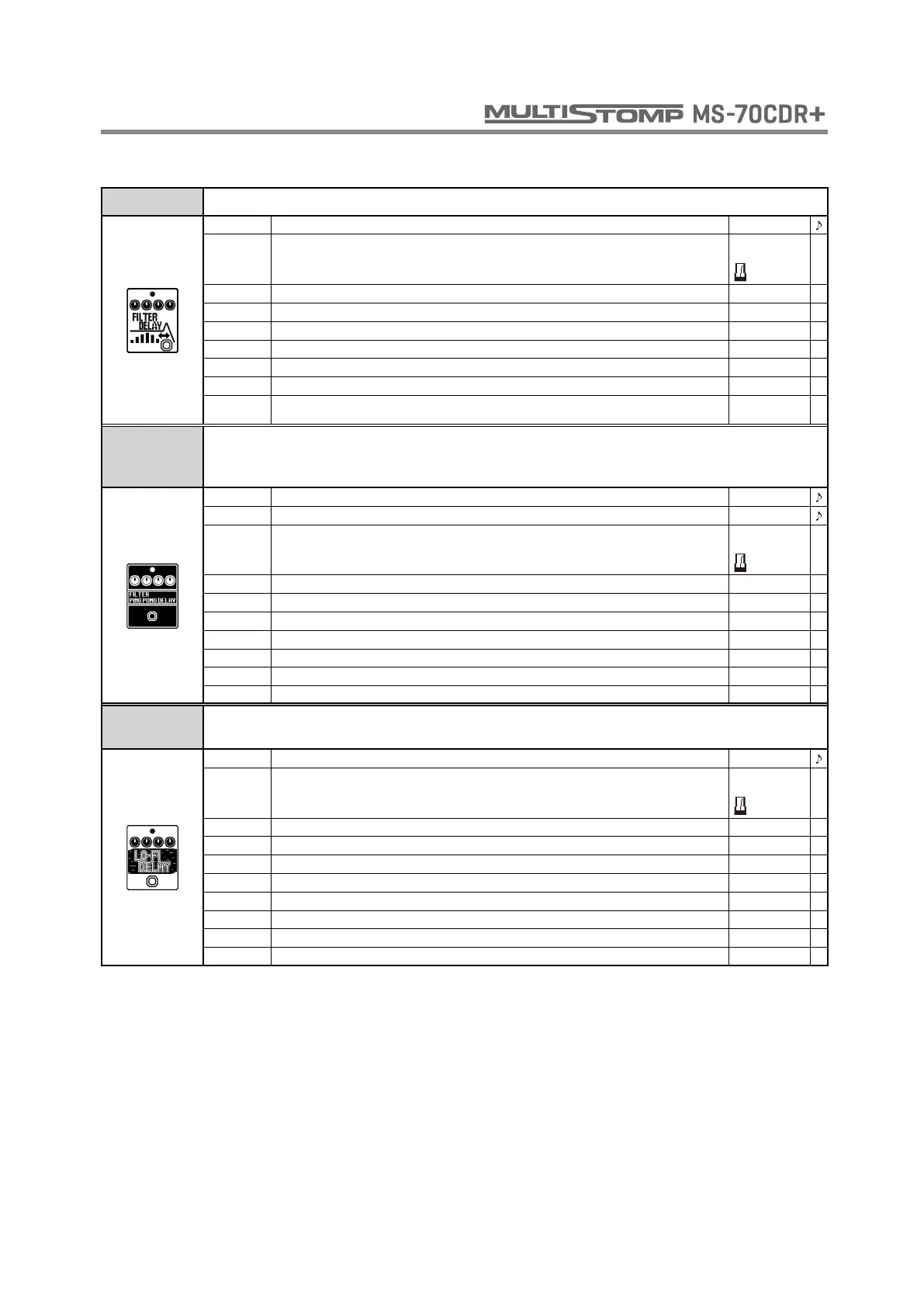
FILTER DELAY This effect filters a delayed sound.
TIME Sets the delay time. 1 - 2000
MODE
Sets the delay time range.
When metronome is chosen, the delay time is synchronized to the tempo.
Short,
Long,
REPEAT Adjusts the number of repeats. 0 - 100
MIX Adjusts the amount of effected sound that is mixed with the original sound. 0 - 100
DEPTH Sets the depth of the modulation. 0 - 100
RATE Sets the speed of the modulation. 1 - 50
RESO Adjusts the intensity of the modulation resonance. 0 - 10
VOL Adjusts the volume. 0 - 100
TAIL
When ON, effect sound continues even after effect is turned off. When OFF, effect sound stops
right when effect is turned off.
OFF, ON
FILTER
PING PONG
DELAY
This effect combines a filter with delay like the FilterPong preset of the Eventide
TimeFactor.
TIME A Sets the delay time for Delay A. 0 - 1900
TIME B Adjusts the delay time of Delay B. 0 - 1900
MODE
Sets the delay time range.
When metronome is chosen, the delay time is synchronized to the tempo.
Short,
Long,
REPEAT Adjusts the number of repeats. 0 - 110
MIX Adjusts the amount of effected sound that is mixed with the original sound. 0 - 100
DLY MIX Adjusts the mix of Delay A and Delay B effect sounds. 0 - 100
SLUR Softens the attack of the repeat sound. 0 - 10
FILTER Adjusts the amount the filter is applied. 0 - 100
DEPTH Adjusts the modulation depth. Also sets the output to mono (M-0–10) or stereo (S-0–10). M-0 - S-10
WAVE Sets the modulation wave type and speed of modulation. SN1 - SQ16
LO-FI DELAY
This delay, which is like the Strymon TimeLine LO-FI setting, reduces the audio quality of
the effect using bit depth and sample rate parameters.
TIME Sets the delay time. 2 - 1900
MODE
Sets the delay time range.
When metronome is chosen, the delay time is synchronized to the tempo.
Short,
Long,
REPEAT Adjusts the number of repeats. 0 - 100
MIX Adjusts the amount of effected sound that is mixed with the original sound. 0 - 100
SAMPLE Sets sampling rate. 1/128 - 1/1
BIT Sets bit depth. 4 - 32
BLEND Adjusts the balance between the original sound and the lo-fi sound. 0 - 100
DAMP Adjusts how the repaet sound decays. 0 - 10
FILTER Sets the character of the filter applied to the effect sound. OFF - 8
VINYL Adds noise that occurs randomly. With D:1-D:9, the noise occurs in time with the delay output. OFF - S:9
DELAY



 To Next Page