14 15
PITCH
DELAY
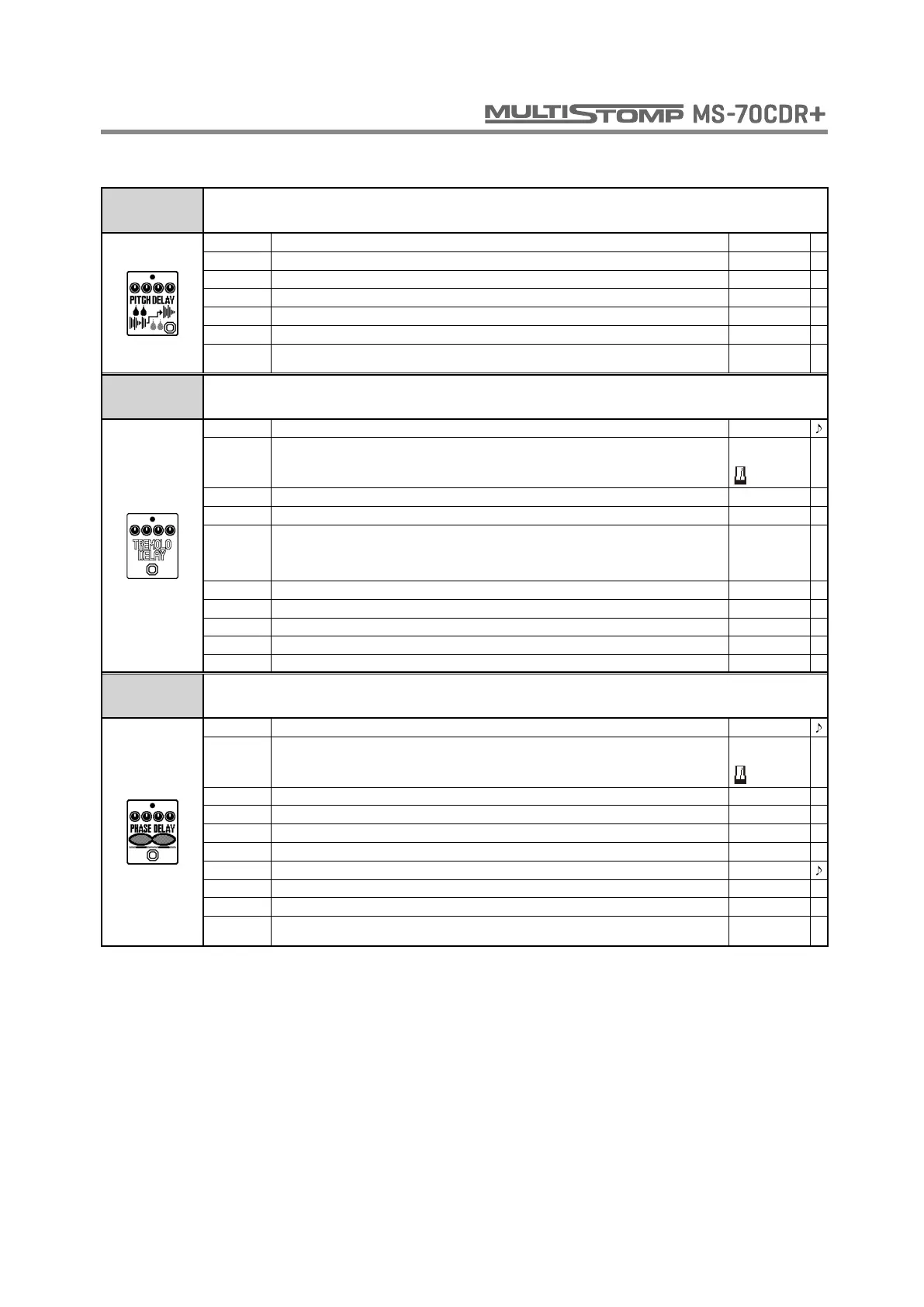
This effect applies pitch shift to a delayed sound.
PITCH Sets volume of pitch shift applied to delayed sound. -12 - 12
TIME Sets the delay time. 1 - 2000
REPEAT Adjusts the number of repeats. 0 - 100
MIX Adjusts the amount of effected sound that is mixed with the original sound. 0 - 100
TONE Adjusts the tone. 0 - 10
VOL Adjusts the volume. 0 - 100
TAIL
When ON, effect sound continues even after effect is turned off. When OFF, effect sound stops
right when effect is turned off.
OFF, ON
TREMOLO
DELAY
This effect combines a delay sound with tremolo like the Strymon TimeLine TREM setting.
TIME Sets the delay time. 60 - 1900
MODE
Sets the delay time range.
When metronome is chosen, the delay time is synchronized to the tempo.
Short,
Long,
REPEAT Adjusts the number of repeats. 0 - 100
MIX Adjusts the amount of effected sound that is mixed with the original sound. 0 - 100
WAVE Selects the tremolo modulation waveform.
TRI, SQR,
SINE,
SAWUP,
SAWDN
DEPTH Sets the depth of the modulation. 0 - 100
SPEED Sets modulation speed. 1/32 - 32/1
DAMP Adjusts how the repeat sound decays. 0 - 10
HPF Adjusts the maximum range of the frequencies in the effect sound. OFF - 900
GRIT Adjusts the distortion of the effect sound. 0 - 10
PHASE
DELAY
This effect applies a phaser to a delayed sound.
TIME Sets the delay time. 1 - 2000
MODE
Sets the delay time range.
When metronome is chosen, the delay time is synchronized to the tempo.
Short,
Long,
REPEAT Adjusts the number of repeats. 0 - 100
MIX Adjusts the amount of effected sound that is mixed with the original sound. 0 - 100
COLOR Sets the tone of the effect type. 4 SIG - INV 8
DEPTH Sets the depth of the modulation. 0 - 100
RATE Sets the speed of the modulation. 1 - 50
RESO Sets effect resonance. 0 - 100
VOL Adjusts the volume. 0 - 100
TAIL
When ON, effect sound continues even after effect is turned off. When OFF, effect sound stops
right when effect is turned off.
OFF, ON
DELAY



 To Next Page