16 17
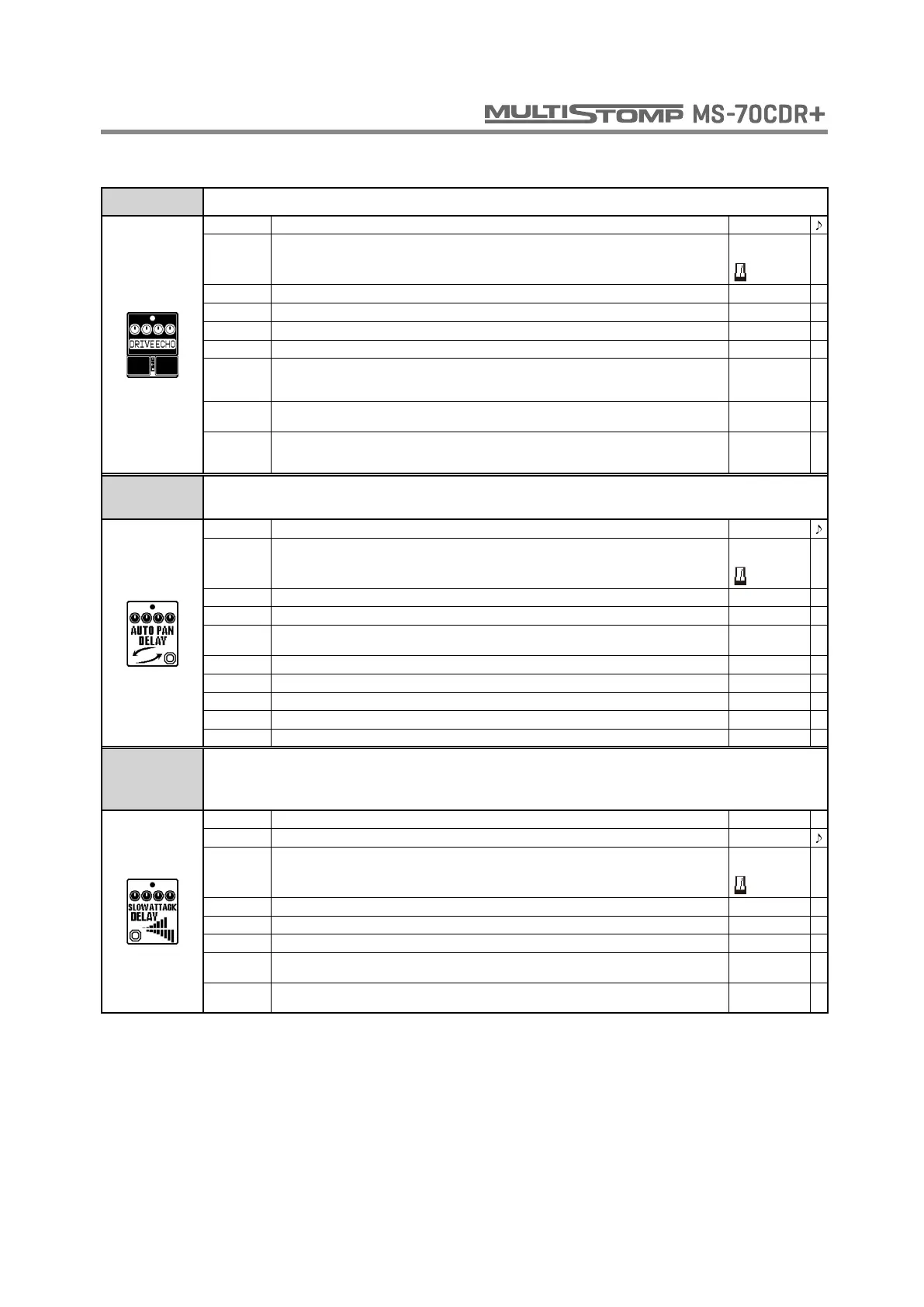
DRIVE ECHO This echo effect is inspired by Maestro Echoplex EP-1 and can add drive to the sound.
TIME Sets the delay time. 20 - 1990
MODE
Sets the delay time range.
When metronome is chosen, the delay time is synchronized to the tempo.
Short,
Long,
REPEAT Adjusts the number of repeats. 0 - 100
MIX Adjusts the amount of effected sound that is mixed with the original sound. 0 - 100
DRIVE Adjusts the amount of distortion. 0 - 100
WOW Adjusts the wow and flutter effect. 0 - 100
DRY
Sets whether the DriveEcho DRIVE parameter affects the tone of the dry signal. Set to DRIVE,
the DRIVE setting affects the "dry" sound. Set to THRU, the dry sound is output without being
changed.
DRIVE, THRU
OUTPUT Sets output to mono or stereo.
MONO,
STEREO
TAIL
When ON, effect sound continues even after effect is turned off. The dry sound also continues
to have the same tone as when the effect was on. When OFF, effect sound stops right when
effect is turned off.
OFF, ON
AUTO PAN
DELAY
This combines auto pan and delay to create the effect of the stereo image moving
cyclically.
TIME Sets the delay time. 1 - 1500
MODE
Sets the delay time range.
When metronome is chosen, the delay time is synchronized to the tempo.
Short,
Long,
REPEAT Adjusts the number of repeats. 0 - 100
MIX Adjusts the amount of effected sound that is mixed with the original sound. 0 - 100
LINK Sets the order that the auto pan and delay are connected.
PAN-DLY,
DLY-PAN
CYCLE Sets the speed of the sound movement. 1/4 - 50
WIDTH Sets the width of the sound movement. L50 - R50
DEPTH Sets the depth of the sound movement. 0 - 10
CLIP Adjusts the amount of waveform clipping. 0 - 10
VOL Adjusts the volume. 0 - 100
SLOW
ATTACK
DELAY
This effect combines slow attack and delay.
SWELL Adjusts the attack time. 1 - 50
TIME Sets the delay time. 1 - 1900
MODE
Sets the delay time range.
When metronome is chosen, the delay time is synchronized to the tempo.
Short,
Long,
REPEAT Adjusts the number of repeats. 0 - 100
MIX Adjusts the amount of effected sound that is mixed with the original sound. 0 - 100
DEPTH Sets the depth of the modulation. 0 - 100
OUTPUT
Sets how the effect is applied. Set to MONO for a mono chorus effect. Set to STEREO for a
stereo vibrato effect.
MONO,
STEREO
TAIL
When ON, effect sound continues even after effect is turned off. When OFF, effect sound stops
right when effect is turned off.
OFF, ON
DELAY



 To Next Page