20 21
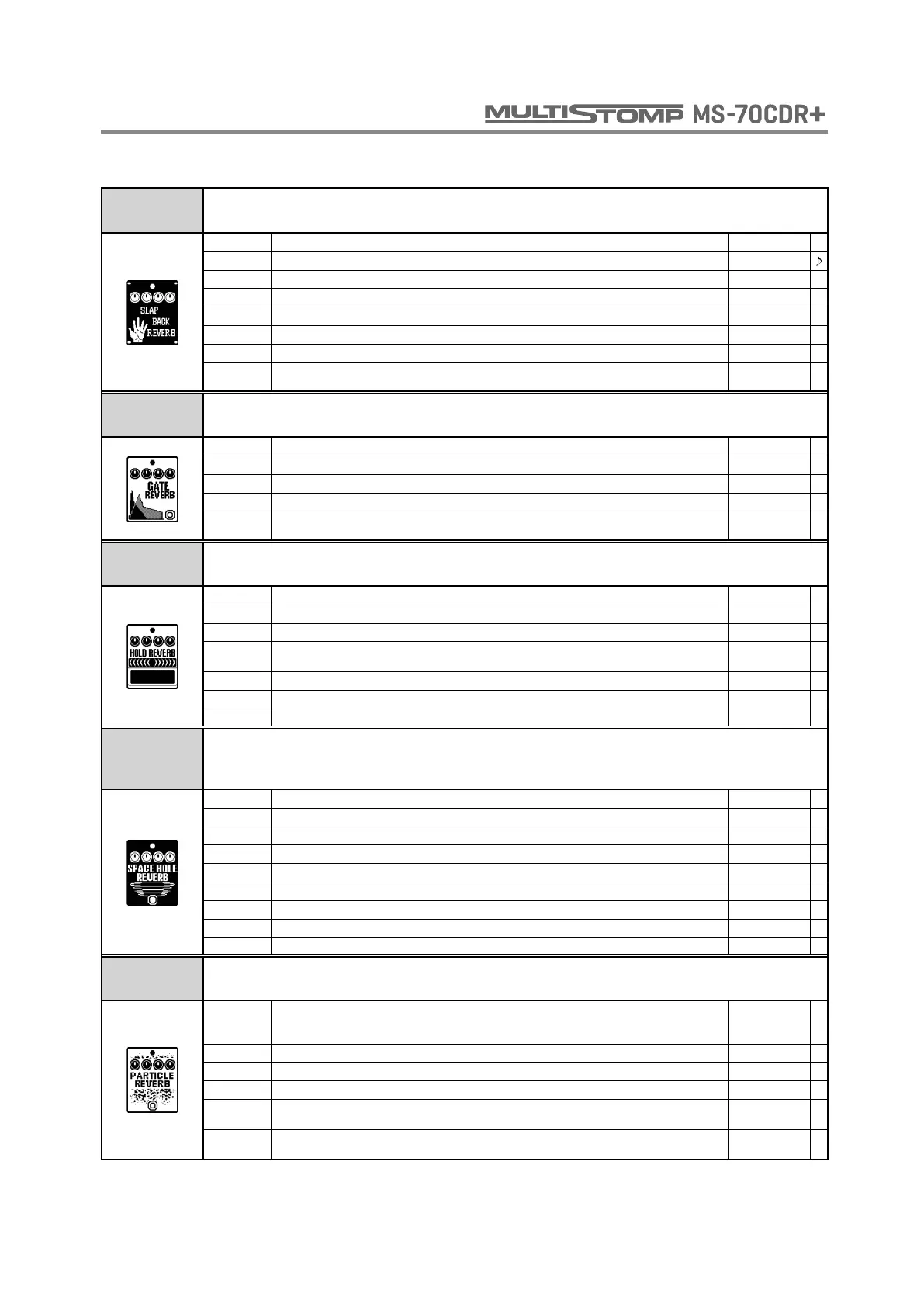
SLAP BACK
REVERB
This reverb creates a repeating echo effect.
DECAY Sets the duration of the reverberations. 1 - 30
TIME Sets the delay time. 1 - 1000
REPEAT Adjusts the number of repeats. 0 - 100
MIX Adjusts the amount of effected sound that is mixed with the original sound. 0 - 100
D-R BAL Sets the ratio of delay and reverb. 0 - 100
TONE Adjusts the tone. 0 - 10
VOL Adjusts the volume. 0 - 100
TAIL
When ON, effect sound continues even after effect is turned off. When OFF, effect sound stops
right when effect is turned off.
OFF, ON
GATE
REVERB
This unique reverb is good for percussive playing.
COLOR Sets the sound color. 1 - 5
DECAY Sets the duration of the reverberations. 0 - 100
TONE Adjusts the tone. 0 - 100
BAL Adjusts the balance between original and effect sounds. 0 - 100
TAIL
When ON, the original sound and the effect sound are mixed and output together. When OFF,
only the effect sound is output.
OFF, ON
HOLD
REVERB
This hold reverb effect is controlled using the foot switch. When you press the foot switch,
the effect turns on, and when you release it, the effect sound is held.
PRE DLY Adjusts the delay between input of the original sound and start of the reverb sound. 1 - 200
DECAY Sets the duration of the reverberations. 0 - 100
MIX Adjusts the amount of effected sound that is mixed with the original sound. 0 - 100
TAIL
When ON, effect sound continues even after effect is turned off. When OFF, effect sound stops
right when effect is turned off.
OFF, ON
COLOR Adjusts the reverb time of the low frequencies. 0 - 100
LO-DMP Adjusts low frequency damping in reverb sound. 0 - 100
HI-DMP Adjusts high frequency damping in reverb sound. 0 - 100
SPACE
HOLE
REVERB
This effect combines delay and reverb.
PRE DLY Adjusts the delay between input of the original sound and start of the reverb sound. 0 - 1000
DECAY Sets the duration of the reverberations. -100 - 100
REPEAT Adjusts the number of repeats. 0 - 100
MIX Adjusts the amount of effected sound that is mixed with the original sound. 0 - 100
DEPTH Sets the depth of the modulation. 0 - 100
SPEED Sets the speed of the modulation. 0 - 100
LOW Adjusts volume of low frequencies. -100 - 100
HIGH Adjusts volume of high frequencies. -100 - 100
SIZE Adjusts the size of the reverb space. 0 - 100
PARTICLE
REVERB
This is a unique complex reverb.
MODE Sets how the reverb sound changes.
STABLE,
CRITICAL,
HAZARD
DECAY Sets the duration of the reverberations. 0 - 100
GAIN Adjusts the output gain of the reverb sound. 0 - 100
MIX Adjusts the amount of effected sound that is mixed with the original sound. 0 - 100
MONO
When OFF, the effect sound is output in stereo. When ON, the effect sound is output as a mono
mix.
OFF, ON
TAIL
When ON, effect sound continues even after effect is turned off. When OFF, effect sound stops
right when effect is turned off.
OFF, ON
REVERB



 To Next Page