Touchscreen User Manual – Issue 1
Zytronic X-Y Controller (Serial and USB) 24
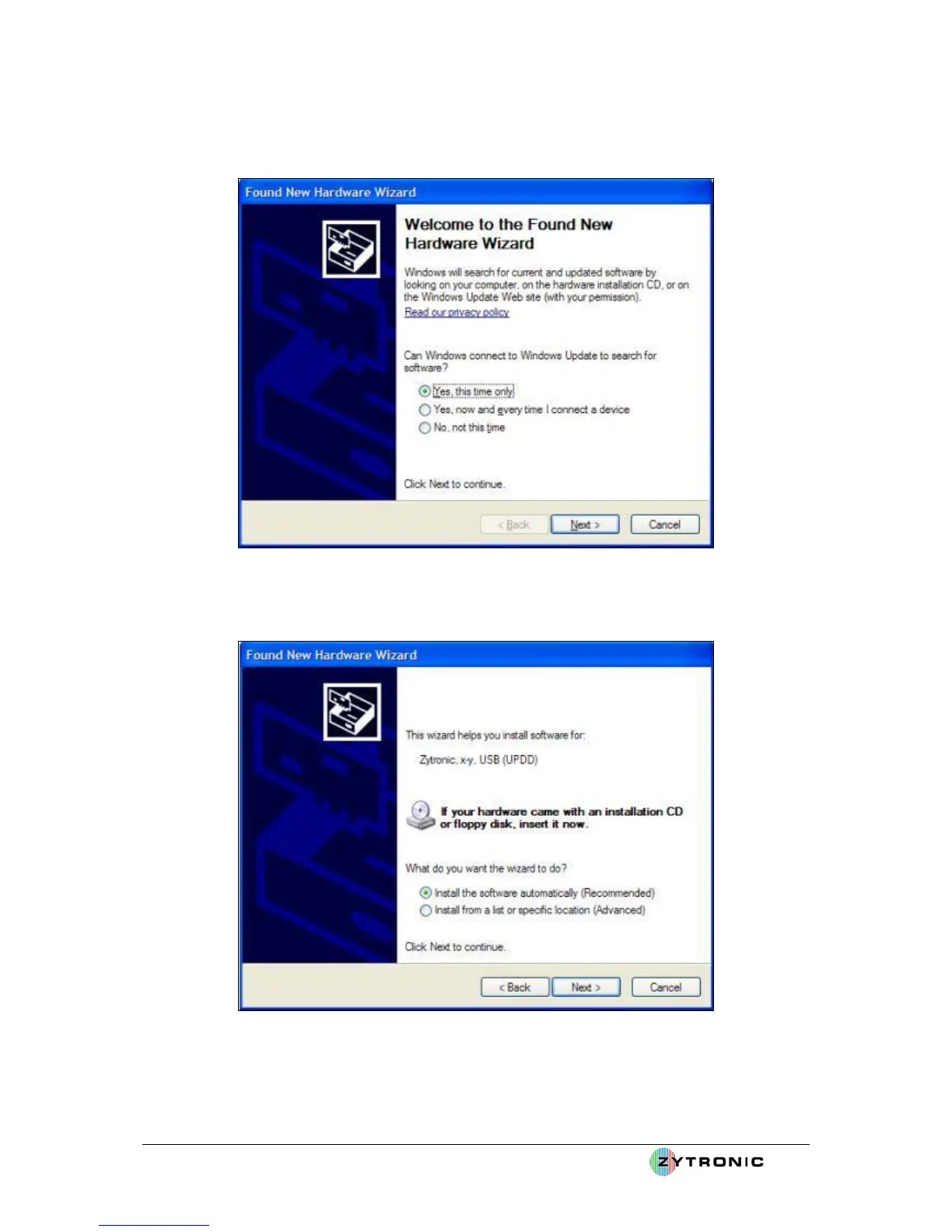
From the next pop up box the user should select the “Install the software automatically
(Recommended)” option, as shown in Figure 19.
Figure 18: New Hardware wizard
Figure 19: Install the software automatically
Windows will then search and install the relevant driver files for the newly detected hardware, as
shown in Figure 20.



 To Next Page