Touchscreen User Manual – Issue 1
Zytronic X-Y Controller (Serial and USB) 31
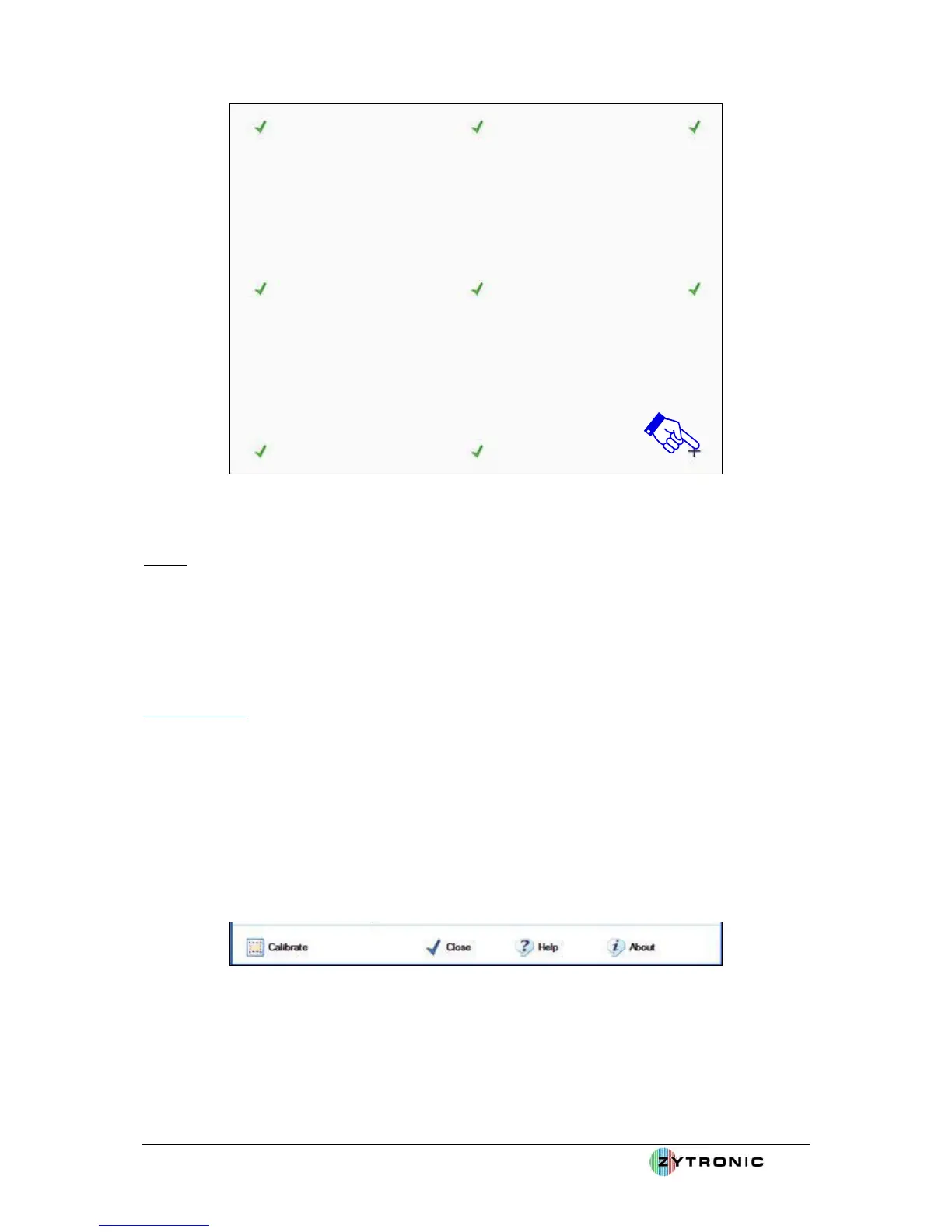
Figure 27: Calibration targets appear on the screen. Apply and hold a touch in the centre of each
displayed target in the sequence they are displayed on the screen
Step 5
• Close the UPDD Console by clicking on the Close button located at the bottom of the UPDD
Console window.
• The touchscreen is now calibrated and ready to use.
4.2 Help Page
At any point when using the UPDD console the Help page can be launched.
The Help page is a good reference guide to all the functions and parameters that can be altered within
the UPDD console.
The online Help files can be reviewed by carrying out the following:
• Click on the Help button located at the bottom of the UPDD console, as shown in Figure 28.
Figure 28: Help Page button



 To Next Page