Touchscreen User Manual – Issue 1
Zytronic X-Y Controller (Serial and USB) 25
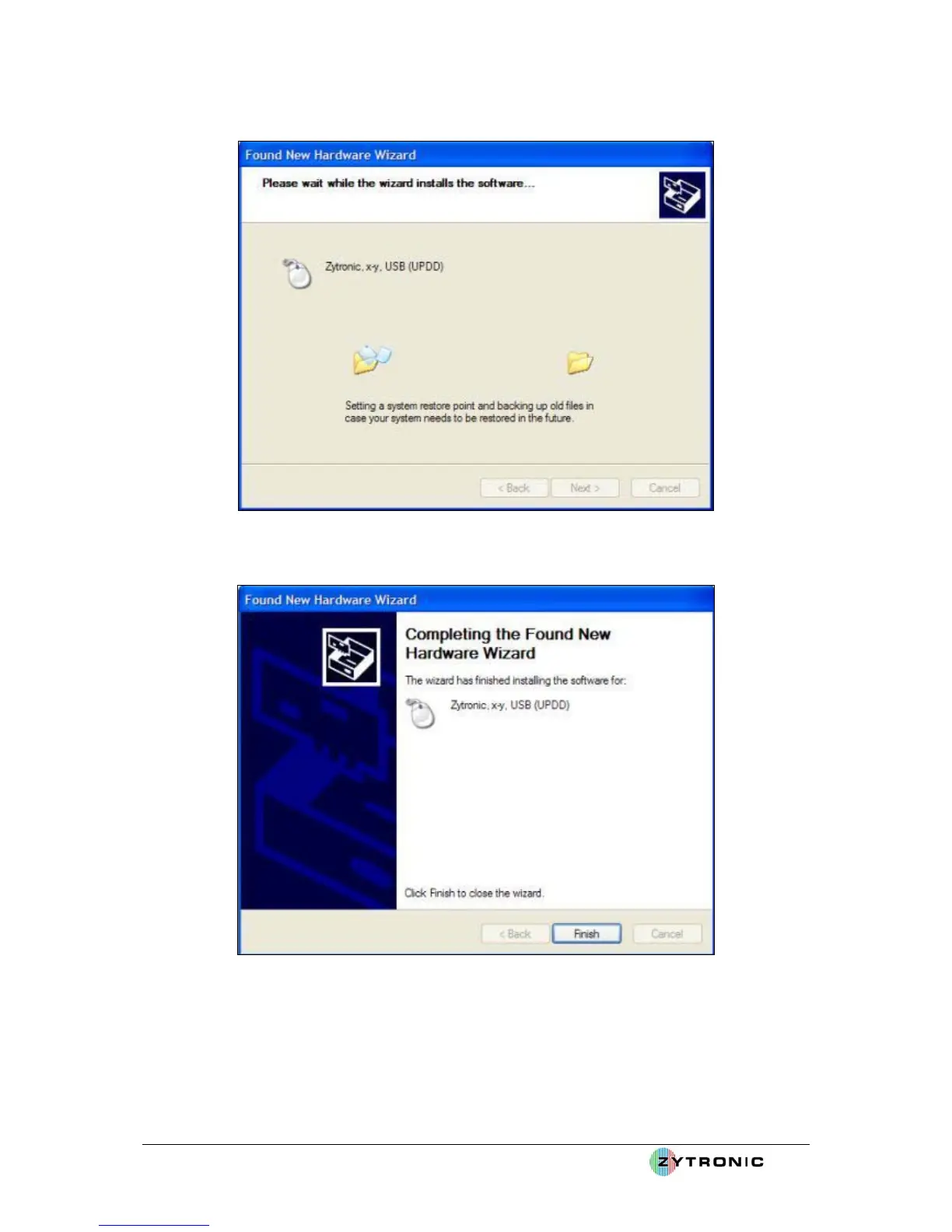
Figure 20: Installing driver files for new hardware
Figure 21: Found New Hardware Wizard complete
Having installed the relevant driver files, Windows now informs the user that the Found New
Hardware procedure is complete and the Hardware is ready to use, as illustrated in Figure 21 and
Figure 22.



 To Next Page