2N® Indoor View User Manual
•
•
•
•
•
•
Display
Brightness – set the display backlight value.
Screen timeout – timeout after which the device automatically goes into the Sleep mode
if there is no activity.
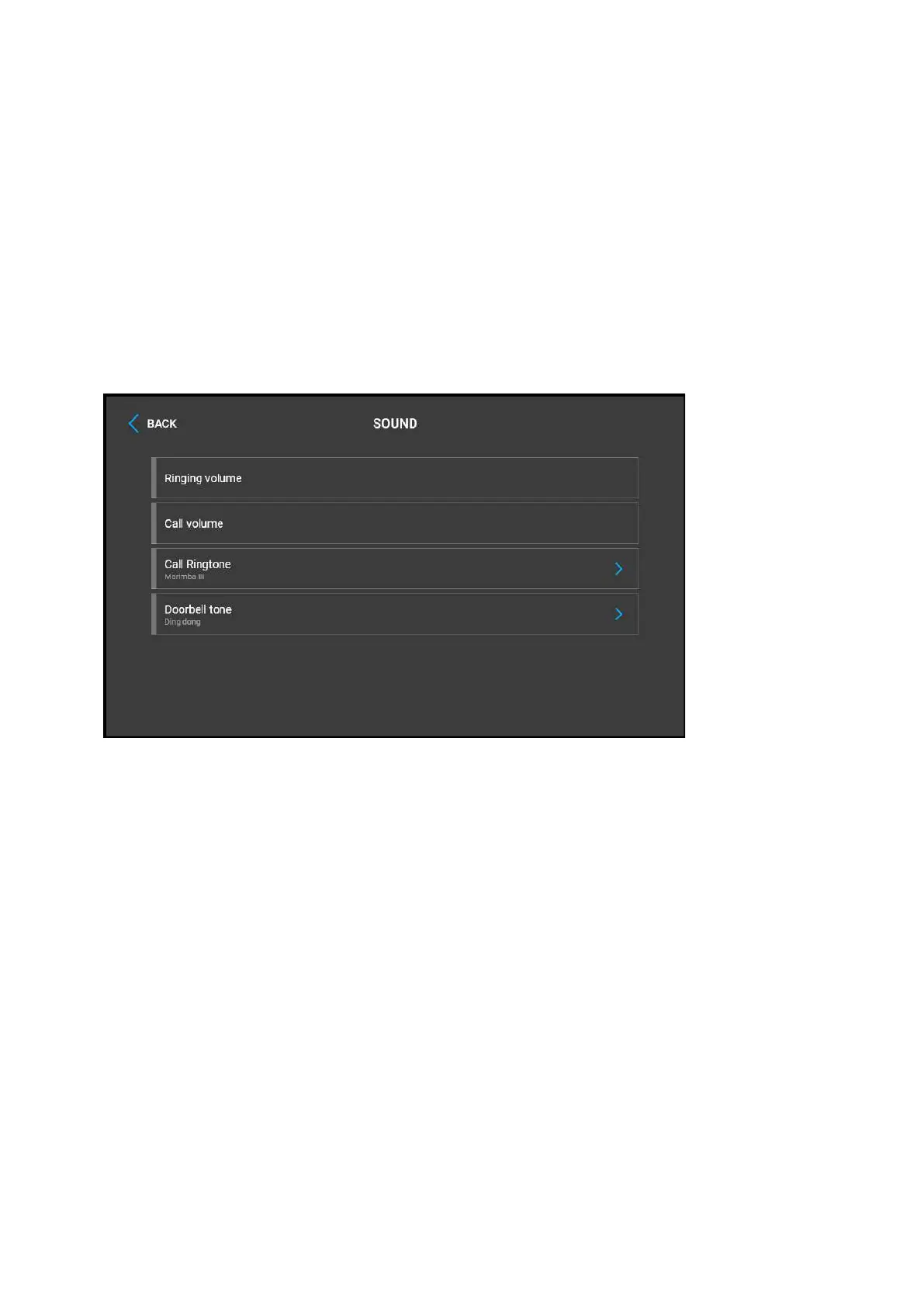
Ringtone volume – set the incoming call ringtone volume.
Call volume – set the phone call volume.
Call Ringtone – set the ringtone for incoming calls on the device.
Doorbell tone – set the tone to be played when the doorbell is used.



 To Next Page